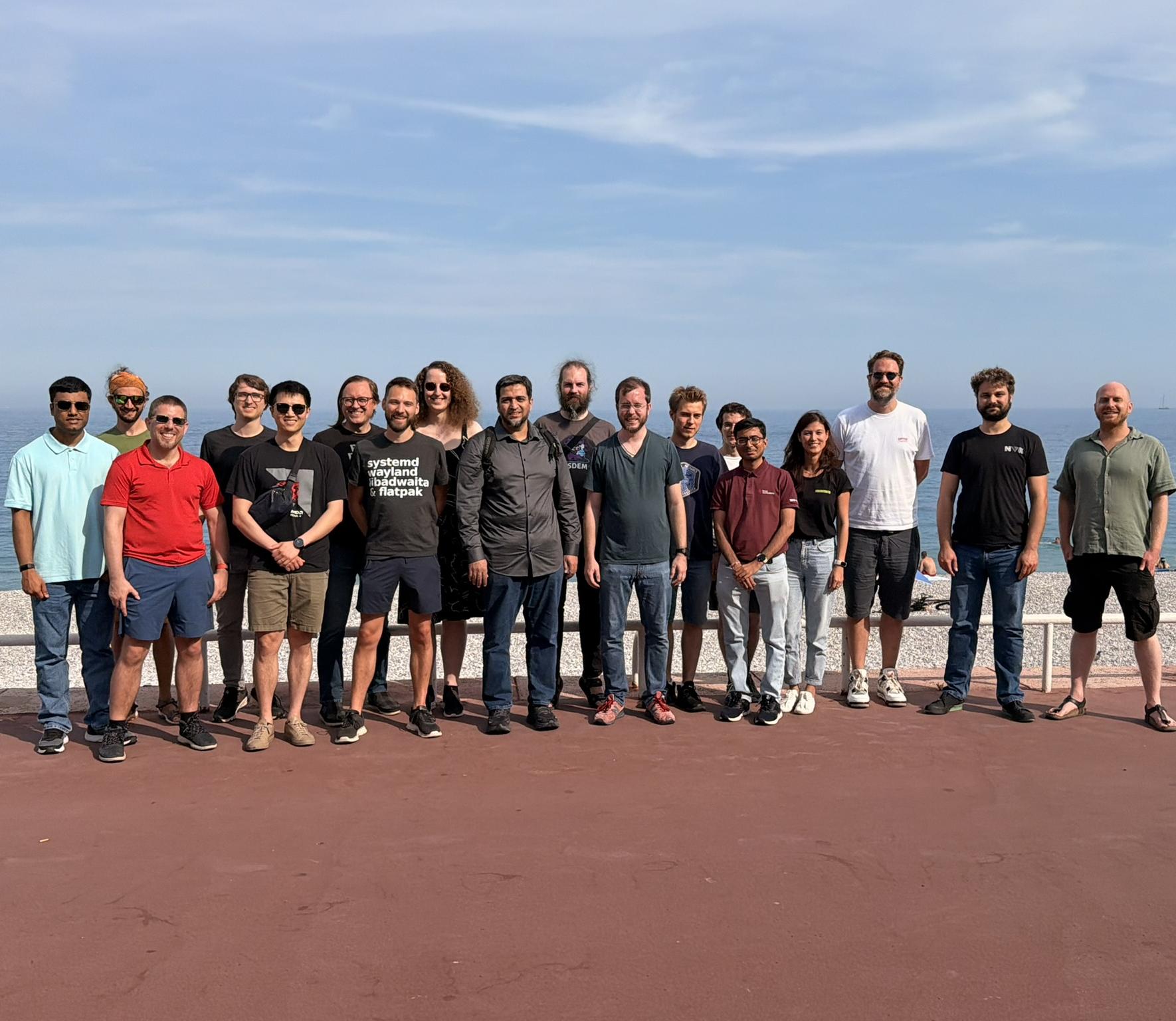
This year, there was another display next hackfest, this time in Nice, France. This was a very productive hackfest, so I’ll focus just on my personal highlights here.
KMS backlight property
As mentioned in the blog post about the last hackfest, the current backlight API on Linux is a total mess. To remind you, the kernel exposes backlight devices through sysfs, which has several problems:
- this API doesn’t tell you which display the backlight is for. Effectively, only one backlight is supported
- some of the backlight devices don’t actually work, it’s up to userspace to figure out which one to use
- you need root privileges to change the backlight brightness
- there’s no proper minimum. On some displays, backlight level zero turns the backlight off, on others that’s the minimum brightness. In some cases, non-zero but very low levels result in wrong colors
- there’s no information on how long it takes to apply brightness changes
The new KMS API adds a backlight property to connectors of built-in panels (external monitors may be supported later), so the compositor knows exactly which display it’s for, and it can change the backlight without needing more permissions than it already has for driving the display.
We talked about the requirements to merge the API, concluded that it’s okay to leave it at one unit-less value for now (it can be trivially extended later), wrote and tested implementations and it’s pretty much ready to be merged.
KMS colorops
KMS colorops allow the compositor to offload some color operations to the scanout hardware, which can save a lot of power. We discussed how to best extend it to support YCbCr buffers, which are required for efficient video playback, and tested an implementation of the addition in amdgpu.
The implementation had some bugs with interesting visual results, but we debugged that and could find the source of the problem. The API for this should be merged sooner than later as well.
Scheduling Atomic Commits
As another follow-up to last year’s hackfest, we now had an implementation for what we agreed on last year:
- a callback that gives us a timestamp for when the hardware finished programming the last commit
- information on when the deadline is, relative to the start of vblank
We also talked about how all of this should work with ultra high refresh rate monitors, since CPU schedulers are quite bad at timing things precisely. To put things into perspective: KWin currently sets the target commit time to 1ms before vblank, since schedulers sometimes wake up KWin’s thread hundreds of microseconds later than planned.
With a 1000Hz display, the compositor would only have 1ms to commit each frame, so that doesn’t exactly work out well. Worst case, the compositor may need to immediately commit the next frame once the last one is finished, but in an ideal world, the kernel would ‘just’ be able to schedule the compositor’s threads more accurately.
VRR and QMS
Variable refresh rate has a few annoying problems right now:
- when the refresh rate changes too quickly, many displays change in brightness, which is visible as flickering
- HDMI doesn’t require displays to make switching between VRR on and off seamless, so many TVs go blank for a second when doing this
- compositors currently don’t have any (good) way to set an exact refresh rate without turning VRR off
All of these issues can be solved by allowing the compositor to set a minimum and maximum refresh rate that the display needs to stay between. We had two proposals for this:
- allow compositors to set a minimum and maximum refresh duration in nanoseconds
- allow compositors to set a minimum and maximum refresh rate with a numerator and denominator for both rates
For compositors, the first one is generally simpler, but the second one is needed for HDMI’s QMS feature. The “Quick Media Switching” functionality makes TVs switch to exact video refresh rates, which are specified as a numerator and denominator rather than a duration.
We still need more implementations for this to move ahead, but the direction to go in seemed pretty clear.
Currently on Linux, if you want to configure how the image is sent to your display, you’re out of luck. Both the bit depth (how many bits per color are used) and the color format (RGB vs. YCbCr, chroma subsampling) can’t be configured, the driver chooses both automatically.
The new color format KMS property will solve this problem for the color format side, and we discussed how to do the same for bit depth. We concluded that a “min bpc” to match the already existing “max bpc” would likely be the best way to do this, since compositors can either choose a specific bpc that way, or leave it up to the driver to pick the best possible value.
FreeSync HDR, HDR10+, HDMI SBTM
Anyone that’s used HDR for some time knows that displays basically never do it right. Their tonemapping behavior can be unpredictable, and especially TVs often do a lot of “interesting” things in an attempt to improve the image, which can have very bad effects on PCs and video games.
For example, my TV by default makes images brighter than they are. If I use the brightness slider in Plasma, the TV literally compensates the reduced brightness away!
FreeSync HDR is one way to solve this problem: Instead of sending a signal to the screen that’s way larger than required (BT.2020 + PQ), just give the display an image in its native colorspace (native primaries + gamma 2.2 with 1.0 being the maximum luminance), and ensure it does the absolute minimum amount of tonemapping possible.
While TVs sadly don’t usually support this mode, a lot of higher end gaming monitors do, and as it turns out, supporting it on Linux wasn’t actually all that difficult - I already have a kernel patchset to enable the functionality that happened to be mostly there in amdgpu already, and on the compositor side it was entirely trivial. The only part that’s still missing is parsing the relevant bits from the monitor’s EDID to figure out if it actually supports that mode.
Specifications for the FreeSync information in the EDID are unfortunately not public (yet?), so we’ll have to reverse-engineer it. Luckily, some people have already gotten most of the way there, we just need to implement it in libdisplay-info and verify its correctness with a bunch of screens.
HDR10+ and HDMI Source-Based Tone Mapping are other standards intended to solve similar problems, and we’d really like drivers to implement them as well.
Atomic commit feedback
There was some discussion on how compositors can get feedback on why a particular atomic commit failed. There are two big cases where this is important:
- when trying to change the display configuration, especially enabling displays for the first time
- when trying to find the optimal setup for overlay planes
Currently, graphics drivers effectively just say “no” when something doesn’t work, and both compositors and users are left to try random things until hopefully some configuration is usable.
There’s an existing patchset to provide such information, which is very useful for display configuration, but less useful for overlay planes. We talked a bit about how this could possibly be improved, how the API might be extended in the future, and whether or not a userspace library that’s more aware of vendor-specific hardware (and driver) limitations might be a better approach for improving overlay plane usage.
linux-dmabuf version 6
This latest version of the linux-dmabuf protocol allows the compositor to advertise that it supports multiple GPUs, and allows applications to set which GPUs they’re using. I’ll make a separate blog post about this, but the important bit is that it allows for performance improvements in many systems with multiple graphics cards. This is quite the extreme case, but on my setup with an external GPU, using this protocol in Mesa and KWin literally improves performance in Cyberpunk 2077 by 100%!
After some explanation of how it works and minor adjustments to the protocol text, we merged it. There’s even a wayland-protocol release for it now!
Non-blocking modeset commits
The KMS API has some annoying quirks, and one of them is how you request an event for images being presented. You can request these page-flip events with a flag on each atomic commit, but if you try to present to multiple CRTCs (usually one per screen) at the same time, you get one event per CRTC.
That part by itself is fine, but what’s more problematic is that the kernel has a pretty old workaround for some old and buggy compositor: It doesn’t allow you to request page-flip events if any of the CRTCs in an atomic commit are actually turned off.
Because of this, for changing the display configuration, KWin currently uses a blocking commit, which can take up to 90ms in my testing (with a single screen) and blocks KWin’s main thread for that time. At the hackfest, Simon put together a kernel patch for allowing compositors to request a page-flip event per CRTC instead of globally, which solves this problem very nicely.
Switching between compositors
When you switch between compositors, currently the compositor you switch to gets all the KMS state from the compositor you switched away from. This can be very convenient for smooth transitions, for example when logging in from the Plasma login manager to the Plasma Wayland session, but it can also go wrong, for example when logging in from the Plasma login manager with HDR enabled into an Xorg session that doesn’t understand HDR at all.
This problem has existed since the day KMS was created, and there was never a good solution for it. Some compositors “clean up” after themselves before you switch virtual terminals, but that workaround prevents those smooth transitions and it’s not a fully robust way of fixing this.
We looked into finally fixing this properly, and concluded that we want a flag in an atomic commit that makes the kernel reset everything to some sane default state before applying it. This way, we can get more reliable switching between compositors without having to compromise on smooth transitions where possible.
Driver bugs
When doing bug triage for KWin, I usually spend a significant amount of time telling our users that their problems are caused by bugs in graphics drivers and where to report them. So I’m especially happy to hear about important problems being solved:
- the likely by far biggest source of page-flip timeouts on AMD GPUs is finally getting fixed. This was especially bad on AMD laptops, where leaving PSR enabled could trigger such a freeze multiple times each week
- a Nvidia driver bug causing freezes when using overlay planes is getting fixed
- slow atomic commits on AMD are getting improved. I wrote a KWin autotest that consistently triggers the issue at the hackfest, and Harry made a fix for the most severe cases since then. On my laptop the stutter caused by it isn’t usually noticeable, but on dedicated GPUs it was pretty bad
More than just being very annoying, these specific issues are also the blockers for enabling overlay planes by default in KWin on the respective hardware. I have high hopes that we can finally enable overlay planes by default on all hardware this year!
Conclusion
I’m really glad to see so much progress on these topics. My nearly infinite wishlist for driver changes is actually shrinking for once!
Thank you to Collabora for organizing and sponsoring the event, and thanks to all the awesome people for being there and making things happen :)

 pinheiro

 @zamundaaa:kde.org
 GSoC
GSoC