Earlier this month, on 18th April 2026, I had the incredible opportunity to speak at Chennai FOSS 2026, an event organized by FOSS United.
If you aren’t familiar with them, FOSS United is a non-profit foundation dedicated to promoting the Free and Open Source Software ecosystem in India.
About my talk
My talk, titled "Getting started with GUI Design and Music Generation using Qt and C++," was a reflection of my recent contributions to the Season of KDE 2026.
The session shares how I, personally, as a new developer, found my way across one of my favorite projects, Mankala Engine, and started contributing in the Season of KDE 2026.
I had shared my work from the Season of KDE, which included updating the GUI using C++ and QML, and also implementing elements like sounds and physics using QT. How developers can make contributions using Kirigami and other QT modules of KDE.
Most contributions are not limited to code, and I also shared the artworks I created for Mankala Engine, as well as my experience being part of Season of KDE 2026.
Here is my session PDF:
I don't like too much text, my session was mostly a live demo :)
Apart from learning about many new topics, which proved helpful to me, I also got the chance to network with other projects and contributors.
However, some Windows users experienced slowdowns with 5.3.0. After much effort by users and developers trying to track down the problem, it was determined some external apps were triggering slowdowns in Qt Accessibility.
That release also contains a few other fixes. Resize Canvas's canvas size values no longer become huge after toggling 'Constrain proportions" (bug; change).
On Krita 6, incremental version failing to save and incremental backup freezing Krita (bug; change), and moving or copy-pasting a keyframe doing nothing (bug; change) were fixed. Drag-and-dropping an image no longer crashes on Wayland (change).
5.3.1.1 Released for Android
On Android, 5.3.1 introduced some regressions, which were fixed in 5.3.1.1. Editing a text field on Android 12 or older once again doesn't crash (change), which was related to fixes for the text edit popup covering text and the window panning up when using Text Tool (bug 1, bug 2; change 1; change 2).
Handling stylus buttons of some devices works again, and OnePlus stylus button (F21) is middle click (change 1, change 2), Huawei stylus double-tap gesture (Android key 718) is F25 (change).
Additionally, setting fallback languages has been disabled, as it makes the UI unusably slow (CCbug; change).
On macOS, 5.3.1.1/6.0.1.1 was released to fix an issue with Krita's built-in FFmpeg not working due to incorrect entitlements.
Further Developments
Wolthera has started working on the roadmap goal of improving HDR. In the unstable Krita Next builds, canvas decorations such as the transparency checkerboard, tool outlines, and the color sampler (bug 1, bug 2; change); reference images (bug; change); and the pixel grid (change) in are now displayed properly in HDR.
Luna continues to refine the Selection Actions Bar. An issue where the bar disappeared when toggling selection visibility was fixed (change), it's no longer interactable when covered by the pop-up palette (change), and a toggle for it was added to the selection tools' options docker (change).
Check out the Additional Changes section near the bottom of this post for more development build fixes and improvements.
For April's theme, last month's winner has chosen "Microadventure", with the optional challenge of using a gamut mask. What might the world outside your door look like if you were one inch tall? Little things you take for granted may no longer seem so small!
Krita is free to use and modify, but it can only exist with the contributions of the community. A small sponsored team alongside volunteer programmers, artists, writers, testers, translators, and more from across the world keep development going.
If this software has value to you, consider donating to the Krita Development Fund. Or Get Involved and put your skills to use making Krita and its community better!
Additional Changes
Krita Plus (Stable, 5.3.2/6.0.2 prealpha):
Usability: Allow pasting images on the welcome page. (change by Luna Lovecraft)
Transform Tool: Make increase/decrease brush size actions work with Liquify. (change by Carsten Hartenfels)
Text Tool: Fix crash when activating Text Tool after opening two views on a document and closing the first one. (bug; change by Gregg Jansen van Vuren)
Text Tool: Select the text that's created on a new vector layer when the selected layer was raster. (bug; change by Luna Lovecraft)
General: Fix brushstrokes briefly freezing in images with large empty areas, by using coarse thumbnails for the Undo History docker. (change by Dmitry Kazakov)
Brush Engines: Fix random texture offsets being reset to 0 on every stroke. (bug; change by Dmitry Kazakov)
Canvas: Fix part of the canvas appearing transparent after cropping the image. (bug; change by Dmitry Kazakov)
File Formats: KRA: Fix importing .kra as layers reversing the layer order. (bug; change by Dmitry Kazakov)
Animation Timeline Docker: Select the given layer when selecting a frame. (change by Luna Lovecraft)
Animation Rendering: Error out if duplicating a frame fails when rendering frames. (change by Raidon Chrome)
Android: Prevent "Application not responding" message on startup by copying assets out of the APK later. (change by Carsten Hartenfels)
G'MIC: Fix using a G'MIC filter causing parentheses in layer names to be converted to control characters. Files with these messed-up layer names are unloadable by Krita 6. (bug; change by Dmitry Kazakov)
Qt6: Text Properties Docker: Fix clicking on fonts in the fonts dropdown doing nothing. (bug; change by Wolthera van Hövell)
Qt6: Text Properties Docker: Fix using tags. (change by Wolthera van Hövell)
Python Plugins: Show an error when trying to import the wrong version of PyQt, rather than trying to remove it from Python's path. (bug; change by Freya Lupen)
Krita Next (Unstable, 5.4.0/6.1.0-prealpha):
G'MIC: Update to version 3.7.4.1. (change by Ivan Yossi)
Layer Stack: Fix unnecessary updating of a layer mask when merging two layers below it. (bug; change by Dmitry Kazakov)
Text Properties Docker: Fix popups such as the font dropdown to not be cropped to the containing widget. (change by Wolthera van Hövell)
Nightly Builds
These pre-release versions of Krita are built every day.
Note that there are currently no Qt6 builds for Android.
Get the latest bugfixes in Stable Krita Plus (5.3.2/6.0.2 prealpha): Linux Qt6Qt5 — Windows Qt6Qt5 — macOS Qt6Qt5 — Android arm64 Qt5 – Android arm32 Qt5 – Android x86_64 Qt5
Or test out the latest Experimental features in Krita Next (5.4.0/6.1.0-prealpha). Feedback and bug reports are appreciated!: Linux Qt6Qt5 — Windows Qt6Qt5 — macOS Qt6Qt5 — Android arm64 Qt5 – Android arm32 Qt5 – Android x86_64 Qt5
I recently released version 0.3.0 of my recipe manager application Kookbook – find it in git in KDE Invent or as released tarballs in https://download.kde.org/stable/kookbook/
Changes since last time is more or less “Minor bugfixes and a Qt6 port” – nothing as such noteworthy unless you aim to get rid of Qt5 on your system.
so what is kookbook? It is a simple recipe viewer that works with semi-structured markdown. More details can be seen in the quite old 0.1.0 announcement
At some point I should do a 10 recipe example collection, but my personal collection is in danish, so I’m not sure it is going to be useful. Unless someone will donate me some handfuls of pre-formatted recipes, I will happily announce it.
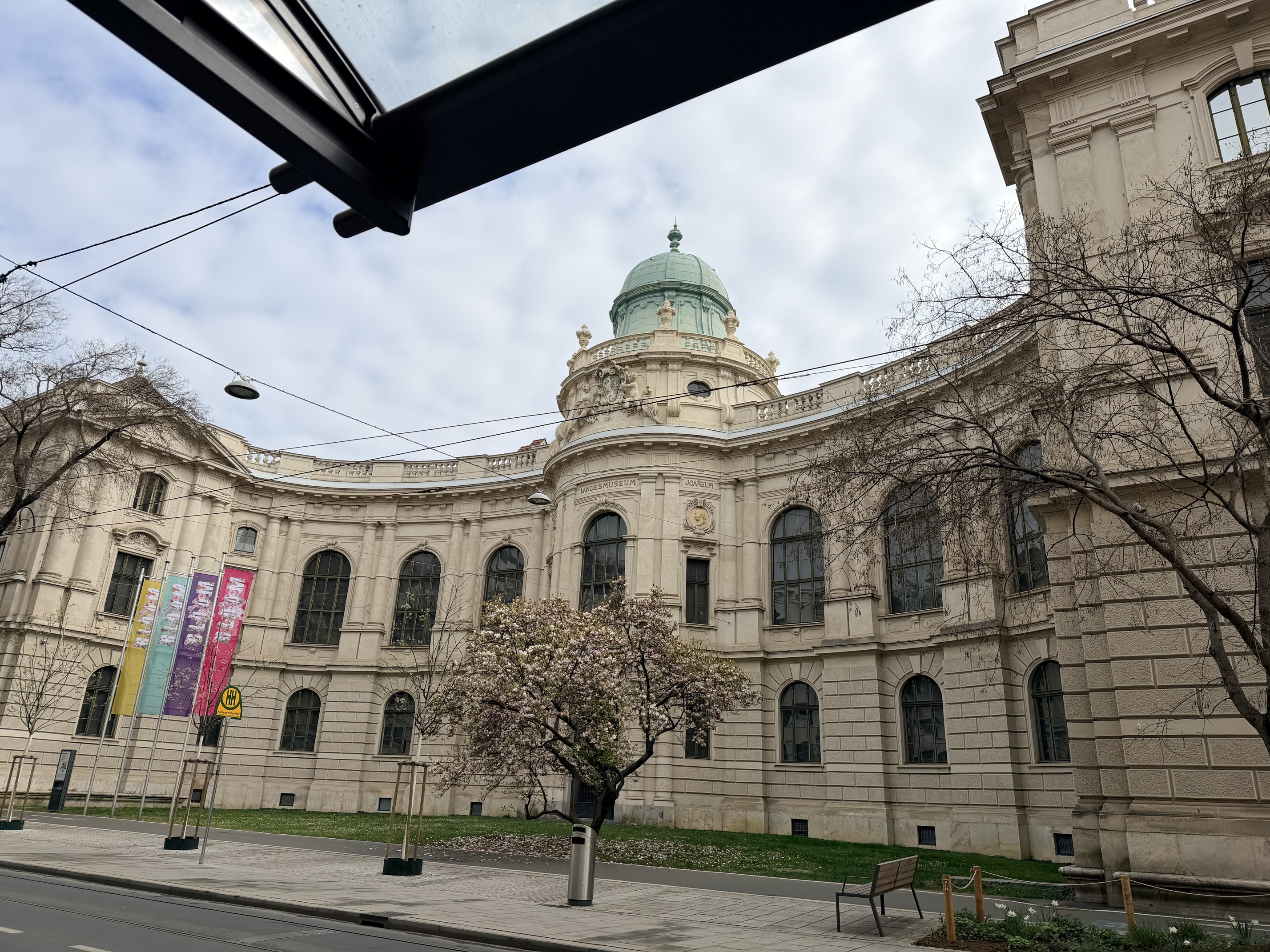
The sprint was from 09:00 - 19:00, Monday 2026.04.06 - Saturday 2026.04.11. In room HS FSI 1, Inffeldgasse 11, Graz, Austria. In the Inffeldgasse campus of the Technical University Graz (TU Graz).
We were hosted by the "Grazer Linuxtage 2026" organization. Thank you Kevin Krammer.
I travelled by bus and slept almost all of the time.
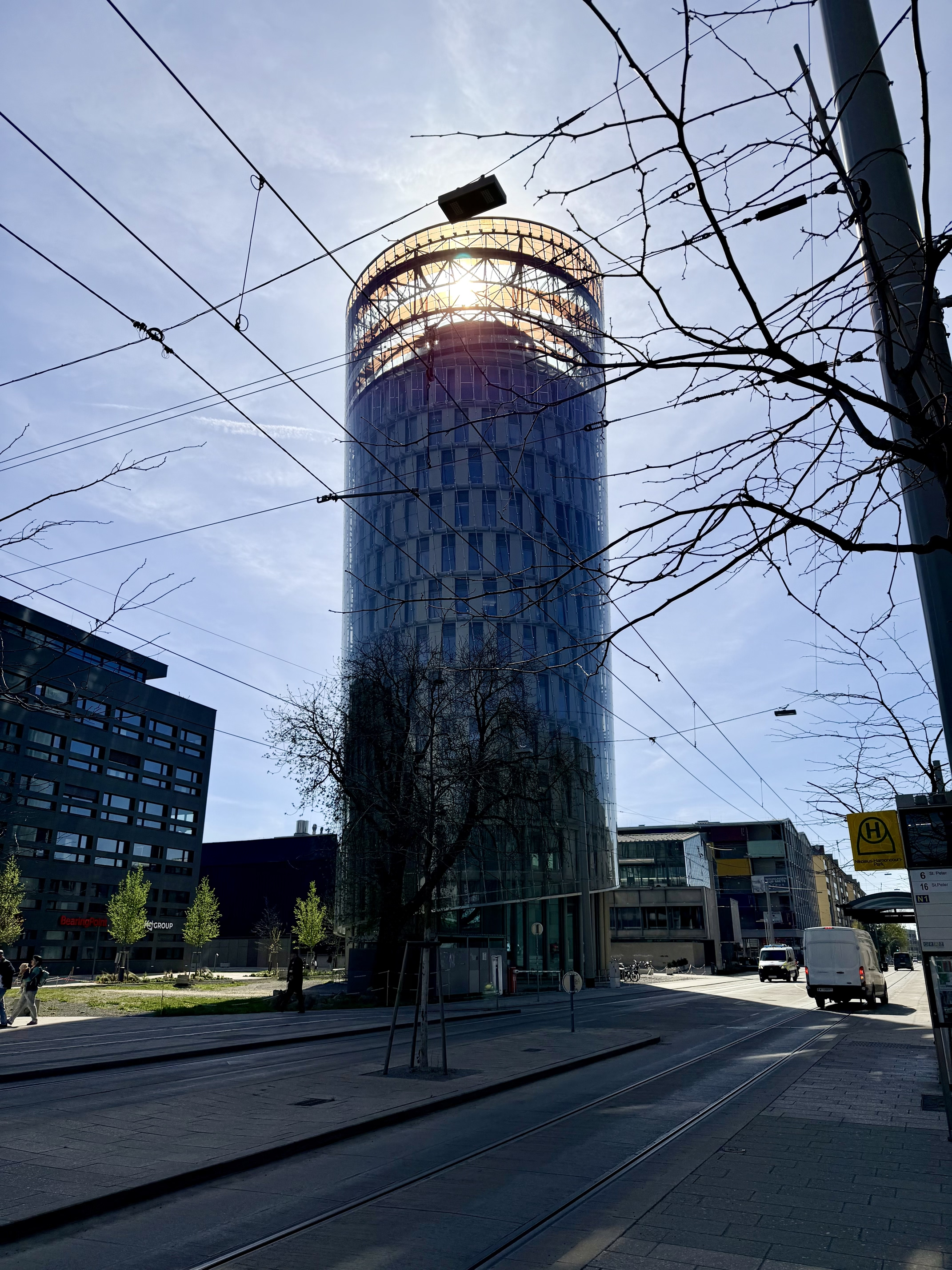
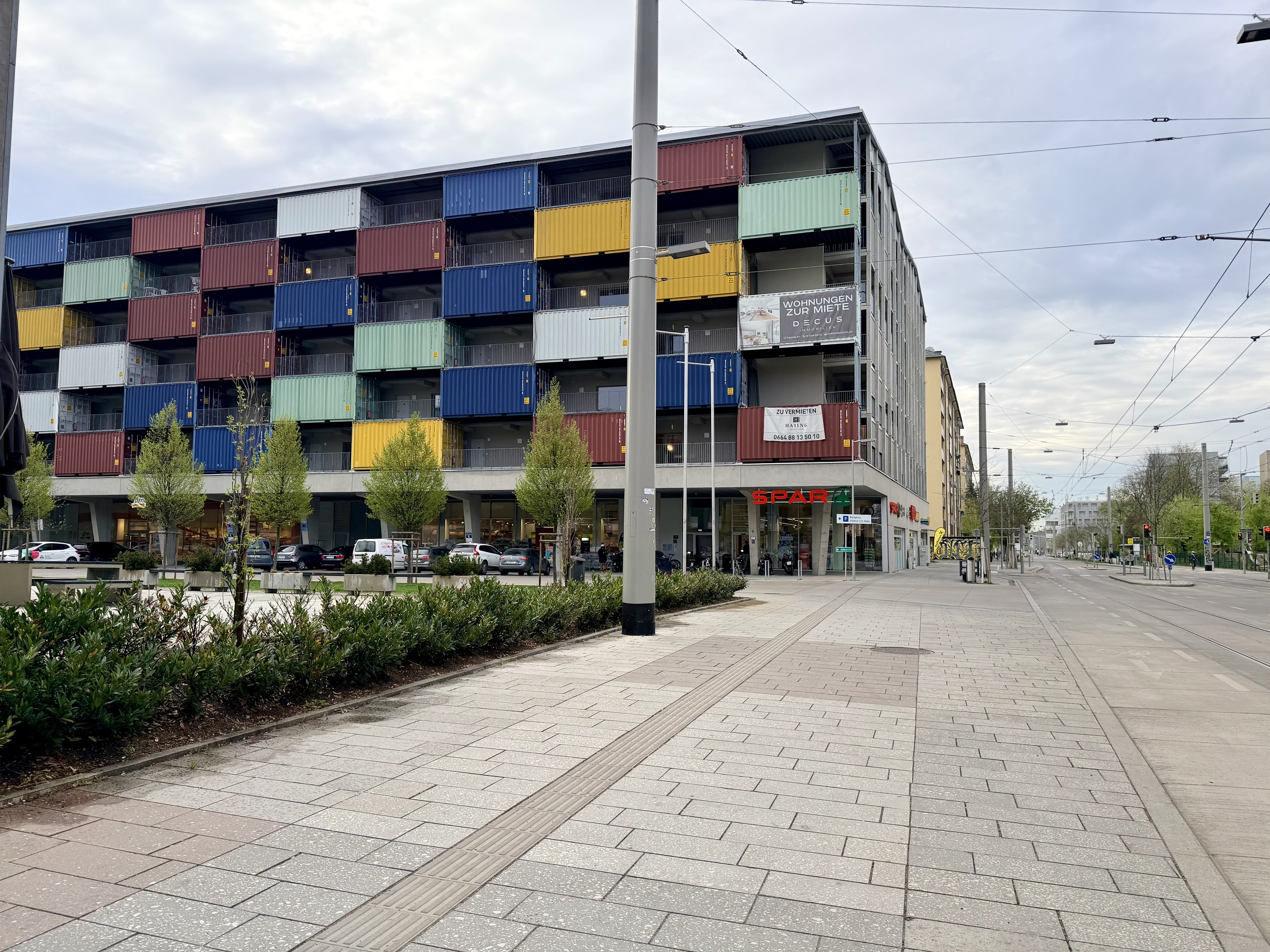
The city of Graz has a population of 300,000 and is the second largest city in Austria after the capital Vienna. Graz has a large number of well preserved pre First World War buildings.
More than 20 KDE contributors participated. Including CorneliusS and LaurenzW from the GNOME community.
I have encountered various issues with the licenses displayed in the about dialog of various KDE GUI apps. Scroll issues in license text viewer in Kirigami app. Not correct license being displayed. There are also differences between the license in reuse in the KDE git repository, the license shown in the GUI app's about dialog, the license shown for that app in Discover, apps.kde.org, flathub and snap store.
Also, in reuse, the license of files which come from outside the KDE community for example app icons for VLC and Blender have different licenses in the upstream git repository and in the KDE git repository. The reuse linter prefers that we use file "REUSE.toml" instead of ".reuse/dep5".
Top issues that I have encountered: I saw Plasma Welcome Center tens of times without reinstalling operating systems or reverting VM snapshots. My hardware laptop took many minutes to start until I have disabled "Intel VMD" from the UEFI firmware screen with advanced settings.
Work is in progress to have these features available also for KDE Linux and the KDE Plasma Wayland session. The big epics are probably: "KDE Plasma Wayland session - make it possible via command line to change the KDE Plasma Wayland session resolution to arbitrary width and height integer values", "vdagent - make it possible to paste plain text towards KDE Plasma Wayland", "vdagent - make it possible to copy plain text from KDE Plasma Wayland", "RDP server in KDE Plasma Wayland - implement plain text clipboard copy/paste", "RDP server in KDE Plasma Wayland - make it possible to log into KDE Plasma from a RDP client such as xfreerdp".
In 2025, the Kdenlive team continued grinding to push the project forward through steady development, collaboration, and community support. Over the past year we’ve found a nice balance between adding new features, bug fixing, polishing the user interface, and improving performance and workflow, with stability taking priority over feature creep.
We relaunched the website with a new content management system, refreshed some content and the design, and restored historic content dating back to 2002. We also strengthened upstream collaboration with the MLT developers and contributed several improvements to OpenTimelineIO.
Here’s a look at what we've been up to and what is ahead.
RELEASE HIGHLIGHTS
As part of KDE Apps, we follow the KDE Gear release cycle, with three major releases each year—in April, August, and December—each followed by three point maintenance releases.
25.04.0
This release added a powerful automatic masking tool and brought the last batch of features from our last fundraiser.
The new Object Segmentation plugin based on the [SAM2][4] model allows to remove any selected object from the background.
OpenTimelineIO
We rewrote our OpenTimelineIO import and export function using the C++ library. Now you can exchange projects with other editing applications that support this open source file format.
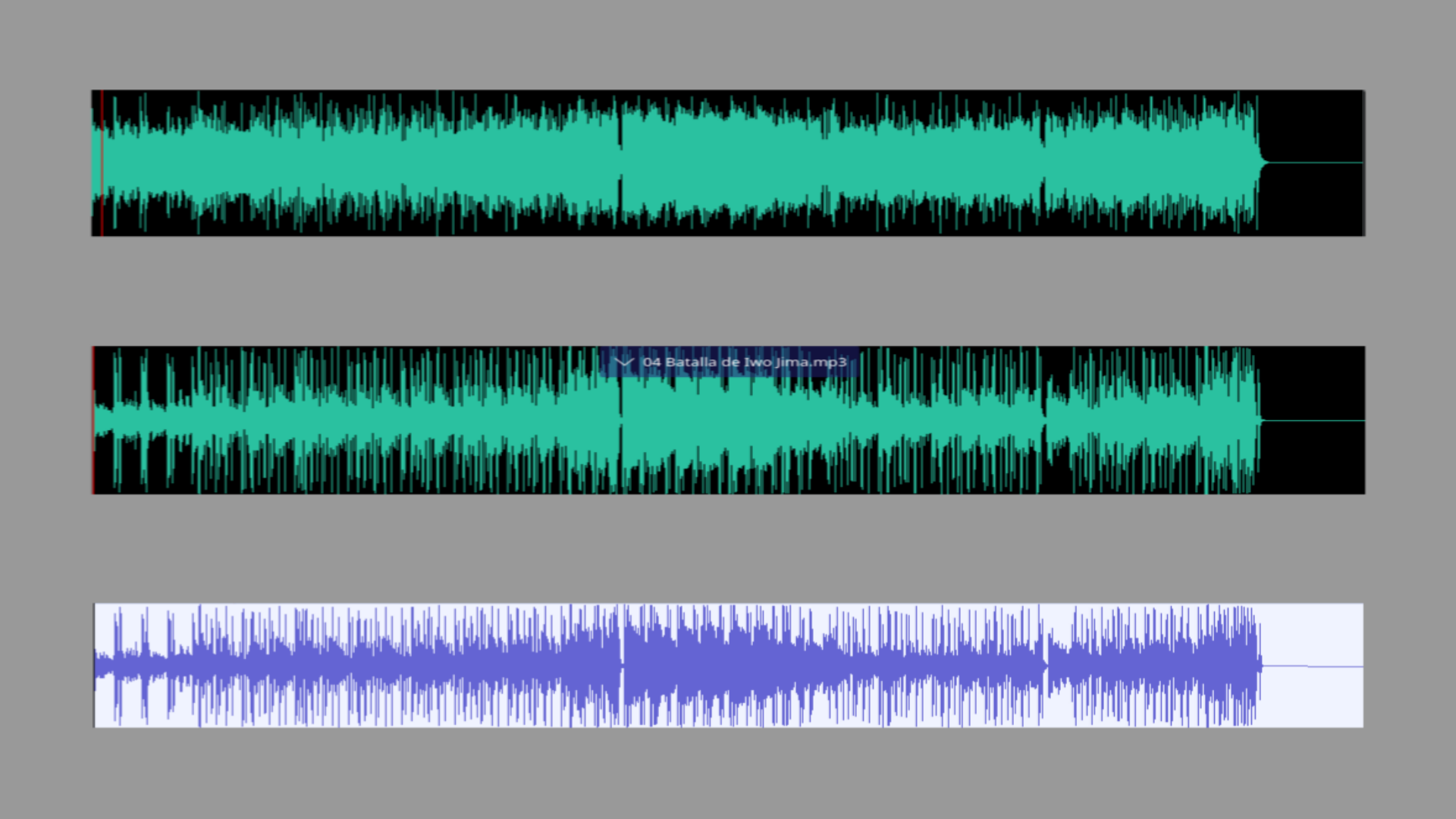
Waveform improvements
Audio waveform generation got a 300% performance boost, along with a refactored sampling method that accurately renders the audio signal and higher-resolution waveforms for greater precision.
25.08.0
This release focused heavily on stabilization, bringing over 300 commits and fixing more than 15 crashes. Instead of major new features, the effort went into polishing and bug fixing.
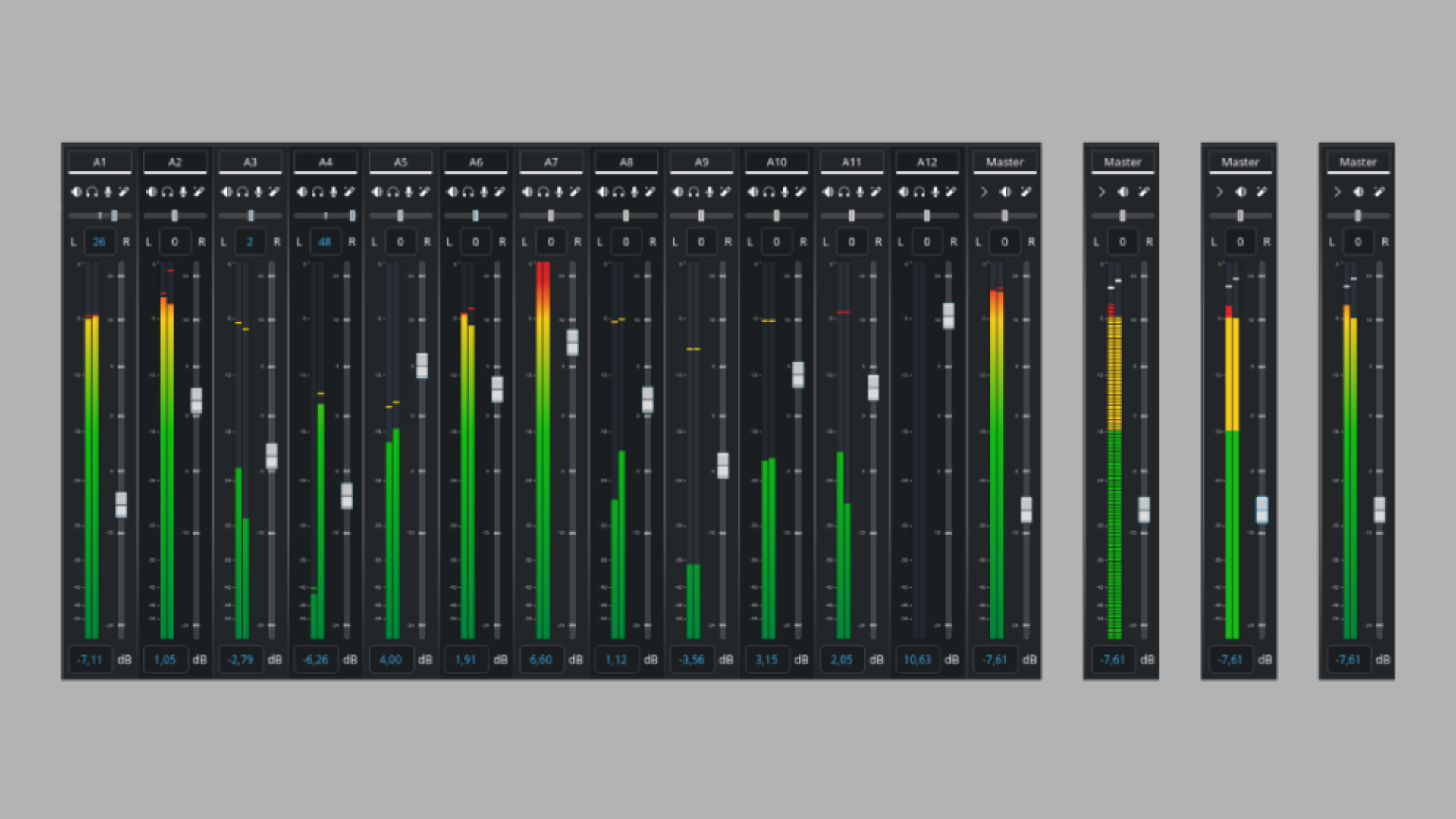
We redesigned the audio mixer bringing levels with clearer visuals and thresholds. We also did some code refactoring and cleanup. This change fixes issues with HiDPI displays with fractional scaling.
Markers and Guides
Guides and Markers got a major overhaul this release to improve the project organization.
Titler improvements
This release the titler received some much needed love like improved SVG and image support with ability to move and resize items, added center resize with Shift + Drag, and renamed the Pattern tab to Templates and moved the templates dropdown to it
25.12.0
The focus of this release cycle was on improving the user experience and polishing the user interface.
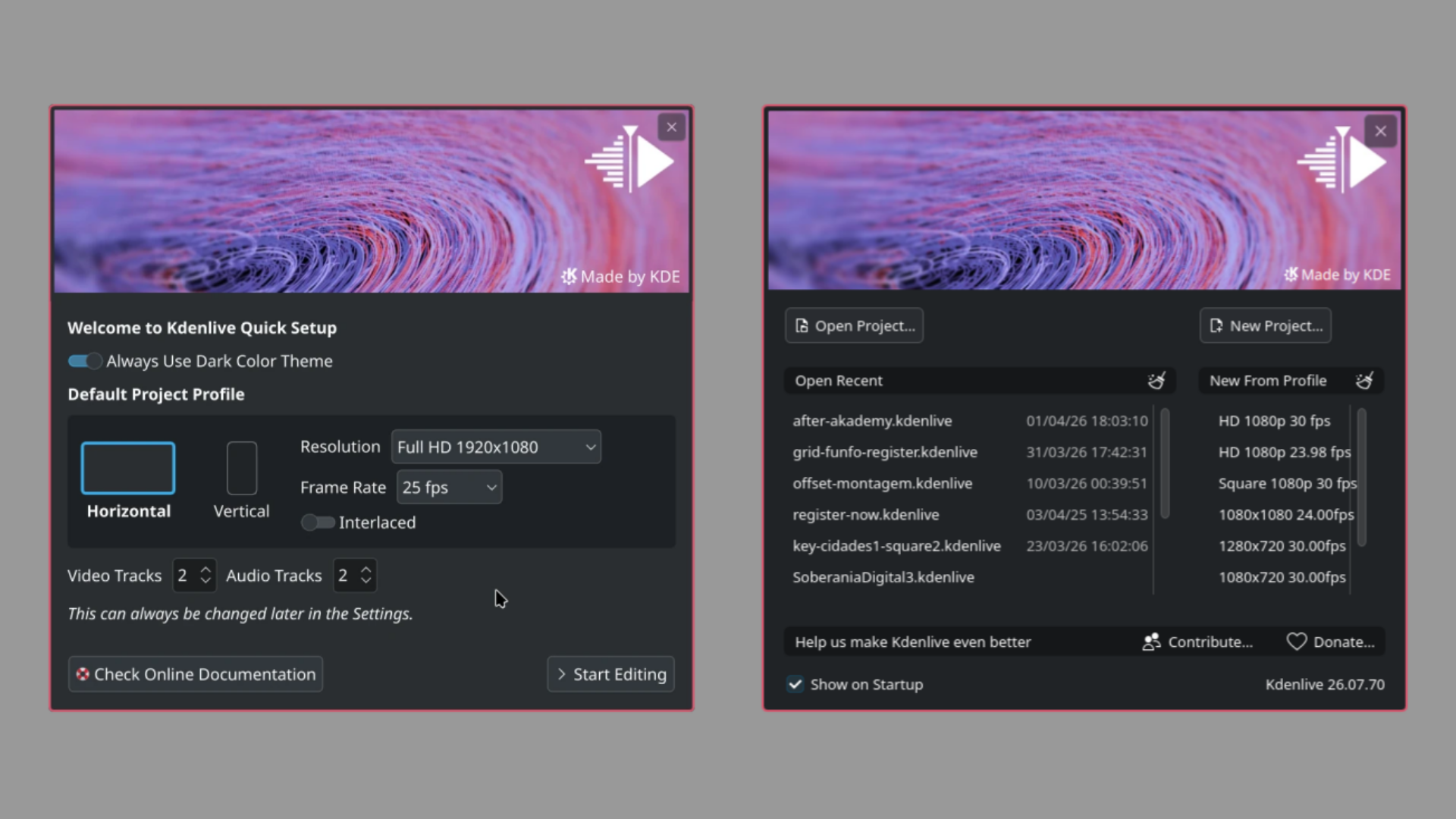
We added a new first-run launch screen for first time users as well as added a Welcome Screen allowing to easily launch recent projects.
Docking System
We added a new, more flexible docking system that lets you group widgets, show or hide them on demand, and save layouts as separate files that can be shared or stored within projects.
Redesigned monitor
The audio waveform in the Project Monitor got a revamped interface with an added minimap.
THE ROAD AHEAD
26.04
This next release is just around the corner and brings a nice batch of nifty new features like monitor mirroring and animated transition previews, making it much easier to visualize how they will look before applying them. Additionally, dropping a transition onto the timeline can now automatically adjust its duration to match the clips above and below, saving time and reducing manual tweaking.
This feature allows you to mirror any monitor while working in fullscreen mode. It’s especially useful when working with multiple displays or collaborating with others in the editing room.
OTHER NOTEWORTHY FEATURES
Change the playback speed of multiple clips at once
Import a clip directly from the timeline context menu and insert it at the click position
Option to always zoom toward the mouse position instead of the timeline playhead
Generate audio thumbnails for sequences
ROADMAP
Our roadmap is constantly being reviewed and updated, and some of the upcoming highlights include implementing the new features in MLT, the multimedia framework which powers Kdenlive. Some exciting upcoming features include 10/12 bit color support, playback optimizations (decoding), and OpenFX support. (Shoutout to a Kdenlive community member for leading this effort). Also expected is a refactoring of the subtitle system as well as continuing to develop the Advanced Trimming Tools.
DOPESHEET
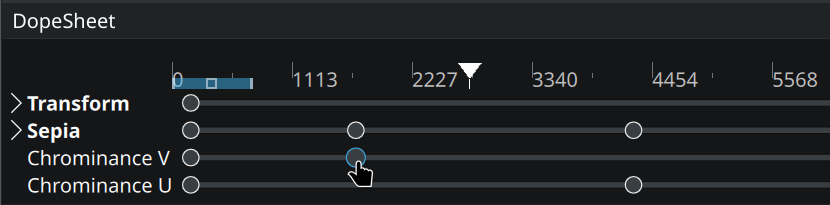
We are currently working on refactoring the keyframing system and implementing a Dopesheet, basically it is a dedicated timeline for managing and viewing keyframes from multiple effects simultaneously. This work will also introduce per-parameter keyframing (currently, once you add a keyframe to an effect, it is applied to all parameters by default). More info can be found in the last status report. This work is made possible through an NGI Zero Commons grant via NLnet.
MICROSOFT STORE
We have been working on enabling and fixing multiple modules in MLT to compile with MSVC allowing us to ship Kdenlive in the Microsoft Store soon. Another advantage is that it will allow to run unit tests on our CI for Windows.
COMMUNITY
NEW CONTRIBUTORS
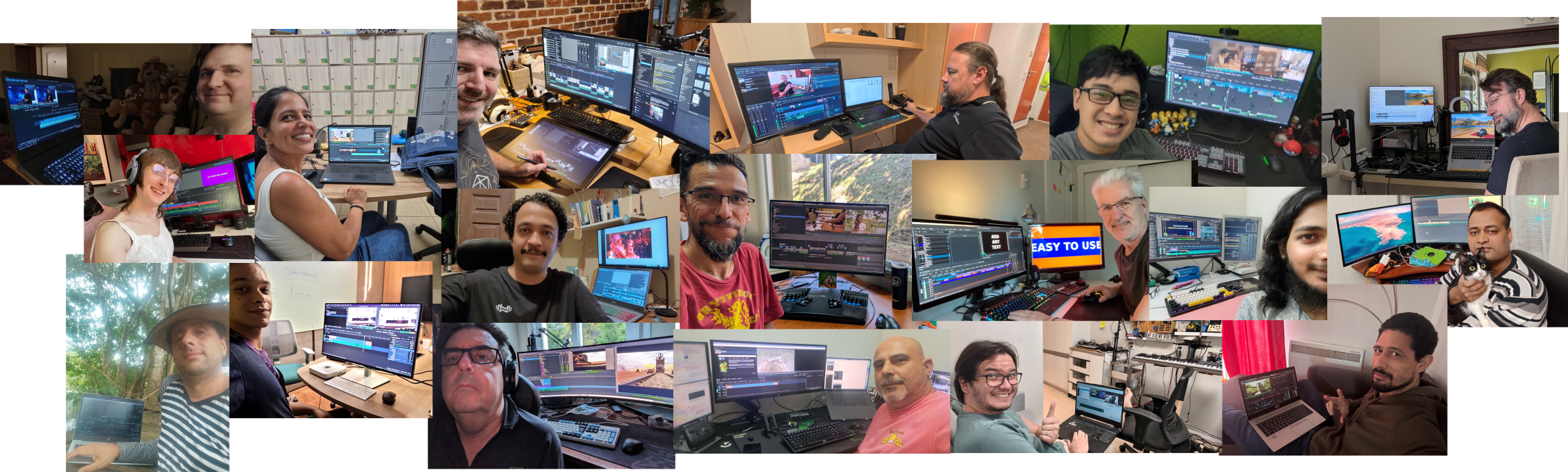
Currently, the Kdenlive core team is made up of 8 active members, including 2 developers.
In 2025, 38 people contributed code to Kdenlive (including the core dev team and other KDE devs), a truly impressive number! Even more exciting, about half of them were first-time contributors, which is always great. We hope to see many of them continue contributing in the future. On behalf of the Kdenlive team, we salute you all!
List of contributors and commits
Note that these numbers refer specifically to contributions to the Kdenlive application. Other projects such as the test suite and website are hosted in separate repositories and are not included in these figures.
878 — Jean-Baptiste Mardelle (core team)
126 — balooii balooii
109 — Julius Künzel (core team)
60 — Darby Johnston (fundraiser)
26 — Bernd Jordan (core team)
24 — Ajay Chauhan
11 — Eugen Mohr (core team)
9 — Scarlett Moore (KDE)
8 — Yuri Chornoivan (KDE)
7 — Justin Zobel (KDE)
7 — Ron Lee (core team)
6 — Farid Abdelnour (core team)
5 — Josep M. Ferrer
5 — Étienne André (fundraiser)
4 — Kunda Ki
4 — Swastik Patel
3 — Camille Moulin (core team)
3 — Carlos De Maine
2 — Johnny Jazeix (KDE)
2 — Luigi Toscano (KDE)
2 — Nicolas Fella (KDE)
2 — Richard Ash
2 — Side Projects Lab
2 — Xander Bailey
2 — chocolate image
1 — Adam Fidel
1 — Alex Efimov
1 — Edward McVern
1 — Eli George
1 — Helga K
1 — Jack Bruienne
1 — Jonas Endter
1 — Oliver Kellogg
1 — Rafael Sadowski
1 — Steve Cossette
SPRINTS AND EVENTS
AMSTERDAM SPRINT
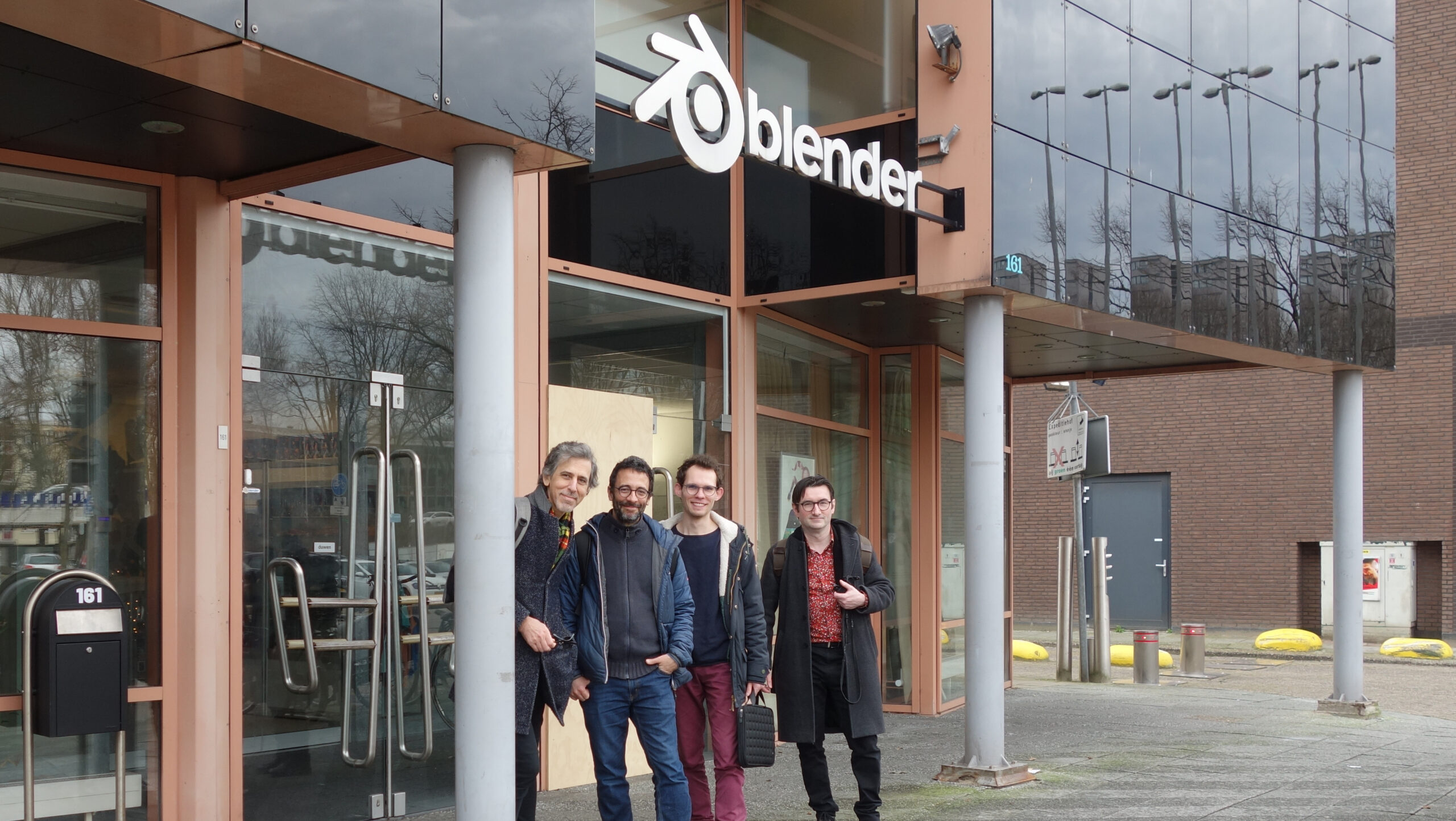
In February, part of the Kdenlive core team met in Amsterdam for a short sprint, highlighted by a visit to the Blender Foundation, where we met with Francesco Siddi and he shared valuable insights into Blender’s history and offered advice on product management for Kdenlive. We also attended their weekly open session, where artists and developers present progress on ongoing projects. During the sprint, we discussed and advanced several technical topics, some highlights include:
Refining the audio workflow task
Developing a proof of concept to improve clip timecode handling
Finishing an MLT Framework patch to enable rendering without a display server (needed for Flatpak testing)
BERLIN SPRINT
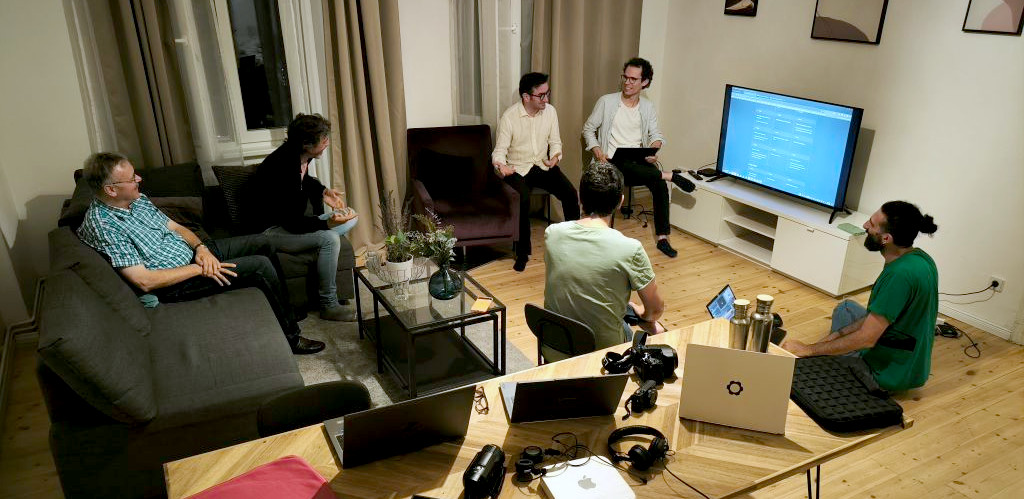
The Berlin sprint was one of our most productive gatherings to date. Most of the team was there in person, and we also connected online with those who couldn’t make it. We discussed just about every aspect of the project, from roadmap planning to upcoming features and workflow improvements. Some of the highlights include:
Evaluated the current state of the Titler and discussed possible integration with Glaxnimate
Reorganized the Menu structure
Developed a proof of concept for using KDDockWidgets
Redesigned and started development of the audio clip view in the Clip Monitor
Thanks to the nice folks at c-base who kindly hosted us.
AKADEMY 2025
Akademy is always a great opportunity to exchange ideas with the broader KDE and Qt communities. One of the highlights was meeting the maintainer of Glaxnimate, where we discussed common goals and ways to collaborate. This year, Akademy will be in Graz on the 19-24 of September, and we hope to see you there.
SHOWCASE
We’re very happy to see more YouTube channels talking about Kdenlive. Here are some examples of what the community has been creating.
We'd love to see what you've been working on in the past year. Share your videos productions in the comments!
SPREAD THE WORD
Help us grow the community by organizing meetups, talks, or workshops in your local area. Don’t hesitate to contact us if you need guidance, materials, or support to get started.
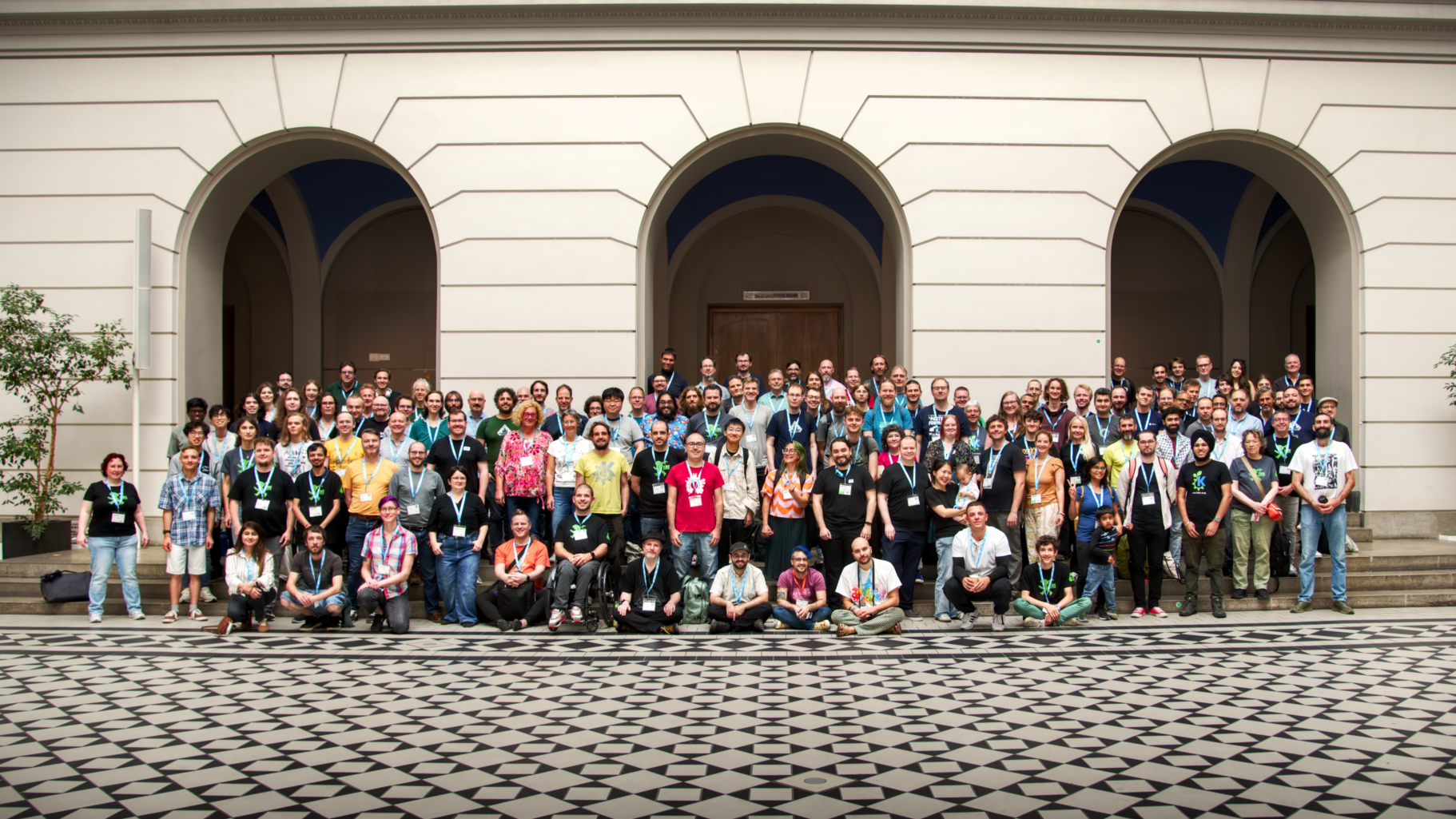
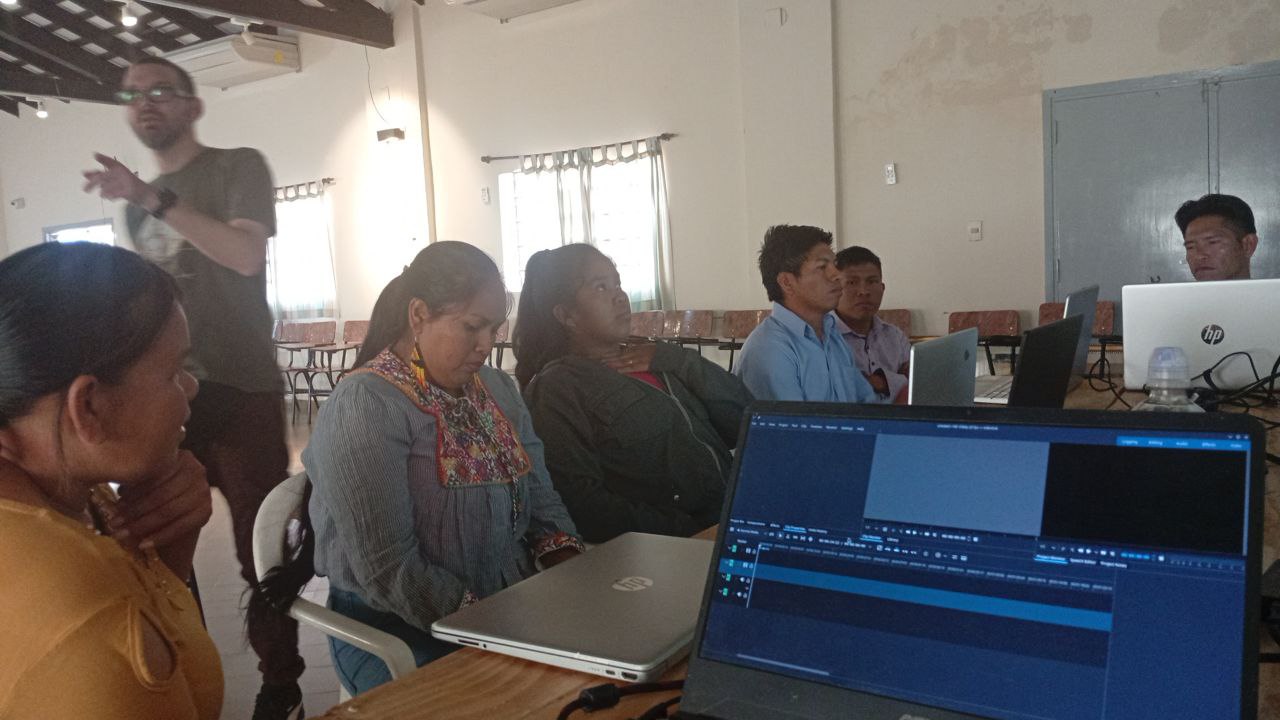
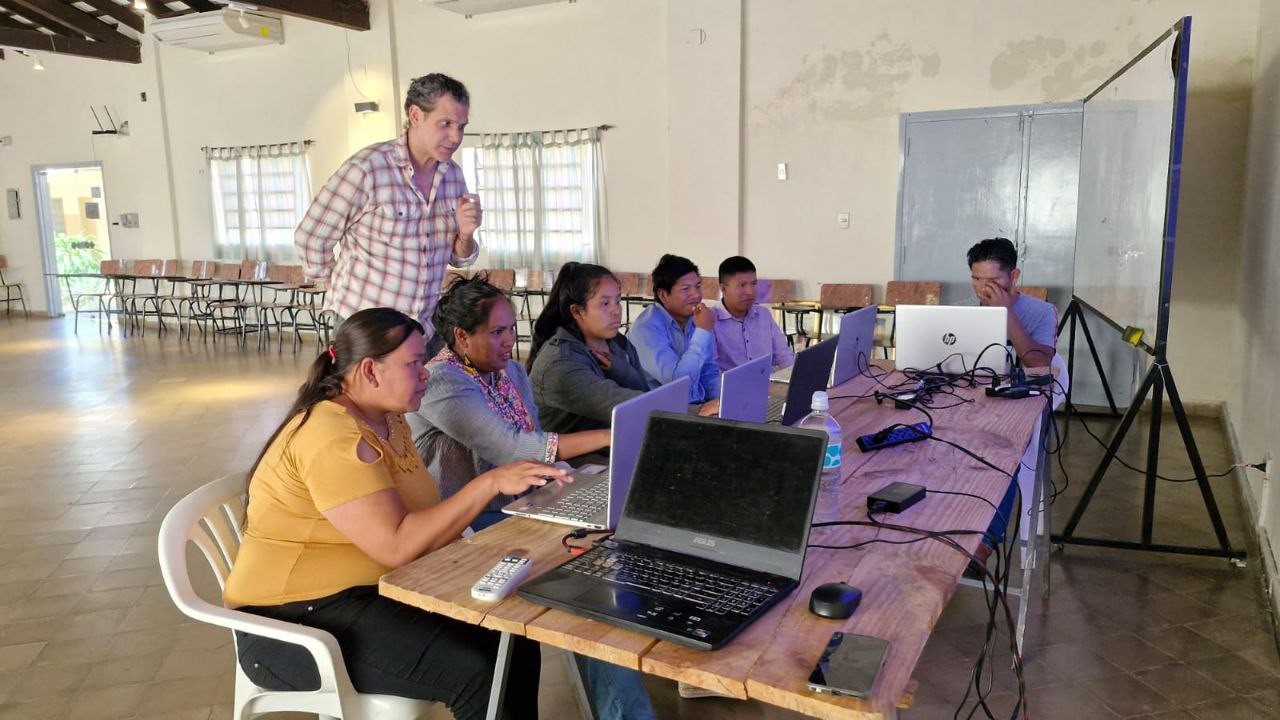
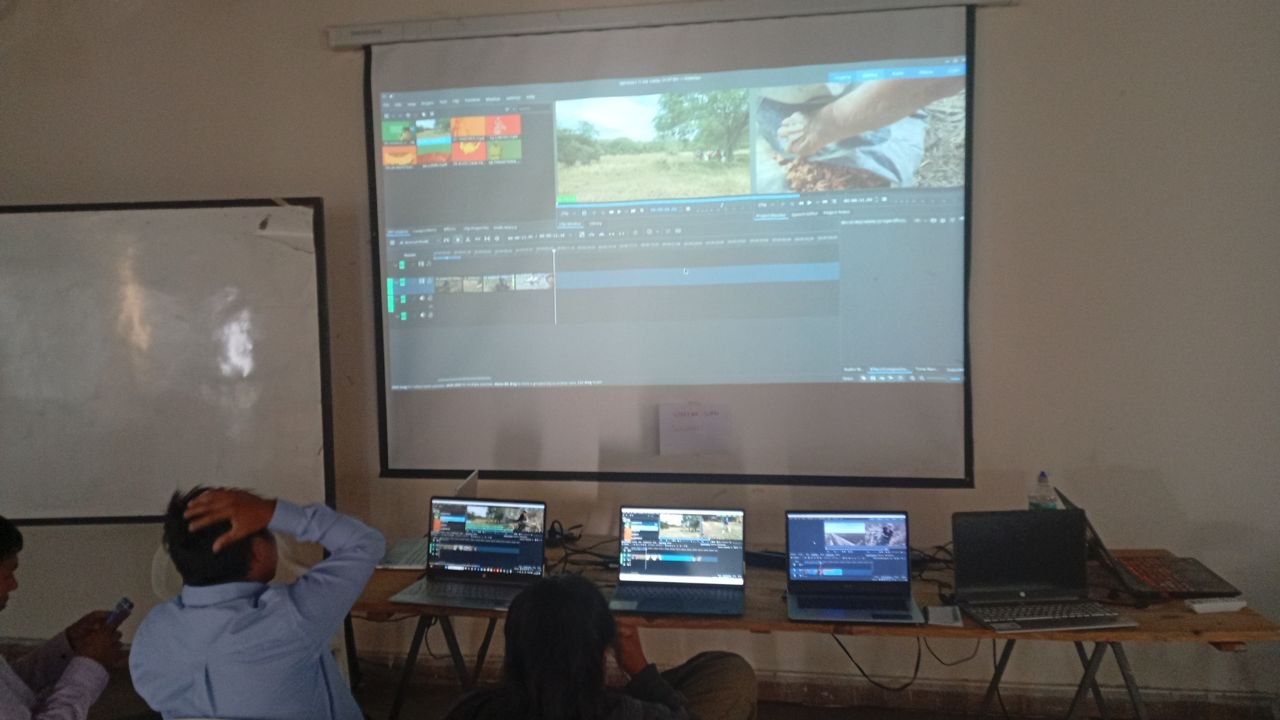
Below are photos from a workshop with indigenous communities in Paraguay.
STATS
DOWNLOADS
Kdenlive was downloaded 11,500,714 times from our download page in 2025. Do note that many additional installs happen through Linux distribution package managers, the Snap Store, Flathub, and other third-party servers, where statistics are not always available or reliably measurable.
The Flatpak package from Flathub gets 41,499 downloads per month.
25.04.2 got the most number of downloads.
17.08.2 was downloaded 1 time!
Downloads per release cycle
WindowsLinuxMac
A script element has been removed to ensure Planet works properly. Please find it in the original post.A script element has been removed to ensure Planet works properly. Please find it in the original post.
To the 5 of you in Antarctica, let us know what you are editing. ;)
Country
🇺🇸 United States — 392,967
🇮🇳 India — 267,449
🇧🇷 Brazil — 153,319
🇩🇪 Germany — 118,115
🇫🇷 France — 111,071
🇨🇳 China — 104,692
🇷🇺 Russia — 96,051
🇪🇸 Spain — 91,052
🇬🇧 United Kingdom — 86,165
🇮🇹 Italy — 61,814
Region
🇺🇸 California, United States — 42,769
🇧🇷 São Paulo, Brazil — 37,452
🇮🇳 Tamil Nādu, India — 27,313
🇫🇷 Île-de-France, France — 26,755
🇮🇳 Mahārāshtra, India — 25,246
🇺🇸 Texas, United States — 22,470
🇨🇦 Ontario, Canada — 20,016
🇳🇱 Noord-Holland, Netherlands — 19,826
🇺🇸 Florida, United States — 18,997
🇨🇳 Shanghai Shi, China — 18,991
FUNDING
Ever since our last, and very successful, fundraiser in 2022, we haven’t actively asked for donations, yet the community has continued to support us. We are very grateful for that.
In 2025, we received a total of €9,344.80 from donations (down from €11,526.61 in 2024). Around 30% of the amount was given by donors who kindly set up a recurring plan. The average donation was about €25, with the lowest amount being €10 and the highest €500.
We allocate 20% of our budget to KDE e.V. to support infrastructure costs (servers and related expenses), as well as administration, legal support, and travel. As in previous years, your contributions enable us to continue supporting Jean-Baptiste (Kdenlive's maintainer), allowing him to dedicate several days each month to Kdenlive in addition to his volunteer work.
WE NEED YOUR SUPPORT
Kdenlive needs your support to keep growing and improving. If just a quarter of the people who downloaded Kdenlive in 2025 contributed €5, our maintainers would be able to dedicate more time to the project, and it would even allow us to hire more develpers to speed up development and improve stability. Small amounts can make a big difference, please consider making a donation.
A script element has been removed to ensure Planet works properly. Please find it in the original post.
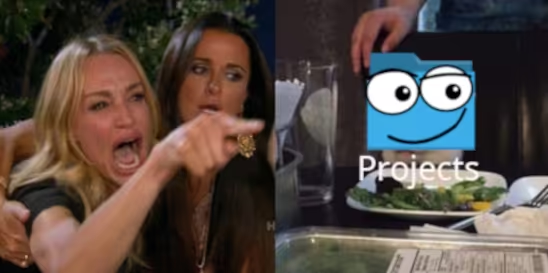
If you have recently installed a very up-to-date Linux distribution with a desktop environment, or upgraded your system on a rolling-release distribution, you might have noticed that your home directory has a new folder: “Projects”
Why?
With the recent 0.20 release of xdg-user-dirs we enabled the “Projects” directory by default. Support for this has already existed since 2007, but was never formally enabled. This closes a more than 11 year old bug report that asked for this feature.
The purpose of the Projects directory is to give applications a default location to place project files that do not cleanly belong into one of the existing categories (Documents, Music, Pictures, Videos). Examples of this are software engineering projects, scientific projects, 3D printing projects, CAD design or even things like video editing projects, where project files would end up in the “Projects” directory, with output video being more at home in “Videos”.
By enabling this by default, and subsequently in the coming months adding support to GLib, Flatpak, desktops and applications that want to make use of it, we hope to give applications that do operate in a “project-centric” manner with mixed media a better default storage location. As of now, those tools either default to the home directory, or will clutter the “Documents” folder, both of which is not ideal. It also gives users a default organization structure, hopefully leading to less clutter overall and better storage layouts.
This sucks, I don’t like it!
As usual, you are in control and can modify your system’s behavior. If you do not like the “Projects” folder, simply delete it! The xdg-user-dirs utility will not try to create it again, and instead adjust the default location for this directory to your home directory. If you want more control, you can influence exactly what goes where by editing your ~/.config/user-dirs.dirs configuration file.
If you are a system administrator or distribution vendor and want to set default locations for the default XDG directories, you can edit the /etc/xdg/user-dirs.defaults file to set global defaults that affect all users on the system (users can still adjust the settings however they like though).
What else is new?
Besides this change, the 0.20 release of xdg-user-dirs brings full support for the Meson build system (dropping Automake), translation updates, and some robustness improvements to its code. We also fixed the “arbitrary code execution from unsanitized input” bug that the Arch Linux Wiki mentions here for the xdg-user-dirs utility, by replacing the shell script with a C binary.
Thanks to everyone who contributed to this release!
La Palma Tech Tagoror vuelve. Los meetups en la isla canaria de La Palma se relanzan este 23 de abril, en La Real Sociedad Aridane, Los Llanos de Aridane. La entrada es gratuita previo registro. Únete al evento o apúntate al grupo de Meetup para estar informado de futuras actividades.
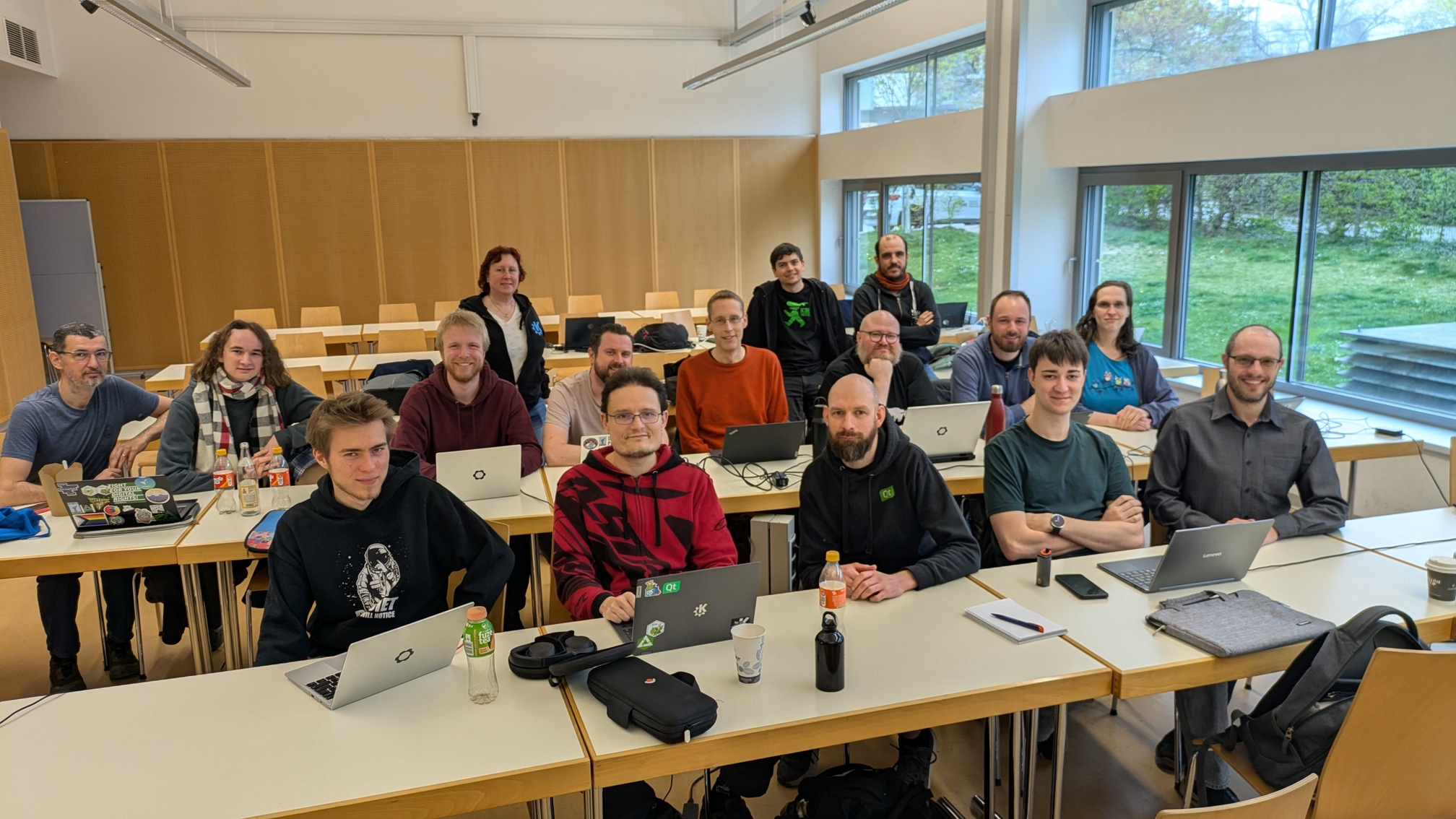
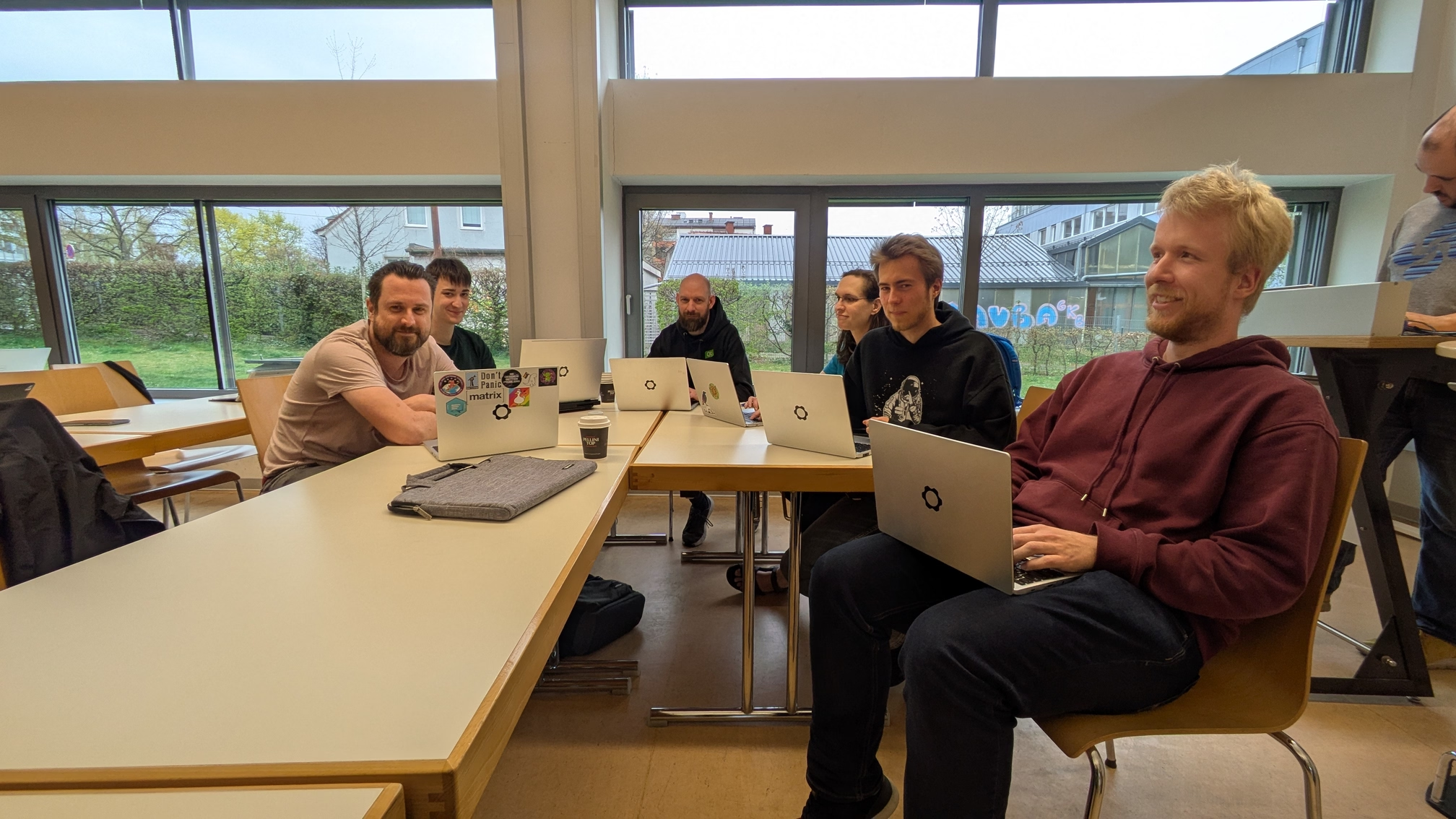
This April, KDE once again had a sprint in Graz, Austria. This one was deemed a
"Mega Sprint" as unlike last year it was not just for Plasma, but for everything
KDE-related from Plasma, goals, frameworks, apps, and more. We had a great
turnout!
Amazingly I managed to go the whole trip this time without getting sick! 😊
We covered a lot of ground! Briefly, a few of the things off the top of my
head:
Improving reliability, ease of running locally, documentation, and ensuring that
test failures are reported by the CI in merge requests. We have some work to do
for all of these to improve our testing story, and we collectively came to
important decisions on how to move forwards.
There is a lot, often not enough hours/energy to deal with it, and a lot of the
time people just don't even know about the issue(s). Let's try: being more
proactive about closing bad/stale MRs, creating a GitLab bot to help automate
things that get people's attention, keep track of things by sending regular
notices to the mailing list(s) similar to how the "failing ci" emails help
people keep on top of things.
A complicated topic! We had a lot of good discussions about the user flow/UI/UX,
and I think we came to a really good place that sets us up for some excellent
custom gestures/bindings with the fantastic work by Jakob & Natalie.
This sort of work is a really great example of something that would have been
very difficult to do online, that we broke through with a lot of back and forth
conversation/explanation/design at the sprint — which is exactly why we get
together to unblock these things and make quick progress together!
We covered all of the large topics/issues that have been pending, for example:
morekeys/full keyboard emulation, emojis, speech-to-text, Wayland protocols,
testing, etc. So much that each could probably be its own blog post! We'll
continue to see a whole lot of changes and improvements here; we really want
plasma-keyboard to be a first-class experience for all sorts of input stories.
We were once again in lovely Graz, and the weather was a very welcome change
from the brutal winter we've had in Canada — still had ice and snow when I left
home! In addition to the mostly sunny weather and chirping birds, the city and
its people were just fantastic once again. 💙
I can't say enough just how lovely Graz is, and how glad I was to get to visit
again. 🇦🇹 Special shout out to Kevin Krammer, our KDE local who did so much to
make this sprint great for us!
The fact that Graz is a lovely place to go is good news, since this year we'll
be hosting Akademy there — I am already looking forward to coming back! :D

 @devsam:matrix.org
 GSoC
GSoC



 svuorela