Skip to content

Wednesday, 7 May 2025

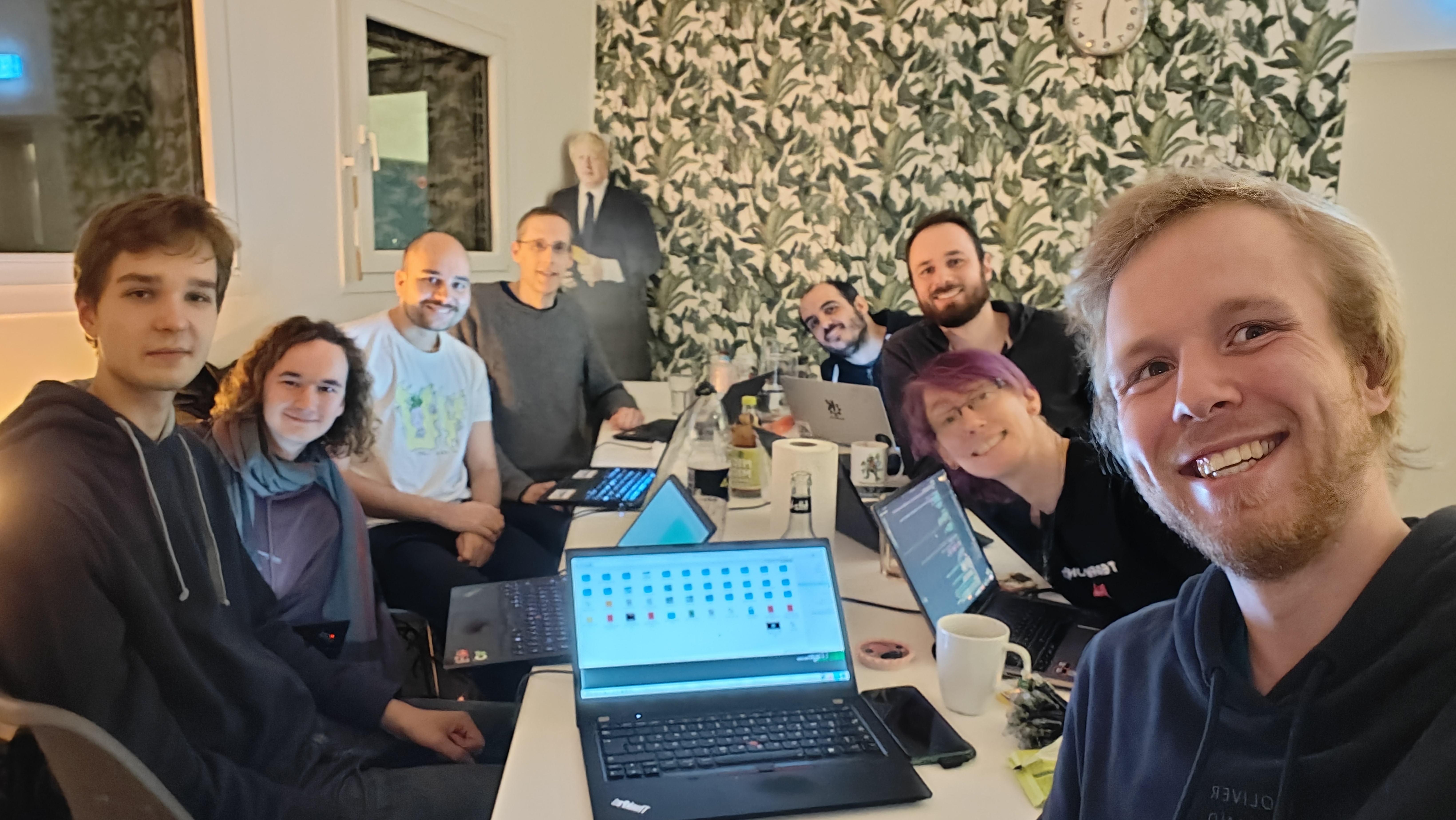
It has been quite a long time since I attended any KDE sprint, last sprint for me was Plasma Sprint in Valencia, Spain before pandemic and personal life got in a way. Last month I had chance to attend Plasma Sprint 2025 in Graz, Austria. This was good opportunity for me to meet some of long time contributors to Plasma Mobile like Devin Lin and Luis, as well as other Plasma contributors to discuss some of technical details about my upcoming power management work.

Monday, 5 May 2025

I'll soon start my second project supported by NLnet and the European Commission. For the first one I spent way too much time figuring out if I need to pay taxes on the funding I receive. At least value added tax does not apply! However, German tax law is not clear about income tax from what I can tell, and even writing a petition to the federal ministry of finance to clear things up still leaves me with most of the uncertainty. In any case, I did not need to pay income tax on the funding the first time around. Who knows if it will stay this way?

If you might find yourself in a similar situation one day, I strongly recommend to save yourself many hours of headaches and read my German blog post about this. Here it is: https://wordsmith.social/felixernst/wie-man-keine-steuern-auf-europaisch-geforderte-softwareprojekte-bezahlt

I don't want to translate German legalese into English.

If you can't read German, that's a bit of a cliffhanger now, isn't it? Well, sorry about that. However, you might want to cherish the fact that you probably don't need to deal with German tax law! Also consider that it is probably better for your sanity anyway if you don't spend your time learning about taxation in other countries. It's not a good conversation starter, trust me.

Welcome to a new issue of "This Week in KDE Apps"! Every week we cover as much as possible of what's happening in the world of KDE apps.

Creative Applications

Kdenlive Video editor

Balooii fixed the high memory consumption of the SAM2 based background removal (link).

Multimedia Applications

Peruse Comic Book Reader

Carl Schwan ported Peruse to Qt6 (Link) and to the newer Kirigami components.

JuK Music Player

Lukas Kahnert ported Juk from Phonon to QtMultimedia (25.08.0. Link).

Travel Applications

KDE Itinerary Digital travel assistant

Volker Krause automated the generation of static builds of the library powering Itinerary. This allows to simplify the deployement of Itinerary on servers like for Nextcloud Mail integration or the online extractor.

Grzegorz Mu expanded the documentation for writing ticket extractors (link). Writing an extractor is quite easy and only requires some knowledge of JavaScript, so checkout the new documentation and integrate the tickets from your local transport company!

Social Applications

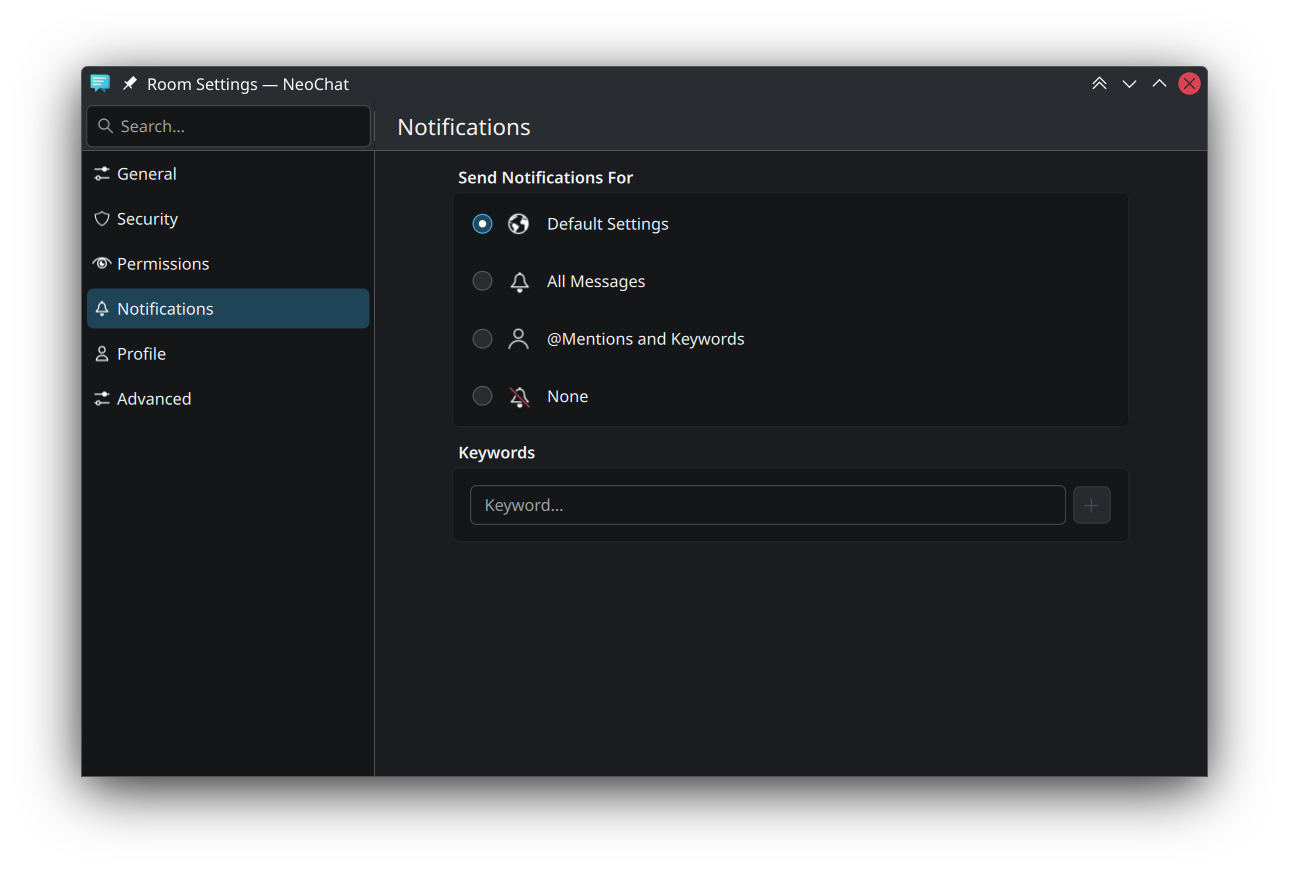
NeoChat Chat on Matrix

Aleix Pol fixed a crash in NeoChat (link).

Tokodon Browse the Fediverse

Joshua Goins redesigned the notification view to be more compact (25.08.0. link).

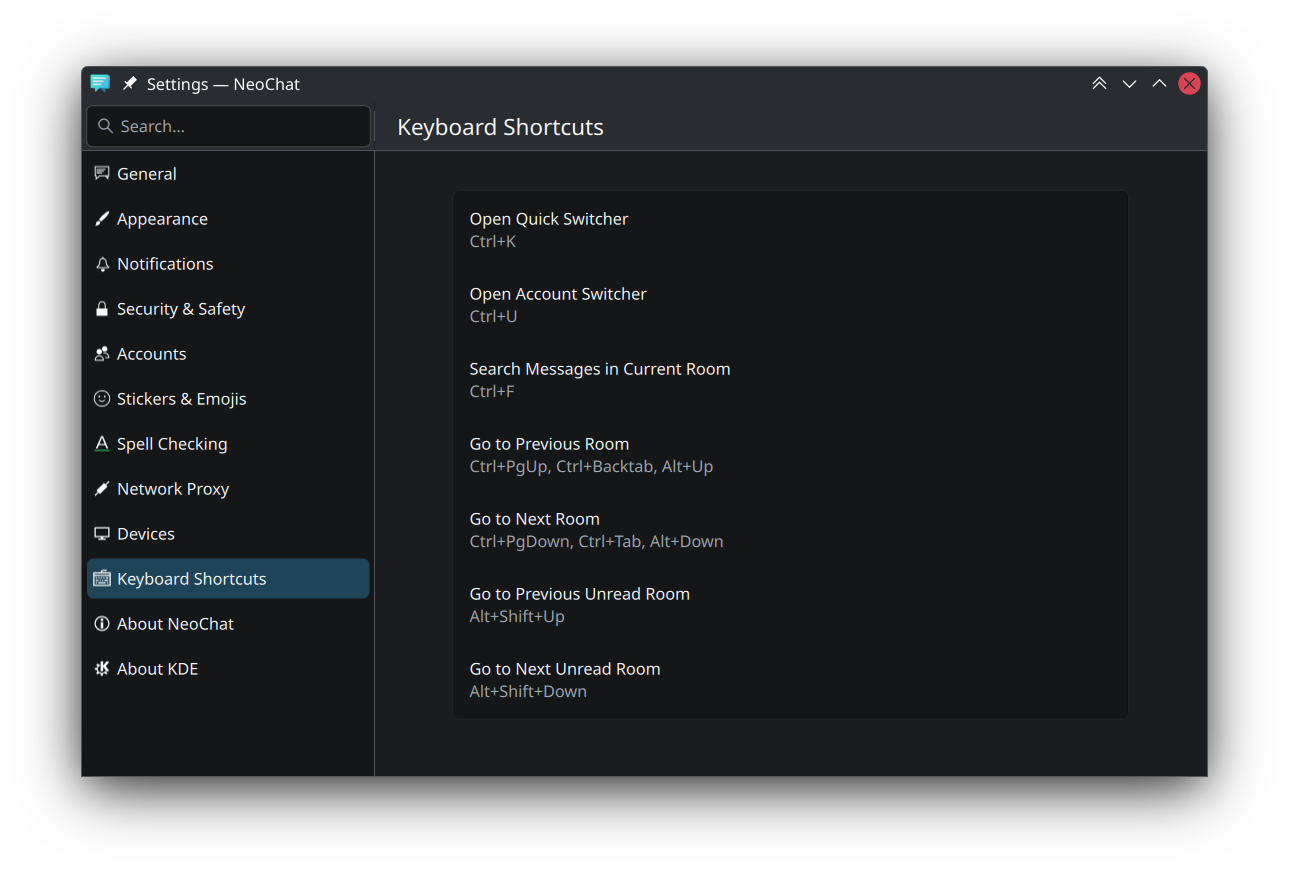
Joshua also ported the navigation over to KirigamiAddons.StatefulApplication which means the different pages can now be accessed by the command popup (Ctrl+Shift+I) and can be assigned to a shortcut (25.08.0. link).

System Applications

Dolphin Manage your files

The toolbar button for view mode changing has become more powerful: Jin Liu added all the view-related actions to its dropdown menu, so this button that lies to the left of the location bar is now your one-stop shop for changing the file display of the main view. (25.08. Link)

Kai Uwe Broulik reworked the new files dialog used in Dolphin and other KIO based applications to now include the icon of the new file or folder (KF 6.14.0, link).

Journald Browser Browser for journald databases

Andreas Cord-Landwehr replaced the custom About dialog with the standard Kirigami About dialog (link). Journald Browser also adopted KirigamiAddons.StatefulApplication.

Utilities

Krfb Share your desktop to another computer via VNC

Wendi Gan added support for UTF-8 clipboard in Krfb and Krdc (25.08.0. link 1 and link 2). This means non-European alphabets are now supported!

KDE PIM

Akonadi Background service for KDE PIM apps

Krzysztof Nowicki added support for Microsoft's InTune enterprise authentification service to Akonadi's Exchange support (25.08.0. link).

Kiên Hồ added support for displaying holidays in Vietman (KF 6.14.0, link 1 and link 2).

KOrganizer KOrganizer is a calendar and scheduling application

Allen Winter continued polishing KOrganizer. This week the todo view state is now fully saved and restored across sessions (25.08.0, link), the wording of some tooltips was improved (25.08.0, link) and a crash was fixed (25.04.1. link).

…And Everything Else

This blog only covers the tip of the iceberg! If you’re hungry for more, check out Nate's blog about Plasma and be sure not to miss his This Week in Plasma series, where every Saturday he covers all the work being put into KDE's Plasma desktop environment.

For a complete overview of what's going on, visit KDE's Planet, where you can find all KDE news unfiltered directly from our contributors.

Get Involved

The KDE organization has become important in the world, and your time and contributions have helped us get there. As we grow, we're going to need your support for KDE to become sustainable.

You can help KDE by becoming an active community member and getting involved. Each contributor makes a huge difference in KDE — you are not a number or a cog in a machine! You don’t have to be a programmer either. There are many things you can do: you can help hunt and confirm bugs, even maybe solve them; contribute designs for wallpapers, web pages, icons and app interfaces; translate messages and menu items into your own language; promote KDE in your local community; and a ton more things.

You can also help us by donating. Any monetary contribution, however small, will help us cover operational costs, salaries, travel expenses for contributors and in general just keep KDE bringing Free Software to the world.

To get your application mentioned here, please ping us in invent or in Matrix.

Qactus 3.0.0 comes with many changes, such as:

  • UI redesign, package-centred with a modern style (Plasma-ish)
  • Code ported to Qt6
  • Improved memory usage
  • New features:
    • Location bar
    • Search bar
    • Project/package overview
    • Getting revisions
    • Getting requests per project/package
  • New logo
  • Multiple fixes (and some bugs? 😉
  • Switch to Apache License 2.0

RPM packages

I have also updated jOBS, a Java-based Open Build Service library and developed a basic GUI for it,
OBS FX; it is a JavaFX-based OBS client with a green touch 🙂

The rpm and zip are available at GitHub.
Download OBS FX

Saturday, 3 May 2025

This month has been amongst the most intense of my FOSS journey I’d had in a while. We had both the Plasma sprint and the LinuxAppSummit (LAS).

You can follow what was done in the sprint at the many blog posts by our teammates. Thank you all!

When it comes to LAS, you can look at most videos here. However, you’ll be missing out on the experience of joining it. Consider joining next year!

All in all, it gave me a nice feeling of realisation that we are on the right track at large. Plasma is getting lots of love by our devs, ensuring a continued stream of improvements to our UX. From a Plasma standpoint, we are slowly exploring the possibility of having add-ons with Flatpak. I find this an exciting development that can bring Plasma extensions to a next level, that wouldn’t be feasible without the work from many of the folks at LAS.

And all that to say that we are all fine, and healthy. Either Plasma or LAS, both are nice communities full of nice people pushing our ecosystem together towards new horizons that I’m sure we’ll all be happy to explore.

Happy hacking!

I attended the Plasma sprint this year in Graz, Austria!

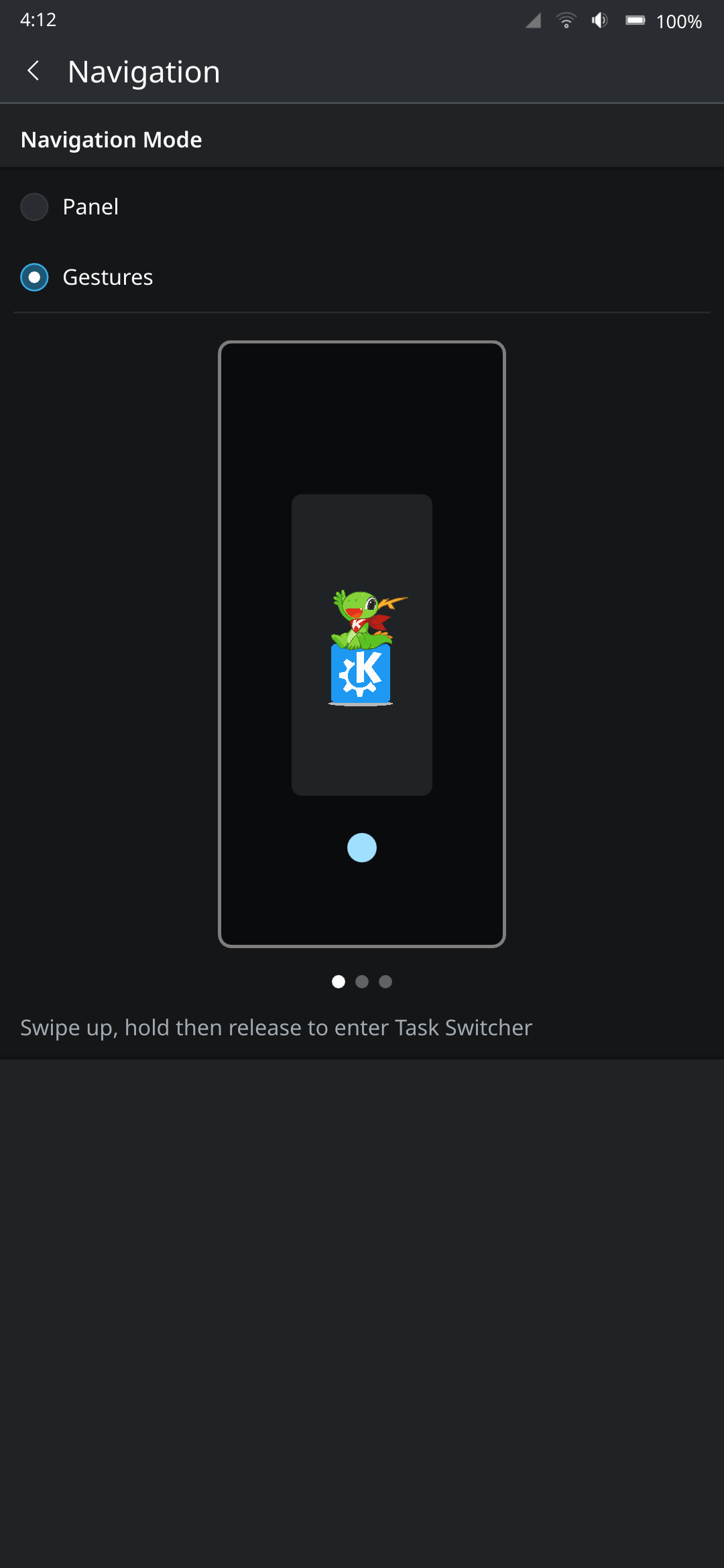
It has been a couple of years since I have last met KDE contributors in-person (Akademy 2022), so I really looked forward to finally being able to meet again. This sprint was the first time I met Bhushan, who is a long time contributor to Plasma Mobile, and was the one that initially guided me through contributions! He recently got funding to overhaul and improve the power management stack we have in Plasma Mobile, which you can read about here. I also met Luis for the first time, who has been contributing to the project for quite a while, notably having contributed the system navigation gestures we have now!

I brought my brother along as well, who is starting to also make contributions to KDE. After the sprint, we travelled around a bit (I will eventually have another post about it, link coming when that happens). This post will focus on just the sprint itself.

Be sure to also check out blog posts about the sprint by other Plasma developers over at planet.kde.org.

Photo by Kevin Krammer

Lockscreen overlays and more 🔗

A few years ago, Aleix implemented the ability to allow windows to be overlaid on top of the lockscreen. We utilize this for the Phone dialer application in order to have the call screen show up over the lockscreen. In the past, I had made some attempts to also have the power menu, status bar, and quick settings panel also shown over the lockscreen, but was unsuccessful. At the sprint, we were able to make it happen!

For the power menu, Bhushan first investigated why the holding the power button on the lockscreen did not get passed to the shell. After a rabbit chase through many different places, he was able to create a fix. With Luis and the KWin developers, he also figured out why lockscreen overlays would get stuck visually after they are closed (fix).

After those fixes were done, Bhushan and I spent some time figuring out why my old merge requests did not work. We were eventually able to fix it up and get it working (video in this merge request)! We also investigated overlaying the status bar and quick settings panel from the shell to improve the lockscreen load time. While I was not able to finish the implementation at the sprint, we got the fundamental parts working too!

I also did some more investigation into the performance of the lockscreen. We currently load a new status bar and quick settings panel when the device is locked (as part of the lockscreen theme), which have some components that load quite slowly.

Merge requests related to this investigation:

Kirigami 🔗

Marco was at the sprint, and so I had the opportunity to discuss some mobile related issues with him.

Marco made the following fixes:

Broader Discussions 🔗

We were able to discuss some topics together at the sprint with other Plasma developers!

Photo by Kevin Krammer

Haptics stack 🔗

We discussed the stack that we use for vibrations and LEDs (issue). We currently use hfd-service (from Ubuntu Touch) as a backend to interact with the hardware, and QtFeedback on top for the system and applications to interact with them. However, QtFeedback is no longer developed by Qt (though we have forked it within KDE to port it to Qt 6), and gives a very simplistic API for vibrations (on and off with set durations). We also have had the issue that vibrations are not customized per-device, and so events that work fine on one device might feel too heavy on others, or not resonate at all.

We ended up deciding on giving feedbackd (used in Phosh) a try, using it directly in the shell and implementing a feedbackd backend in our fork of QtFeedback (KTactileFeedback) for backward compatibility. This allows us to potentially adopt the event system that feedbackd provides, so that they can be adapted to devices based on how they feel. While feedbackd does has an DBus API for applications, we will eventually want to look at having a generic portal API for applications on having haptics.

I created the following merge requests:

Notch Support 🔗

Plasma Mobile does not currently have any support for notches or rounded corners. Phosh developers have already proposed a new Wayland specification that will allow the shell and applications alike to receive information about screen cutouts. We discussed it with the KWin developers to get it on their radar, and decided upon pursuing an experimental implementation of it in KWin, and using it in the shell to make any UI adjustments necessary. Qt 6.9 also recently introduced a screen edge “safe areas” API (for Android and iOS), and so we can eventually also implement a backend there to support it on Linux.

Envmanager 🔗

Plasma Mobile has a service called envmanager that manages configurations that are used by both Desktop and Mobile, and swaps configuration as necessary between the sessions. There are many drawbacks to this approach because it affects the user’s Plasma configurations directly, and needs to run before session startup (and so bad stuff can happen if it is uninstalled before logging into the desktop session). We discussed having a more robust approach, and one of the ideas floated was to add a path to XDG_CONFIG_DIRS in the Plasma Mobile startup script, where we can have a “Plasma Mobile” folder that only the shell controls to provide our intended configuration. Our configuration framework (KConfig) supports overlaying config options from various locations, and so we can have the user’s config be overlaid on top of our “Plasma Mobile” config. envmanager can then directly write to this folder without having to affect the user’s configuration, and without affecting the Desktop session.

I created a merge request to implement this:

Power management 🔗

Bhushan has been doing a lot of work in this area recently, and did some work on this at the sprint (hopefully his blog post will come soon!). Jakob, who has done a lot of work on overhauling the power management stack in the past year, was also at the sprint. Together, we had a conversation about the future of the power management KCM. Currently, there are separate desktop and mobile KCMs for power, mainly because the desktop one contains far too many options that are not relevant on mobile. The mobile KCM has suffered from some bitrot in the past, and so I had moved the code to be located in the same repository as the desktop one in order to share code. We discussed potentially merging the two KCMs, but decided on continuing with the status quo for now because of the complexity involved in both having good UX, and in how to streamline the desktop settings to have some features apply more directly to mobile. It is a much larger topic that could perhaps be suited for a future GSoC project.

I created a merge request to share more code with the desktop KCM for the time being:

Thank you 🔗

I am really glad to have been able to finally attend an in-person KDE event, it was really productive! Thank you for having me!

I know I have not really shared many updates about Plasma Mobile in the past few years, mainly due to being busy with school and work. Rest assured, the project is still moving along, I plan to hopefully push through a new blog post on plasma-mobile.org in the coming weeks!

As much as I love Kate editor, as I mentioned in my previous post, setting up Python language server has always been a bit fiddly if you want it to work with virtual environments.

However thanks to Kate documentation and some Big Think:tm:, I managed to figure it out, and now I wish to share it.

I could just show the code and that's it, but I wanted to write this so that someone new-ish has easier time to understanding what to do.

Language server: python-lsp-server

The language server I am talking about in this instance is the python-lsp-server. VSCode uses something called Pylance, but that's proprietary and probably can't ever be made to work with any other editors. One thing I do miss from Pylance is the easy way to make it work with virtual environments.

Also silly side tangent, I kinda find it weird people call them "LSP" and not "LS" or "language server." LSP means Language Server Protocol, which is how the language server talks to your editor.. I mean I know it doesn't matter but it's a silly pet-peeve.

Python language server plugins

I also want to utilize ruff which is a nice linter and formatter for Python. To use it with the language server, you need to use python-lsp-ruff. This makes the language server use ruff instead of it's own built-in things.

Configurations for virtual environments

Kate docs actually mention this part. Search the documentation for pylsp_in_env. It's a bash script which we will be making, but with a tiny twist.

Bash script

We need to create a bash script called pylsp_in_env (or whatever you desire) which Kate will use to figure out the virtual environment before running the language server.

It's rather simple script:

#!/usr/bin/env bash

path=$1
cd $path
if [ -d "${path}/.venv" ]; then
  source $1/.venv/bin/activate
fi

if [ -d "${path}/venv" ]; then
  source $1/venv/bin/activate
fi

exec pylsp --check-parent-process

What we do here, instead of the documented example, is to check where the activate script actually is. Some people prefer having it .venv and some venv and there's other names too I'm sure.

So we get the path from the command, then source the virtual environment in right folder, and then execute the pylsp --check-parent-process as Kate would do by default.

Save this this to your $PATH somewhere so that Kate can see it, or alternatively add the path to your Kate settings. This PATH setting is in Kate 25.04.0 at least. Don't forget to chmod +x ./pylsp_in_env so that it has the execution permissions

Kate LSP config

Finally, just add this to your Kate LSP config file:

{
    "servers": {
        "python": {
            "command": [
                "pylsp_in_env", "%{Project:NativePath}"
            ],
            "root": ".",
            "url": "https://github.com/python-lsp/python-lsp-server",
            "highlightingModeRegex": "^Python$",
            "settings": {
                "pylsp": {
                    "plugins": {
                        "ruff": {
                            "enabled": true
                        }
                    }
                }
            }
        }
    }
}

Of course, if you have more language servers in your config, make sure to add the above part next to them.

If you don't want to use ruff, you can remove the whole settings bit.

What I wanted to note here is that Kate now gives the full path to the python project using the %{Project:NativePath} argument. There's more of these %{} items in Kate, which can be found by scouring the documentation.

Done!

That's pretty much it. Now restart the language servers from Kate menus, or restart Kate, and Kate is now aware of any of the virtual environments running inside your Python project.

Do note that I have no idea how poetry etc. do this. I think they may need some kind of different script. If I ever need to figure that out, I will extend this post or make new one.

If you read the Kate docs, you may have already understood what to do and done so. I however wanted to share my solution for this, which differs very slightly from the one in the documentation.

Thanks for reading, I hope this helps!

Friday, 2 May 2025

It’s no news that cool kids don’t blog anymore. So passé! That’s why Harald and I, we have started doing some mild streams where we discuss topics around our little FOSS perspective like KDE, Plasma, KDE Linux and the likes.

We’ll be more than happy for you to join! twitch.tv/daft_code

I’ve been announcing the next episodes in my Mastodon account as well as in the involved Matrix channels. There I try to announce the next episodes and when they’ll happen. It’s generally been on Sunday evenings.

We are total noobs about using Twitch and all that, don’t hesitate to suggest us how to do better.

Looking forward to having you over!

😀 Consider supporting us!

A photo of the Schlossberg in Graz shot from a bridge across the Mur

The past week I spent in the lovely Austrian City of Graz attending the Plasma Sprint and Grazer Linuxtage 2025.

Sprint

After no Plasma Sprint in 2024 the attendance was massive, it was the biggest sprint I attended - if not the biggest in recent KDE history, the Nuremberg ‘Mega Sprint’ in 2019 may come close but that multiple sprints in one! The result was a lot of productive discussions, hacking and fun conversation during dinner and afterwards.

A subset of all the interesting discussions and things that happened at the sprint:

  • We discussed sandboxing 3rdparty plasmoids which was talked about already a bit during last years Akademy. It involves interesting technical challenges and tradeoffs but would also enable for example distributing plasmoids through flatpak in the future.
  • A new applet loading mechanism was proposed by Nicolas enable us to take advantage of the modern QML infrastructure and tooling
  • We decided to do one more point release for regular Plasma releases (i.e. a .6) but no more LTS releases
  • Streamlining the many repositories Plasma consists of
  • Switching qdoc for documentation instead of doxygen (like Frameworks will do soon)
  • Vlad presented his very impressive Dynamic Wallpaper Engine and how we could upstream parts of it to Plasma proper

…and a whole lot more, be sure to check out all the other reports by the other attendees over at the Planet

I also got some hacking in between session and on the train and managed to finish a very nice feature for Plasma 6.4. Systemmonitor will now be able to display the GPU usage of each process and how much VRAM it is using.

Grazer Linuxtage

On Saturday we had a booth at Grazer Linuxtage showcasing Plasma and KDE software such as Krita on various form factors such as laptop, phones, the Steam Deck and a graphics tablet with a built in screen (connected to a laptop). The interest was immense and it was very nice to see many children attending the event and being interested in Linux. After the event we even managed to pull an elaborate heist and smuggle the poster designating our booth curled up inside a roll-up banner outside the venue.

Epilog

Big shutouts to Harald and Kevin for organizing the Sprint. Thank you to Grazer Linuxtage for making it possible to have the Plasma Sprint there, my employer Techpaladin Software for sending me there, and the KDE e.V. that makes it possible for others to attend (donations always welcome).

Next week I will in Munich to attend Qt World Summit and Qt Contributor Summit, see you around!

Earlier last month I helped organize conf.kde.in 2025 in the Gandhinagar, Gujarat. This was very exciting for me as it was apparently in same venue where I had attended my very first KDE event!

General structure of event

As of recent years, conf.kde.in has been three-day event, two days of conference followed by one day of un-conference sessions, those of who attend the Akademy or GSoC mentor summit, this is not a new format. Un-conference allows audience to schedule a session they’re interested in and is pretty much open-mic session for anyone.