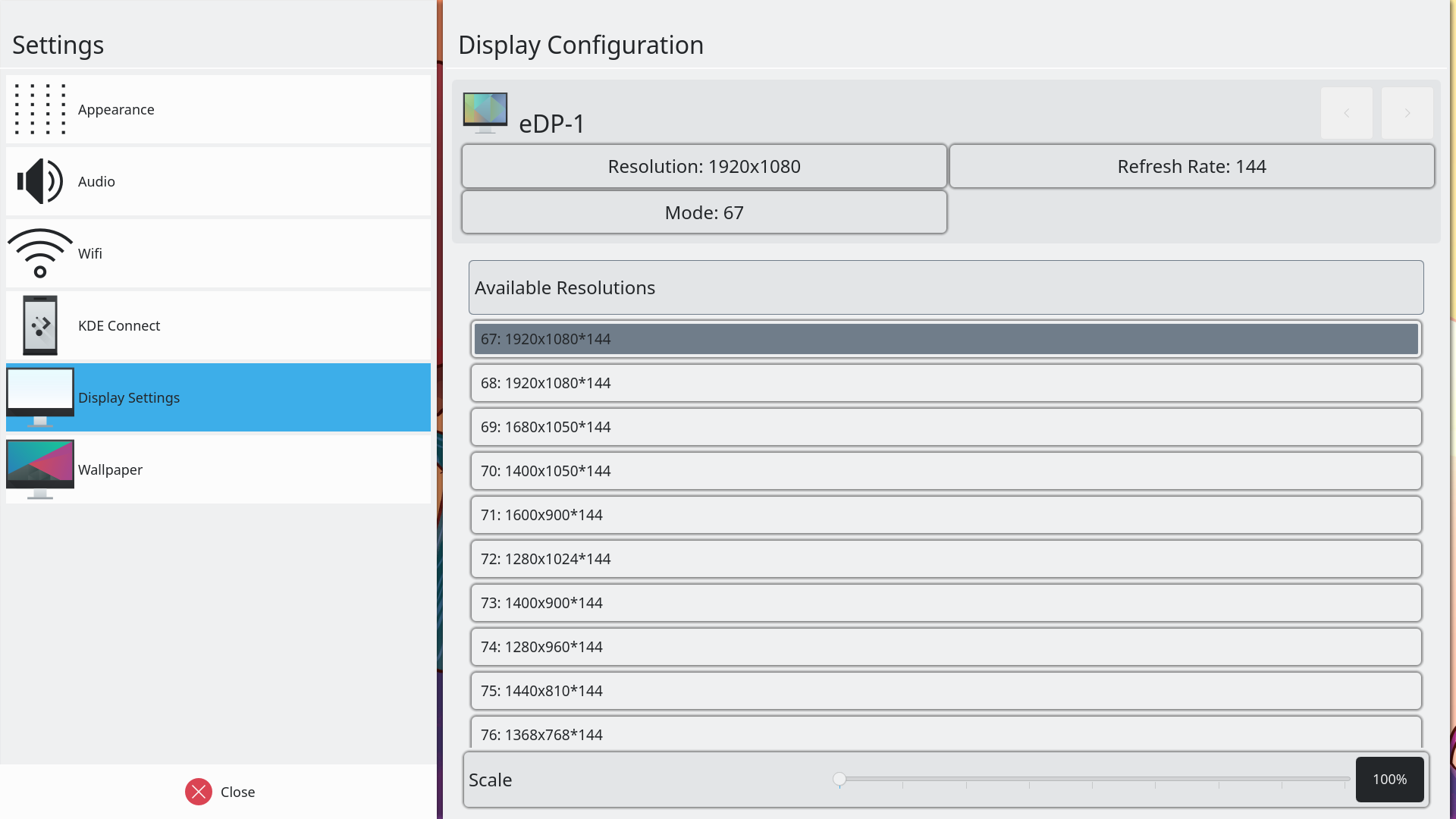
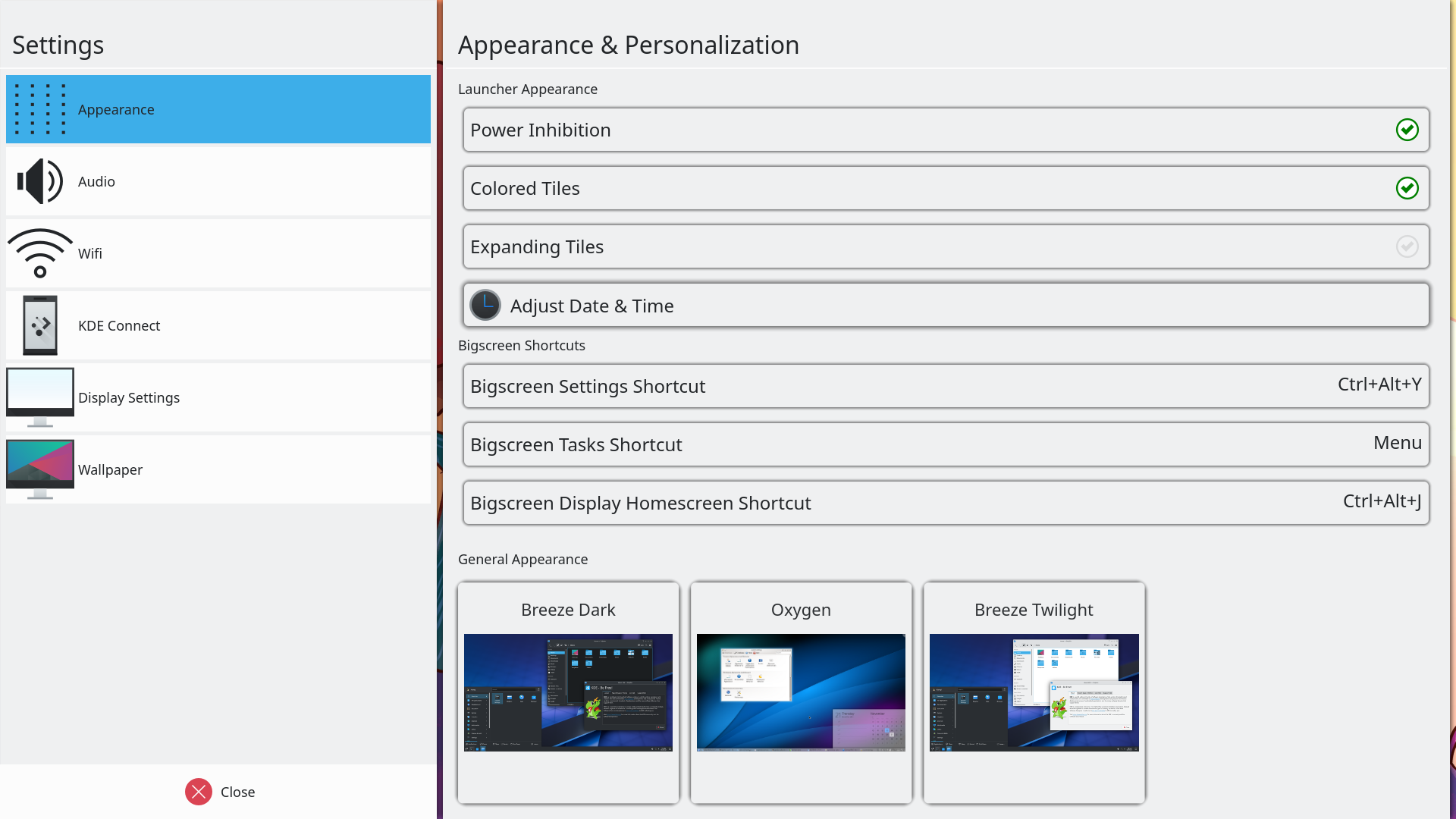
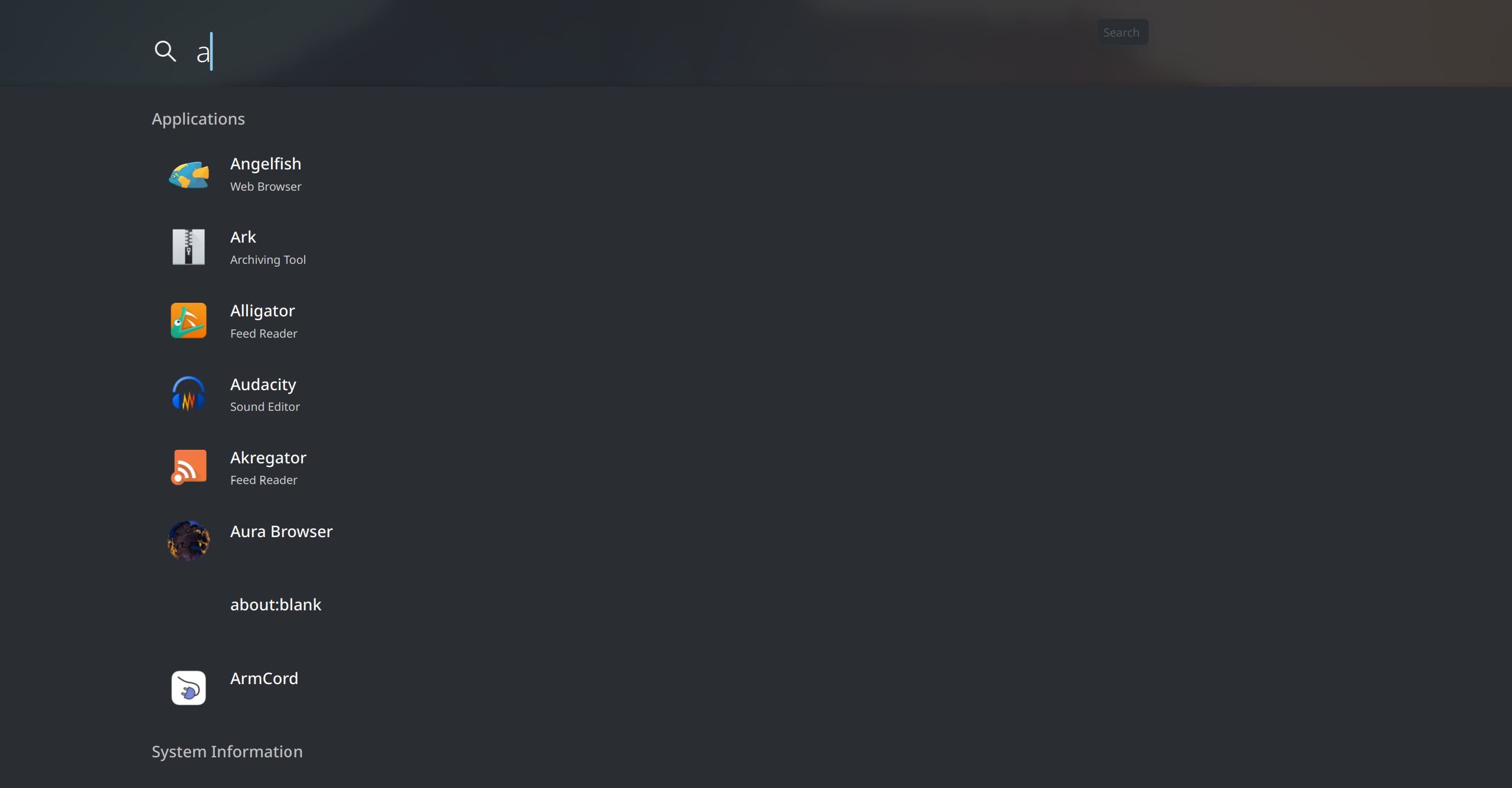

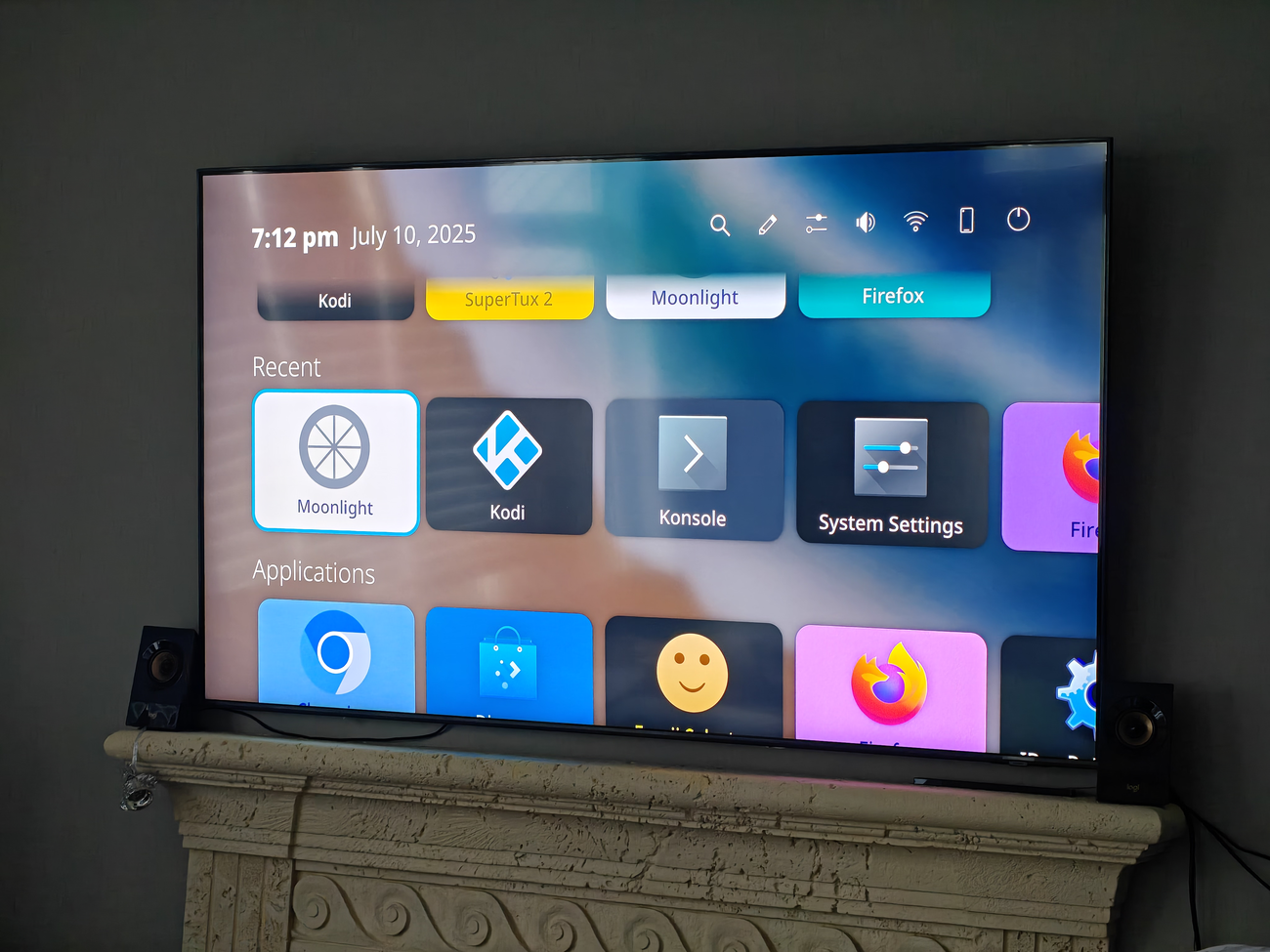
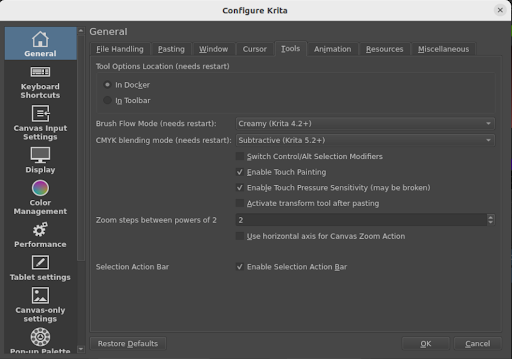
I have also updated jOBS, a Java-based Open Build Service library and developed a basic GUI for it, OBS FX; it is a JavaFX-based OBS client with a green touch
This month has been amongst the most intense of my FOSS journey I’d had in a while. We had both the Plasma sprint and the LinuxAppSummit (LAS).
You can follow what was done in the sprint at the manyblogpostsbyour teammates. Thank you all!
When it comes to LAS, you can look at most videos here. However, you’ll be missing out on the experience of joining it. Consider joining next year!
All in all, it gave me a nice feeling of realisation that we are on the right track at large. Plasma is getting lots of love by our devs, ensuring a continued stream of improvements to our UX. From a Plasma standpoint, we are slowly exploring the possibility of having add-ons with Flatpak. I find this an exciting development that can bring Plasma extensions to a next level, that wouldn’t be feasible without the work from many of the folks at LAS.
And all that to say that we are all fine, and healthy. Either Plasma or LAS, both are nice communities full of nice people pushing our ecosystem together towards new horizons that I’m sure we’ll all be happy to explore.
I attended the Plasma sprint this year in Graz, Austria!
It has been a couple of years since I have last met KDE contributors in-person (Akademy 2022), so I really looked forward to finally being able to meet again. This sprint was the first time I met Bhushan, who is a long time contributor to Plasma Mobile, and was the one that initially guided me through contributions! He recently got funding to overhaul and improve the power management stack we have in Plasma Mobile, which you can read about here. I also met Luis for the first time, who has been contributing to the project for quite a while, notably having contributed the system navigation gestures we have now!
I brought my brother along as well, who is starting to also make contributions to KDE. After the sprint, we travelled around a bit (I will eventually have another post about it, link coming when that happens). This post will focus on just the sprint itself.
Be sure to also check out blog posts about the sprint by other Plasma developers over at planet.kde.org.
A few years ago, Aleix implemented the ability to allow windows to be overlaid on top of the lockscreen. We utilize this for the Phone dialer application in order to have the call screen show up over the lockscreen. In the past, I had made some attempts to also have the power menu, status bar, and quick settings panel also shown over the lockscreen, but was unsuccessful. At the sprint, we were able to make it happen!
For the power menu, Bhushan first investigated why the holding the power button on the lockscreen did not get passed to the shell. After a rabbit chase through many different places, he was able to create a fix. With Luis and the KWin developers, he also figured out why lockscreen overlays would get stuck visually after they are closed (fix).
After those fixes were done, Bhushan and I spent some time figuring out why my old merge requests did not work. We were eventually able to fix it up and get it working (video in this merge request)! We also investigated overlaying the status bar and quick settings panel from the shell to improve the lockscreen load time. While I was not able to finish the implementation at the sprint, we got the fundamental parts working too!
I also did some more investigation into the performance of the lockscreen. We currently load a new status bar and quick settings panel when the device is locked (as part of the lockscreen theme), which have some components that load quite slowly.
We discussed the stack that we use for vibrations and LEDs (issue). We currently use hfd-service (from Ubuntu Touch) as a backend to interact with the hardware, and QtFeedback on top for the system and applications to interact with them. However, QtFeedback is no longer developed by Qt (though we have forked it within KDE to port it to Qt 6), and gives a very simplistic API for vibrations (on and off with set durations). We also have had the issue that vibrations are not customized per-device, and so events that work fine on one device might feel too heavy on others, or not resonate at all.
We ended up deciding on giving feedbackd (used in Phosh) a try, using it directly in the shell and implementing a feedbackd backend in our fork of QtFeedback (KTactileFeedback) for backward compatibility. This allows us to potentially adopt the event system that feedbackd provides, so that they can be adapted to devices based on how they feel. While feedbackd does has an DBus API for applications, we will eventually want to look at having a generic portal API for applications on having haptics.
Plasma Mobile does not currently have any support for notches or rounded corners. Phosh developers have already proposed a new Wayland specification that will allow the shell and applications alike to receive information about screen cutouts. We discussed it with the KWin developers to get it on their radar, and decided upon pursuing an experimental implementation of it in KWin, and using it in the shell to make any UI adjustments necessary. Qt 6.9 also recently introduced a screen edge “safe areas” API (for Android and iOS), and so we can eventually also implement a backend there to support it on Linux.
Plasma Mobile has a service called envmanager that manages configurations that are used by both Desktop and Mobile, and swaps configuration as necessary between the sessions. There are many drawbacks to this approach because it affects the user’s Plasma configurations directly, and needs to run before session startup (and so bad stuff can happen if it is uninstalled before logging into the desktop session). We discussed having a more robust approach, and one of the ideas floated was to add a path to XDG_CONFIG_DIRS in the Plasma Mobile startup script, where we can have a “Plasma Mobile” folder that only the shell controls to provide our intended configuration. Our configuration framework (KConfig) supports overlaying config options from various locations, and so we can have the user’s config be overlaid on top of our “Plasma Mobile” config. envmanager can then directly write to this folder without having to affect the user’s configuration, and without affecting the Desktop session.
Bhushan has been doing a lot of work in this area recently, and did some work on this at the sprint (hopefully his blog post will come soon!). Jakob, who has done a lot of work on overhauling the power management stack in the past year, was also at the sprint. Together, we had a conversation about the future of the power management KCM. Currently, there are separate desktop and mobile KCMs for power, mainly because the desktop one contains far too many options that are not relevant on mobile. The mobile KCM has suffered from some bitrot in the past, and so I had moved the code to be located in the same repository as the desktop one in order to share code. We discussed potentially merging the two KCMs, but decided on continuing with the status quo for now because of the complexity involved in both having good UX, and in how to streamline the desktop settings to have some features apply more directly to mobile. It is a much larger topic that could perhaps be suited for a future GSoC project.
I created a merge request to share more code with the desktop KCM for the time being:
I am really glad to have been able to finally attend an in-person KDE event, it was really productive! Thank you for having me!
I know I have not really shared many updates about Plasma Mobile in the past few years, mainly due to being busy with school and work. Rest assured, the project is still moving along, I plan to hopefully push through a new blog post on plasma-mobile.org in the coming weeks!
As much as I love Kate editor, as I mentioned in my previous post, setting up Python language server
has always been a bit fiddly if you want it to work with
virtual environments.
However thanks to Kate documentation and some Big Think:tm:, I managed to
figure it out, and now I wish to share it.
I could just show the code and that's it, but I wanted to write
this so that someone new-ish has easier time to understanding
what to do.
The language server I am talking about in this instance is the python-lsp-server.
VSCode uses something called Pylance, but that's proprietary and probably can't
ever be made to work with any other editors.
One thing I do miss from Pylance is the easy way to make it work with virtual environments.
Also silly side tangent, I kinda find it weird people call them "LSP" and not "LS" or "language server."LSP means Language Server Protocol, which is how the language server talks to your editor..I mean I know it doesn't matter but it's a silly pet-peeve.
I also want to utilize ruff which is a nice linter
and formatter for Python. To use it with the language server,
you need to use python-lsp-ruff.
This makes the language server use ruff instead of it's own built-in things.
We need to create a bash script called pylsp_in_env (or whatever you desire) which Kate will use to figure out the virtual environment before
running the language server.
It's rather simple script:
#!/usr/bin/env bash
path=$1
cd $path
if [ -d "${path}/.venv" ]; then
source $1/.venv/bin/activate
fi
if [ -d "${path}/venv" ]; then
source $1/venv/bin/activate
fi
exec pylsp --check-parent-process
What we do here, instead of the documented example, is to check
where the activate script actually is.
Some people prefer having it .venv and some venv and there's other names too I'm sure.
So we get the path from the command, then source the virtual environment
in right folder, and then execute the pylsp --check-parent-process
as Kate would do by default.
Save this this to your $PATH somewhere so that Kate can see it, or alternatively
add the path to your Kate settings. This PATH setting is in Kate 25.04.0 at least.
Don't forget to chmod +x ./pylsp_in_env so that it has the execution permissions
Of course, if you have more language servers in your config, make sure
to add the above part next to them.
If you don't want to use ruff, you can remove the whole settings bit.
What I wanted to note here is that Kate now gives the full path to the python project
using the %{Project:NativePath} argument. There's more of these %{} items in Kate, which can be found by scouring the documentation.
That's pretty much it. Now restart the language servers from Kate menus, or restart Kate, and Kate is now aware of any of the virtual environments running inside your Python project.
Do note that I have no idea how poetry etc. do this. I think they may need some kind of different script. If I ever need to figure that out, I will extend this post or make new one.
If you read the Kate docs, you may have already understood what to do and done so. I however wanted to share my solution for this, which differs very slightly from the one in the documentation.
It’s no news that cool kids don’t blog anymore. So passé! That’s why Harald and I, we have started doing some mild streams where we discuss topics around our little FOSS perspective like KDE, Plasma, KDE Linux and the likes.
I’ve been announcing the next episodes in my Mastodon account as well as in the involved Matrix channels. There I try to announce the next episodes and when they’ll happen. It’s generally been on Sunday evenings.
We are total noobs about using Twitch and all that, don’t hesitate to suggest us how to do better.
The past week I spent in the lovely Austrian City of Graz attending the Plasma
Sprint and Grazer Linuxtage 2025.
Sprint
After no Plasma Sprint in 2024 the attendance was massive, it was the
biggest sprint I attended - if not the biggest in recent KDE history, the Nuremberg
‘Mega Sprint’ in 2019 may come close but that multiple sprints in one! The result
was a lot of productive discussions, hacking and fun conversation during dinner and afterwards.
A subset of all the interesting discussions and things that happened at the sprint:
We discussed sandboxing 3rdparty plasmoids which was talked about already a bit during
last years Akademy. It involves interesting technical challenges
and tradeoffs but would also enable for example distributing plasmoids through flatpak in the future.
A new applet loading mechanism was proposed by Nicolas enable us
to take advantage of the modern QML infrastructure and tooling
We decided to do one more point release for regular Plasma releases (i.e. a .6) but no more LTS releases
Streamlining the many repositories Plasma consists of
Switching qdoc for documentation instead of doxygen (like Frameworks will do soon)
Vlad presented his very impressive Dynamic Wallpaper Engine and how we could
upstream parts of it to Plasma proper
…and a whole lot more, be sure to check out all the other reports by the other attendees over at the Planet
I also got some hacking in between session and on the train and managed to finish a very nice feature for Plasma 6.4. Systemmonitor
will now be able to display the GPU usage of each process and how much VRAM it is using.
Grazer Linuxtage
On Saturday we had a booth at Grazer Linuxtage showcasing Plasma and KDE software such as Krita
on various form factors such as laptop, phones, the Steam Deck and a graphics tablet with a built in screen (connected to a laptop).
The interest was immense and it was very nice to see many children attending the event and being interested in Linux.
After the event we even managed to pull an elaborate heist and smuggle the poster designating our booth curled up inside a roll-up banner outside the venue.
Epilog
Big shutouts to Harald and Kevin for organizing the Sprint. Thank you to Grazer Linuxtage for making it possible to have the Plasma Sprint there, my employer Techpaladin Software for sending me there, and the KDE e.V. that makes it possible for others to attend (donations always welcome).
Next week I will in Munich to attend Qt World Summit and Qt Contributor Summit, see you around!
Earlier last month I helped organize conf.kde.in 2025 in the Gandhinagar, Gujarat. This was very exciting for me as it was apparently in same venue where I had attended my very first KDE event!
General structure of event
As of recent years, conf.kde.in has been three-day event, two days of conference followed by one day of un-conference sessions, those of who attend the Akademy or GSoC mentor summit, this is not a new format. Un-conference allows audience to schedule a session they’re interested in and is pretty much open-mic session for anyone.
I attended my first Plasma sprint, and indeed my first in-person KDE event! It was an amazing experience! 😄
It was really great to be in the same room with so many talented and knowledgeable people. The amount of expertise gathered together was fantastic. The usual difficulties with remote communication were gone, and suddenly we could have easy back-and-forths, go sit next to someone to ask their expert opinion, and big group discussions could flow freely in a fraction of the time it would normally take.
Some of the cool things we talked about and worked on are: sandboxing (including things other than apps, like Plasma widgets and runners for KRunner), KNewStuff (where we can download new widgets/themes/etc), Activities, Telemetry, and oh so much more! We covered so much in such a short time it had my head spinning.
We also discussed the first-run experience (FRE) or out-of-the-box experience (OOBE) that is my current main focus. For those who are unfamiliar, this is the flow that happens when a user first turns on a new computer where it asks them to create the first user. Currently this doesn't exists for KDE (outside of some hacks that have significant drawbacks), and the user has to be created during system installation. For technically inclined users doing their own system install this is no problem, but it is a big problem for other scenarios; think for example about…
Government organizations or large businesses who want to image computers with the system software
OEMs who need to pre-install an operating system
Used computer shops saving those millions of PCs that can't run Windows 11
For all of these scenarios and more, the operating system needs to be installed but the user account should not yet be created. Rather once the intended end-user has opened up the box and turned on their shiny new computer, only then should they be prompted to "Choose your username and password" (among other things).
It was great to be able to present the vision for this, and I got great feedback, questions, suggestions, etc. Working together we came up with a solid plan to proceed, and I've started the work of implementing all of these ideas!
On the personal front, the whole experience was pretty challenging for me. Right off the bat my pre-existing medical condition means that I don't have much energy to work with on a daily basis, and that I get sick worse/more easily than most people do.. and wow did I ever get hit with the whole shebang!
After being hired on as the new Plasma Software Engineer, I had just under 2 weeks notice to try and arrange to attend the sprint. This started with needing my passport; I already had an appointment to get it, but not until just after the sprint (I was getting it originally for use to attend Akademy!). So I had to go down and spend the entire day at the passport offices, to ask for it to be issued expedited - which thankfully I got! Then was a whirlwind of things like...
Research (do I need a visa? what can I/can't I bring? what should I bring? Is there any potential issues bringing my meds? (yes), travel insurance, mobile service, etc)
Booking travel & lodging, and trying to do so at a semi-reasonable price while booking last minute
Buying supplies for travel (toothbrush, laptop bag, water bottle, travel umbrella, climate appropriate clothing (we just had snow/ice storms in Canada before I left, and it is still getting down near freezing at night!), etc, etc)
Though I will say it is pretty lucky I had been casually learning German for the fun of it the past couple years. I definitely need more speaking practice though!
I am very happy I managed to attend, but generally I would not recommend trying to arrange one's first international travel with only several day's notice haha! 😂
Yeah, that's right.. first. I've rarely been away from my hometown before, and I've actually never left my native timezone previously! So travelling to the other side of the planet was a bit of a change, to say the least. The travel was more than I expected: ~2 hr bus ride to the airport, waiting for hours to get on the plane, ~10 hrs across the ocean, ~2 hr layover, ~1 hr additional to Graz, then ~1.5 hrs figuring out the train/tram from the airport to the venue (I had to ask for help figuring out how to get to the train station).
With all of this, the jetlag, as well as working 9 to 10 hour days I was feeling incredibly exhausted to put it mildly. Then I thought I was having a massive attack of allergies (I did just come from the land of ice and snow to a place where everything is green and blooming after all…), alas sadly I did catch a cold or something quite nasty that I am still trying to shake off. 😷🤧🤒😴
I learned a whole lot about travelling, there are a bunch of things I would do differently, and I am confident that my next trip will go much more smoothly as a result!
I am so glad that I got to attend, because we got some great work done and I met lovely, friendly people. It was a very nice atmosphere, and everyone was very kind and welcoming. It is really good to be able to put faces to the names of people I've been working with for years in some cases!
I am really looking forward to seeing everyone again at Akademy~ 🎉 Tschüss!
What happens when you put three mobile OS devs into one room for more than a few minutes?
Fun times, that's what!
A few days ago I returned back home from Graz after attending my very first Plasma Sprint and it's been an incredible experience throughout. Everyone there was incredibly welcoming and we managed to not only have a great time, but also got a lot done.
As you might expect, my focus was mostly on Plasma Mobile, which was helped by Devin and Bhushan also attending in person. We chatted about technical challenges around power management, display notches, haptic feedback and so so much more - but maybe even more exciting in the short term, we managed to reproduce and fix a number of very annoying bugs that stopped me (and probably some others) from daily driving Plasma Mobile with my main SIM.
Double Call Bug
While calling on my OnePlus 6T worked really well for a while already there was a... quite annoying issue when receiving calls while the phone was locked: Plasma Dialer would receive two call notifications which in turns lead to the ring tone being doubled. So far so bad. The worse part was when accepting said call one of the two ring tones would continue. Now, the call itself worked fine, microphone, speakers, all good - you just had the ringing in your ears the entire time and had to reboot to get rid of it. Not great!
This was ultimately an issue with events being connected too often in certain cases like when a SIM card has a pin lock or the phone has (working) dual SIM. This is now fixed from Plasma 6.3.5 onwards. Yes, I kept the dev build on my phone until then ;)
Dialer freezing on lockscreen
The second big issue was that any time Dialer opened on top of the lock screen it would get stuck there after closing. The last frame rendered by the app would remain frozen on the lockscreen until it was rebooted or unlocked. The same bug could lead to essentially softlocking the phone on boot if session restore was enabled and the phone app was open, as it would initialize on top of the first-boot lockscreen and then stay frozen there (Which is why I disabled session restore for mobile before already).
This was ultimately an issue in KWin and how it handles certain effect types on the lockscreen and has also been fixed for 6.3.5. Until then as a workaround it's possible to disable KWin's Scale effect (which animates opening and closing windows) as that is what "got stuck" on the lockscreen.
To debug and fix both of these we made about 100 calls to and from various Plasma Mobile devices throughout the Sprint - Sorry to all the people who had to hear constant ringing, we really tried having it as quiet as possible!
Merged Changes
As far as merged changes go, it's... short this time around since free time wasn't kind to me these last few months, so most of what I did, I did on the sprint with others and the blog-worthy parts of that are covered above, but there's a bit:
Made some interactions with the modem asynchronous to improve UI performance (these could potentially freeze the UI for a short time).
Feels a bit weird to have a list for one item, so let's make it two:
This wasn't me, but Devin fixed the navigation gestures being enabled when the navbar was active which was terrible user experience and I'm so grateful for this finally being fixed because this bug absolutely broke me. Thanks Devin for saving my sanity!
Unfinished
I did make some progress on other tasks though, even if they (still) aren't done yet:
On the sprint I had a good long chat with Xaver about my corner touch gesture MR for KWin in preparation for feature parity between navbar and gesture navigation. He has been working on a refactor of the gesture code in KWin which decouples touch and mouse gestures from each other and we came to the conclusion that it's more sensible to base my work on his refactor as it then has to touch a lot less code and stops sharing code paths with other mostly unrelated features.
As part of that conversation we also touched on incorporating some of the custom gesture logic I created for the task switcher gesture into KWin directly, as that currently still lives in the Plasma Mobile repo.
I've restarted work on my "refactor" of the mobile task switcher again to make it more maintainable and performant by annotating types and following some rules to allow Qt to create a precompiled binary of the QML files using qmlcachegen.
Closing Remarks
I want to circle back to the Sprint and emphasize again how amazing it was - and not only that, since then I've kept my SIM card in my postmarketOS Plasma Mobile phone because the two dealbreaker bugs for me are now fixed. My Android will unfortunately stay with me for the foreseeable future mostly due to banking/payment apps, but it's a step in the right direction.
After a long pause, welcome to a new issue of "This Week in KDE Apps"! Every week (more or less) we cover as much as possible of what's happening in the world of KDE apps. Due to my vacation, this issue covers the past 4 weeks.
Wolthera van Hövell continued to improve the text rendering in Krita. She wrote a very detailed blog post about font metrics. She implemented the css-text-decor-4 spec for text decoration (Link), implemented css-inline-3 and SVG2 spec for the baseline handling (link).
Mathias Wein fixed various bugs with the color palette editing. (Link)
The port to Qt6 is still ongoing, Freya Lupen ported the Python plugins integration to PyQt6 (link), and Joshua Goins fixed a crash in the thumbnailer (link).
Finally, Nicolas Fella made it possible to run Krita natively on Wayland (instead of using XWayland). Note that this is still not officially supported and should only be used for development purposes. (Link)
Pedro Nishiyama added support for the MediaSession API on Android. This means the music currently playing is now properly displayed as a notification. (25.08.0. Link)
Carl Schwan and Volker Krause continued working on unifying KTrip's and Itinerary's user interface, and moving the shared code to KPublicTransport. This week the backend selector was unified (25.08.0. Link 1 and link 2), along with the location search (link).
Volker Krause added an option to select a OpenRailwayMap map styles for the live status map view. This provides valuable information for any train nerds and includes the following 5 variants: infrastructure, signalling, max speed, electrification, and gauge. (Link)
When available, Volker also made the ticket validity times visible. (Link)
Aside from benefiting from more shared code with KTrip, Itinerary received a few improvements too. Carl Schwan ported the health certificates details from FormLayout to FormCard (25.08.0. Link).
Carl also improved the statistics page to handle the case where no country was visited on a specific year. (25.08.0. Link)
As always, there are some improvements regarding ticket extraction, with Kai Uwe Broulik adding support for Gastronovi, a digital management system for restaurants (25.08.1. Link); Volker Krause adding support for Kolumbus ferries (Link); David Pilarčík adding support for EventLook and Tootoot.fm (Link, link 2 and Preemly.eu (link 3); and Carl Schwan adding support for British Airways confirmation emails (Link).
Volker also improved the existing support for ÖBB NightJet tickets (Link), generic UIC 918.3 tickets (Link), and DB regional tickets (link).
Qt
From the Qt side, Matthias Rauter published a blog post about hardware accelerated vector map rendering in Qt. This could become very useful for Itinerary and KTrip.
Hy Murveit added two new guiders to KStars: Linear and Hysteresis. Linear is a conservative guide algorithm that uses a little of the history to advise guiding pulses. Hysteresis uses a fraction of the last guide correction combined with the current one. (Link)
Valentyn Bondarenko fixed the formatting bar overlapping with the content (Link) and improved the performance by minimizing unnecessary UI updates (Link).
KMyMoney Personal finance manager based on double-entry bookkeeping
Thomas Baumgart added an option to select the format used by backups of KMyMoney (Link) and protected opening multiple files at the same time by using a lockfile (Link). He also made it possible to choose the price source for the foreign exchange company OFX (Link).
Joshua Goins fixed a few issues when encountering a login issue (25.08.0. Link). The list of favorited posts is now correctly updated when switching accounts and Tokodon correctly switches to the homepage of the newly selected user.
Joshua also added placeholders for empty followers/following list (25.08.0. link).
Joshua improved the push notification support, notably it is now using content encryption (25.08.0. link)
Yelsin Sepulveda added an option to disable the Adblock (25.08.0. link). Yelsin also added more shortcuts: Ctrl+W to Close Current Tab and Ctrl+Shift+O to toggle the bookmarks (link) and added a right click menu to the history buttons to quickly navigate to a specific entry in the history of the current tab.
Carl Schwan ported the application to modern QML registration (25.08.0. link).
Carl also ported the authentification dialog from FormLayout to FormCardDialog (25.08.0. link).
And similarly Carl also refreshed the print dialog (25.08.0. link).
(A preview of the PDF should be displayed on the left but it seems there is an issue somewhere on the stack).
Carl Schwan ported the context menu of KRecorder to the new convergent option. (25.08.0. Link)
KDE PIM
Allen Winter reduced the size of the icons in the agent creation dialog (Link), and additionally, made a serie of improvements to the ical resource configuration dialog (link 1, link 2, link 3, link 4).
Tobias Fella fixed loading the colors from the Plasma PIM Calendar integration which was previously chosen randomly. (Link)
KOrganizer KOrganizer is a calendar and scheduling application
Allen also improved the calendar removing flow in KOrganizer, in particular handling some edge cases which corrupted calendars (link).
For a complete overview of what's going on, visit KDE's Planet, where you can find all KDE news unfiltered directly from our contributors.
Get Involved
The KDE organization has become important in the world, and your time and
contributions have helped us get there. As we grow, we're going to need
your support for KDE to become sustainable.
You can help KDE by becoming an active community member and getting involved.
Each contributor makes a huge difference in KDE — you are not a number or a cog
in a machine! You don’t have to be a programmer either. There are many things
you can do: you can help hunt and confirm bugs, even maybe solve them;
contribute designs for wallpapers, web pages, icons and app interfaces;
translate messages and menu items into your own language; promote KDE in your
local community; and a ton more things.
You can also help us by donating. Any monetary
contribution, however small, will help us cover operational costs, salaries,
travel expenses for contributors and in general just keep KDE bringing Free
Software to the world.
To get your application mentioned here, please ping us in invent or in Matrix.