In the next release of Dolphin, the search backend (when Baloo indexing is disabled) will be faster and support more file types, by using external projects ripgrep-all and ripgrep to do the search. Merge Request
What are ripgrep and ripgrep-all?
ripgrep is a fast text search tool that uses
various optimizations including multi-threading (compared to grep and Dolphin's
internal search backend which are single-threaded).
ripgrep-all, quote its homepage, is "ripgrep, but also search in PDFs, E-Books, Office documents, zip, tar.gz, etc.".
How to enable it
Install the ripgrep-all package from your distribution's package manager (which should
also install ripgrep). Then Dolphin will automatically use it for content search, when
Baloo is disabled.
If your distribution doesn't provide ripgrep-all, you can also try installing ripgrep. Then
Dolphin will use it for content search, but without the additional file type support.
Limitations
It only works in content search mode, and when Baloo content indexing is disabled. File name search still uses the internal backend.
It only works in local directories. When searching in remote directories (e.g. Samba, ssh), the internal search backend is used. Although we can run
ripgrepin remote directories through thekio-fuseplugin, testing shows it can be 3 times slower than the internal backend, so it's not used.It doesn't work on Windows. Although both
ripgrepandripgrep-allhave releases for Windows, I personally don't have Windows experience to integrate them. Merge request to enable it on Windows is welcome.
Customization
You can change the command line with which Dolphin calls the external tools. Copy
/usr/share/kio_filenamesearch/kio-filenamesearch-grep to ~/.local/share/kio_filenamesearch/,
and modify the script there. The script contains comments on the calling convention between Dolphin
and it, and explanations on the command line options.
One option you might want to remove is -j2. It limits the number of threads ripgrep
(and ripgrep-all) uses to 2. Using more threads can make the search much slower in hard disks (HDD).
I tried to detect HDD automatically, but it's not reliable, so I went with a conservative default. It's
still faster than the internal backend, but if you have an SSD, you can remove the option to unlock the
full speed of ripgrep.
You can also use a different external tool. (E.g. the silver search (ag). Or a full-text search engine
other than Baloo) Just make sure it outputs paths separated by NUL. Usually a -0 option will do that.
More customization
You can even modify the script so that you can specify different external tools in the search string.
For example, you can insert the following code before the original code that calls ripgrep-all:
...(line 1-33)
--run)
if test "$2" = "@git"; then
exec sh -c 'git status -s -z|cut -c 4- -z'
fi
...
Then if you search for "@git" in a git directory, it will show you changed files.
FAQ
But what if a malicious app creates ~/.local/share/kio_filenamesearch/kio-filenamesearch-grep that deletes all my files when I search?
If a malicious app can write to ~/.local/share/kio_filenamesearch/, it probably can just delete all
files in you home directory, without involving Dolphin at all. A script executed by Dolphin doesn't
have more power than a script executed by the malicious app itself.
Also, there are already a lot of places in your home directory that a malicious app can create a script in,
and it will be executed later without you noticing. E.g., ~/.bashrc, ~/.config/systemd/user,
~/.config/autostart, to name a few.
The threat is real, but I believe the solution is to prevent apps from writing to arbitrary places in your
home directory without your consent. If your apps are sandboxed (e.g. via Flatpak) so they can't write to
~/.config or ~/.local by default, and you only use trusted apps like Dolphin and Kate to manage files
in these places (so you trust them to not modify files behind your back), then the scenario in the
question is unlikely to happen.
Future works
There are quite a lot to improve in Dolphin's search (when not using Baloo). The content search should also search in file names. The search string is currently interpreted as a regular expression, but a fuzzy match or shell globbing seems to be a more sensible default (probably with regexp as an option). Hopefully future works will address these issues.
Tuesday, 1 October 2024
This being my first post on the KDE sphere (or any other sphere), it was supposed to be just a touch of contact with the world of blogging. But since time pass by in a blast, let's just summarize how I lived my third one in-person Akademy 2024.

Würzbug. Back to Germany
This year's Akademy happily got me back to Germany, which has become like a second home and a place I like to visit at least once a year (yeah, I missed the Dürüms).
I had bought the D-Ticket, which allowed my to board any public transport immaginable (well, except for ICE trains, but I haven't heard much good about them either) for bare 49€. It brought me some memories back as a student in Dresden, enjoying the same perks with the Semesterticket, just on a regional scope. Thanks to Itinerary and its route planner I was able to make it to Würzburg even an hour earlier than anticipated (less 20min train delay which I've heard it's currently quite a good metric).
After having my hotel booking cancelled last minute due to needed repair works, I had booked an appartment because the hotel prices were a bit over the top. I was really lucky to find that just around the corner I had a bus stop to go to the venue, and also Andy Betts and Richard Wagner as ilustrious neighbors. And one of the best rated Dönner places in the city. Very lucky indeed!
The Talks
It's hard to make a better summary of the Talks days that our very own Promo Team's report, which I agree with on many points.
What I particulary felt on these Akademy's talks was a high focus into the future. Some words were thematically present along most of the talks: story, product, and impact.
The story we as the KDE community want to tell is not just a bunch of code packages that live in an ethereal world to be grabbed by a few enthusiasts or distros, but a full useful product for the end users, an inviting environment for fellow developers, and a reliable asset for manufactures on their very concrete hardware.
There were many reveals and surprises to achieve this goal. Projects that had been incubating for some time, were now made public on this Akademy: the KDE OS Codename Banana by Harald Sitter, the Next Project and design system by Andy Betts and the Union theme engine by Arjen Hiemstra.
Some talks addressed the social and environmental impact of the technology we create. The one that specially got to me was the small story Nicole Teal told at her lightning talk. How a group of kids gave many "older" PCs a new life installing KDE, while learning new skills and making community, felt really true and a spur to continue contributing to FOSS. It really matters.
From the technical talks, I enjoyed "What is color, anyway" by Xaver Hugl, and unfortunately had to miss some other ones (Python and Rust integration with Qt). This is the hardest part, where you cannot just .clone() yourself and attend to two talks at the same time. Maybe I would have learnt to do that if I had attended the Rust presentation? (yeah, sorry bad Rust dad joke)
It was also on Sunday when Aniqa and Carl took me by surprise to agains my will happily answer to a small video interview. Just joking, it was fun. Just preemptively preparing myself for when the final video comes out and I can see what words I did babble :D.
The BoFs
After a very intense weekend of talks and the social event and post-event on Sunday, I took the Monday's morning off to have some rest. In the evening, Andy and Manuel showed me a bit more about the design system they're using and the icon exporter Manuel has been developing to streamline the process between designers and the final product. Amazing stuff!
I also started a draft of this very blog post, which wasn't much successful as you can imagine by its final release date.
The big BoF day for me was mostly Tuesday, where I focussed on the Plasma and the VDG ones, though I missed those on KWin's roadmap and window tiling, due to competing schedules. During the Plasma BoF, we could experiment in real time, the step-by-step process of realeasing the Plasma 6.1.5 version, thanks to Jonathan, our Plasma release manager.
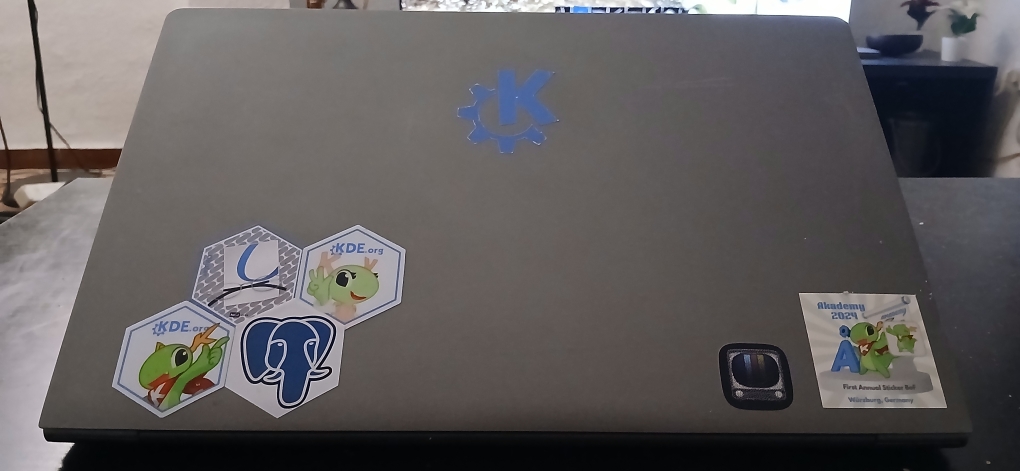
Finally, on Thursday I got to enjoy the brand new Sticker BoF. Besides me not having any stickers on my own to share, and being mostly minimalistic when it comes to decoration, I had a great time and ended up sticking my laptop up and about, including an very limited unit of the Sticker BoF's sticker. Thanks Kieryn for organizing it. Of course, Carl won the sticker's award 😄.

On a more personal level, I regret a bit not having participated more on some of the BOFs. Most of my KDE's contributions this summer have been improvements on very niche aspects: the Weather widget and the tool to preview keyboard layouts (tastenbrett), so I felt a bit "out of the loop" on the more general and pressing matters in Plasma.
The Socials
Where the Akademy really shines is in putting together some hundreds of amazing people with some common interests, that in the end happen to make the best software products and computing ecosystem out there.
It is a real warp of space and time. On the Welcome Event I got to meet Eva Brucherseifer, one of the attendants and founders of the very first Akademys, and also recent joiners to the community I only knew via chat or MR interactions.
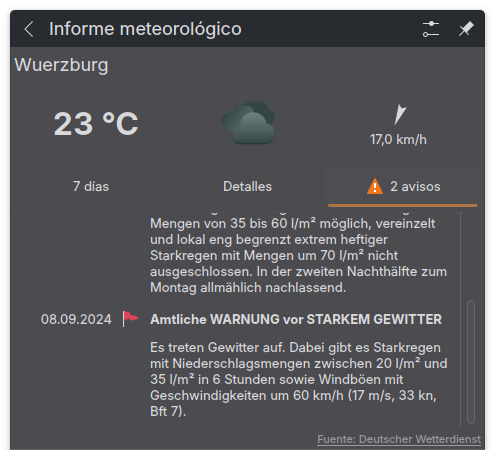
When the Biergarten that was booked for the Sunday Social Event did cancel due to a storm warning, I could immediately check two things:
- that the Weather Widget did correctly report the Warnung vor starkem Gewitter

- and that the local organizing team went the extra mile to make the Akademy a success, even against the elements. Beer, pizzas and good people was all required to have an enjoyable evening.
Finally I was really happy to meet again with friends from the previous Akademys and the Plasma Sprint in 2023, sharing opinions on widespread topics, suchs as immovable OSes, ingenuous ways to open a beer bottle, keyboard input methods, or the torture and punishment customs of German cities in medieval times.
Thanks to the organizing team, the speakers, the attendants, the patrons and the whole KDE Community which made possible yet another amazing Akademy!
Kraft (Github) is the desktop app making it easy to create offers and invoices quickly and beautifully in small companies. It is targetted to the free desktop and runs on Linux.
This is the release announcement of the new Kraft version 1.2.2. This is a small service release that fixes a few bugs and CI issues.
Right after this release, the branch with significant changes for Kraft 2.0 will be merged to master. These changes will make Kraft ready for sharing documents across private file clouds and with that enable use cases for distributed use via internet, along with other significant feature updates.
Details about the next big release with version number 2.0 can be read on the Github Discussion page.
Any feedback and contribution is highly appreciated.
The End is here!
The long journey of GSoC (which got streched into 16 weeks) is nearing to an end. And in this blog, I will share a few of the things I have done, and some of the things I have left to do. Let’s start with the main works.
Snap KCM! It’s here!
I have finally succeeded to create a KCM for snaps. This is written using C++, Qt (Qml), Kirigami, Snapd-Glib Api. The flow is something like this

Translating a Qt application, can be a daunting task. This is an overview from Qt 5 to Qt 6 and what new functionality Qt 6.7 brings.
Continue reading Translating Qt Applications at basysKom GmbH.
Tellico 4.0.1 is available, with a couple bug fixes.
Improvements and Bug Fixes
- Fixed encoding for HTML export in Qt6 (Bug 493180).
- Fixed compilation with Qt6/msvc.
- Added a menu item for changing the application language.
Sunday, 29 September 2024
After having participated to both Qt Contributor Summit and Akademy, I ended up going to a few more conferences in September.
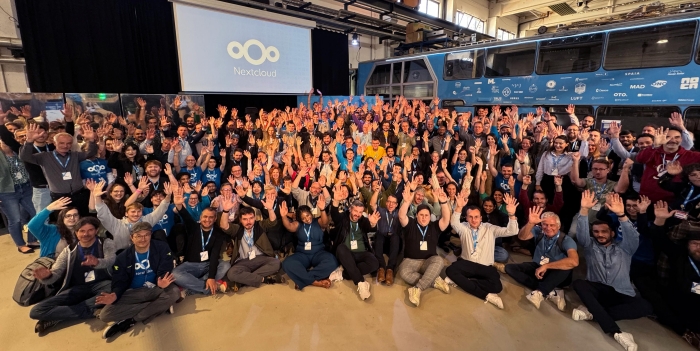
Nextcloud Conference
I went to Nextcloud Conference just after going back from Akademy. Unfortunately I was quite tired from Akademy and Qt Contributor Summit and I only stayed Saturday morning. Still it was great to meet some old colleagues there.

Matrix Conference
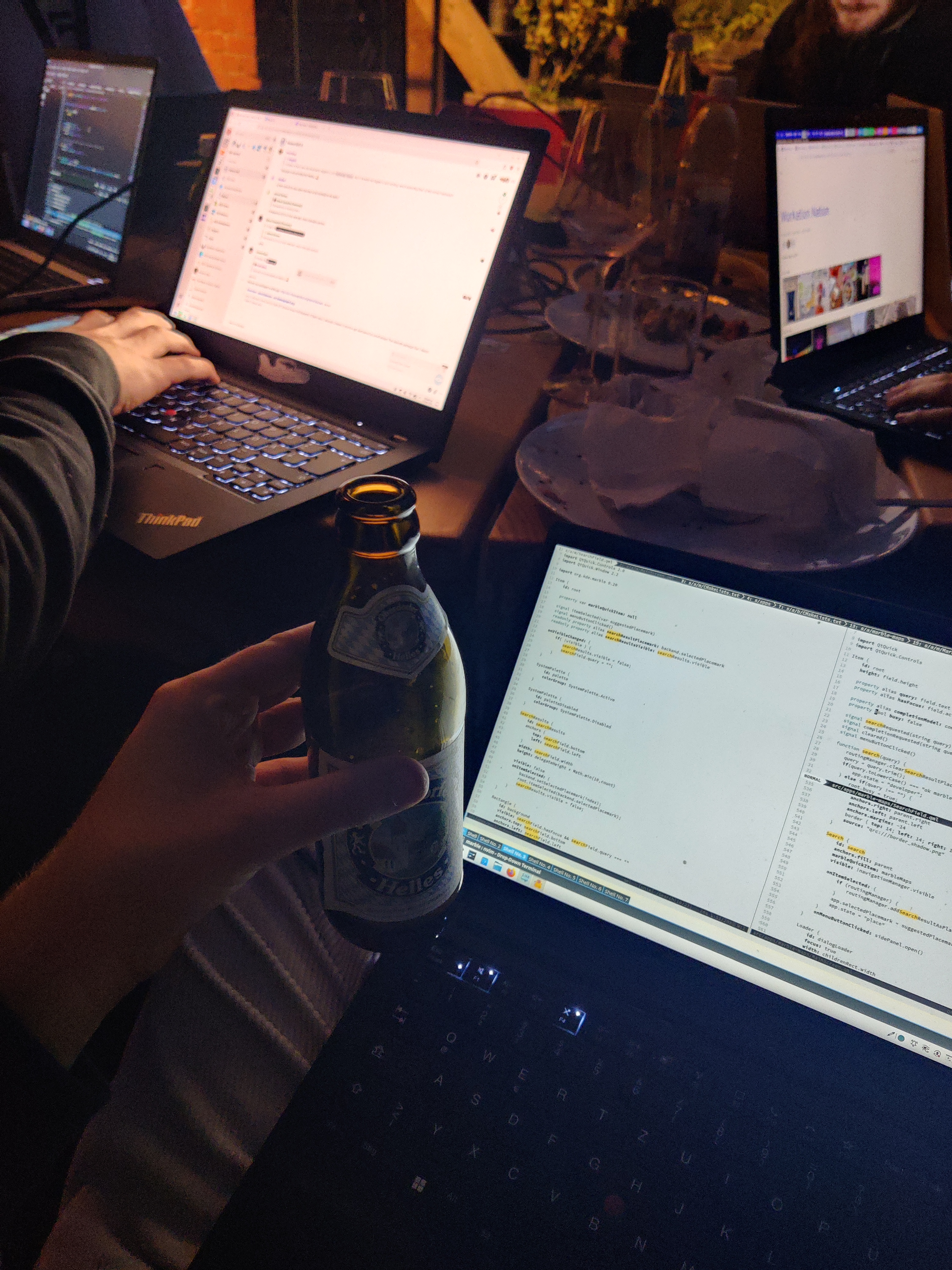
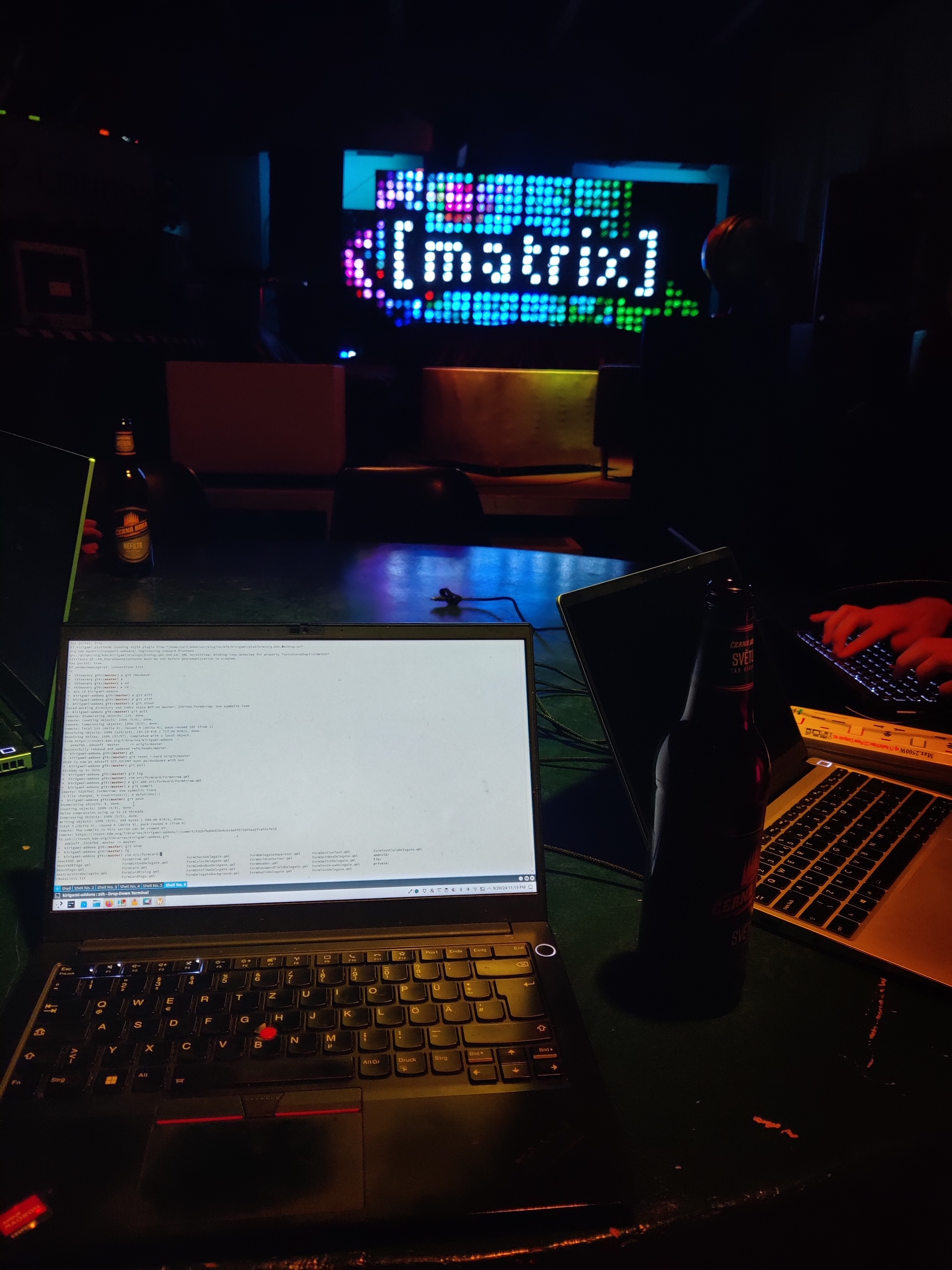
The Matrix Conference happened the weekend after the Nextcloud conference. This was the first Matrix Conference and a gathering of all types of actors involved in Matrix. From the grassroots community to companies deploying Matrix based solutions to their customers. The NeoChat team was there and we were super productive into bringing back the Android version, thanks to the help of Volker Krause. This resulted in many patches in NeoChat itself but also one patch in Kirigami.
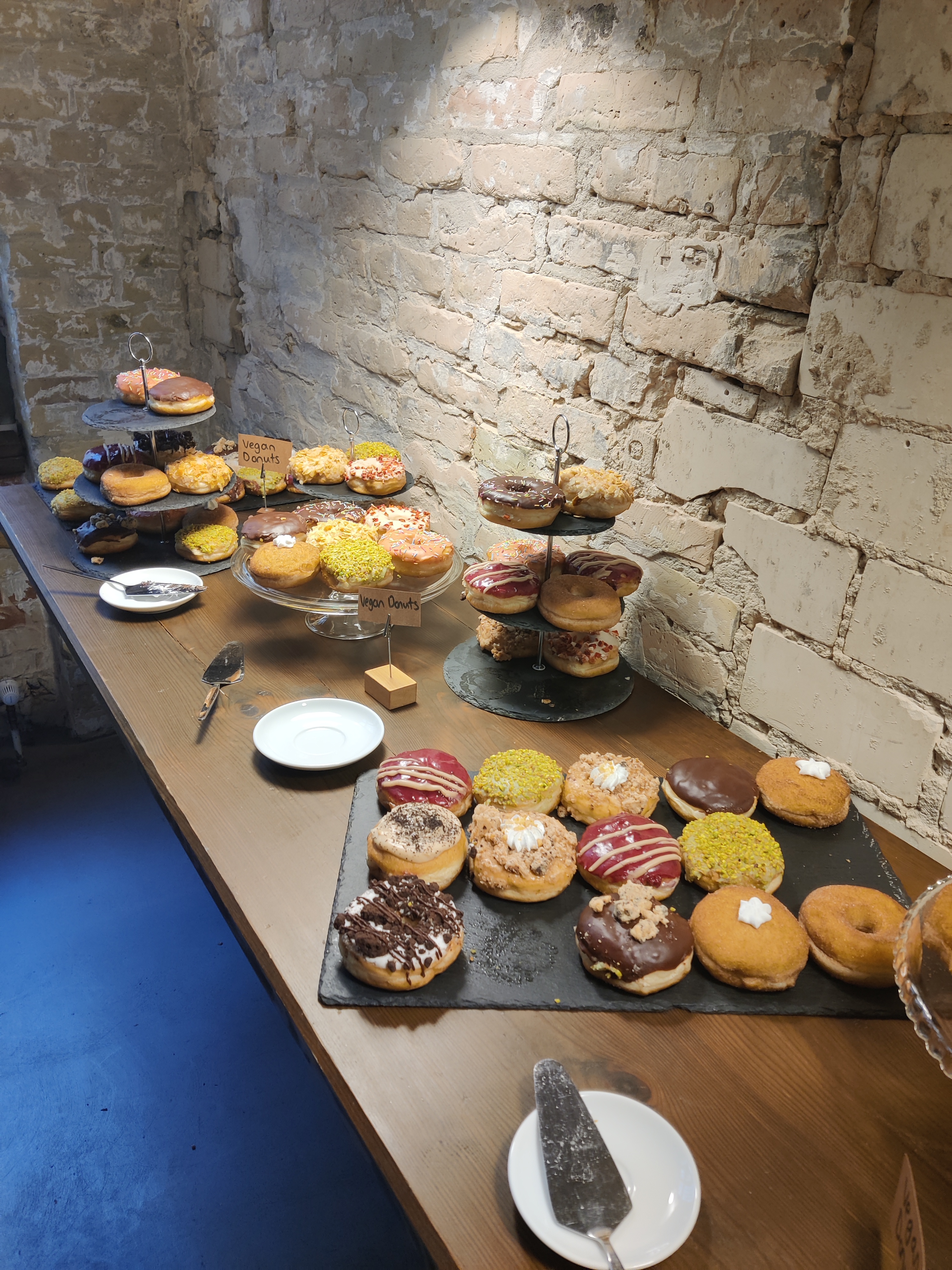
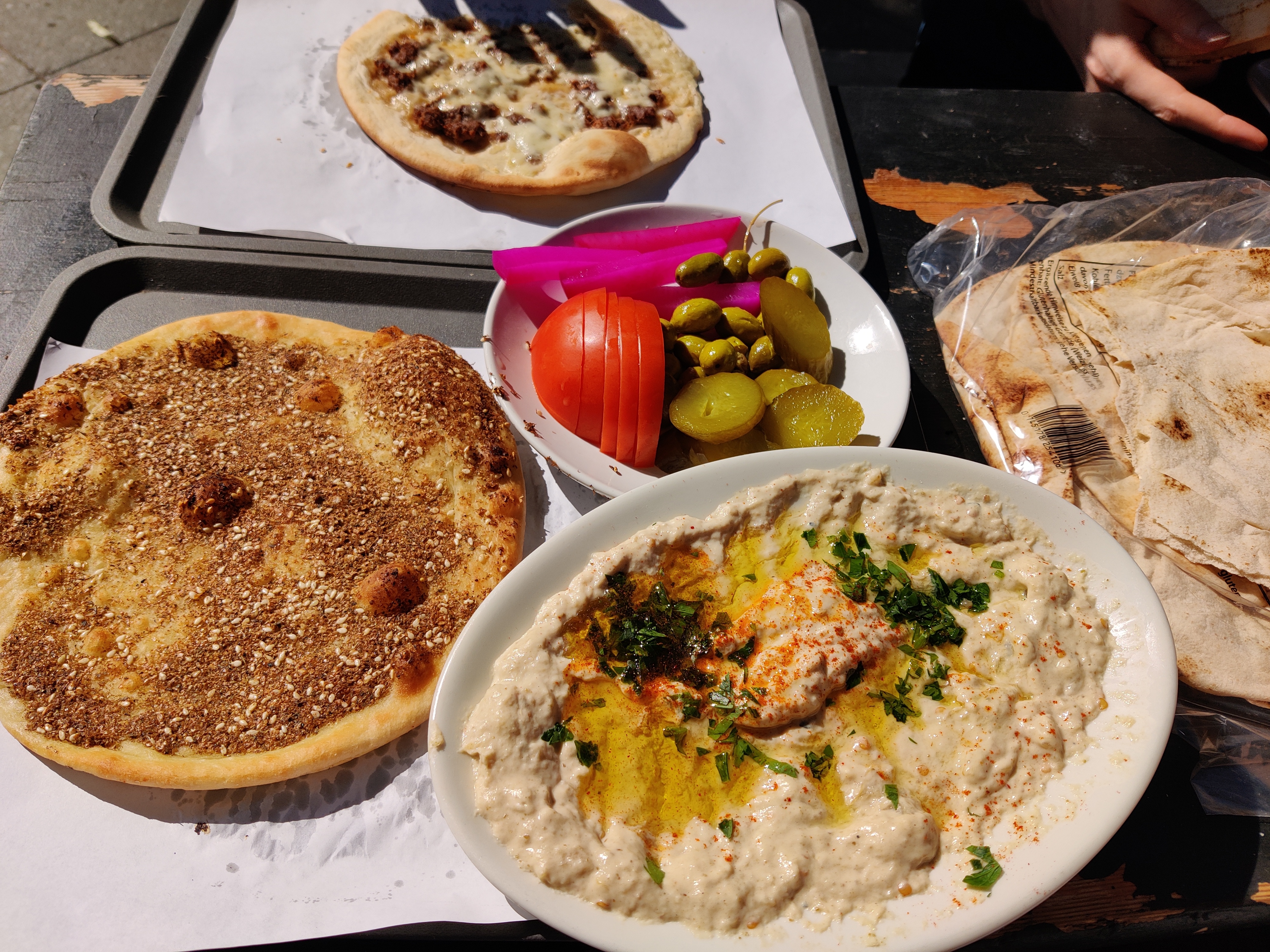
Special mention to the food and coffee offered at the conference, which was always excellent and either vegan or vegetarian. Outside of the venue, food was also execellent with a lot of middle eastern food choice.
Here some photos of the event and the food:
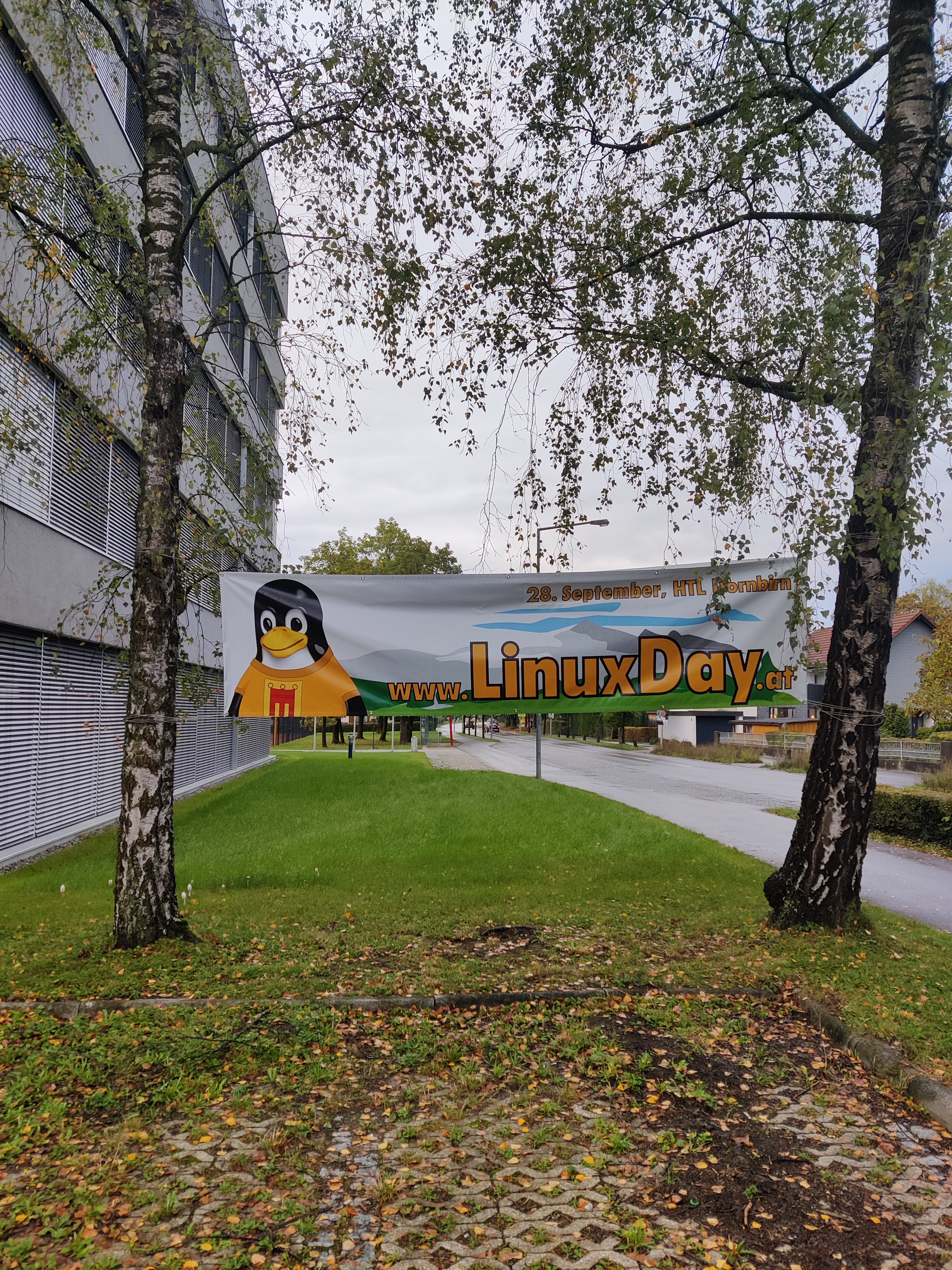
Linux Days Dornbirn
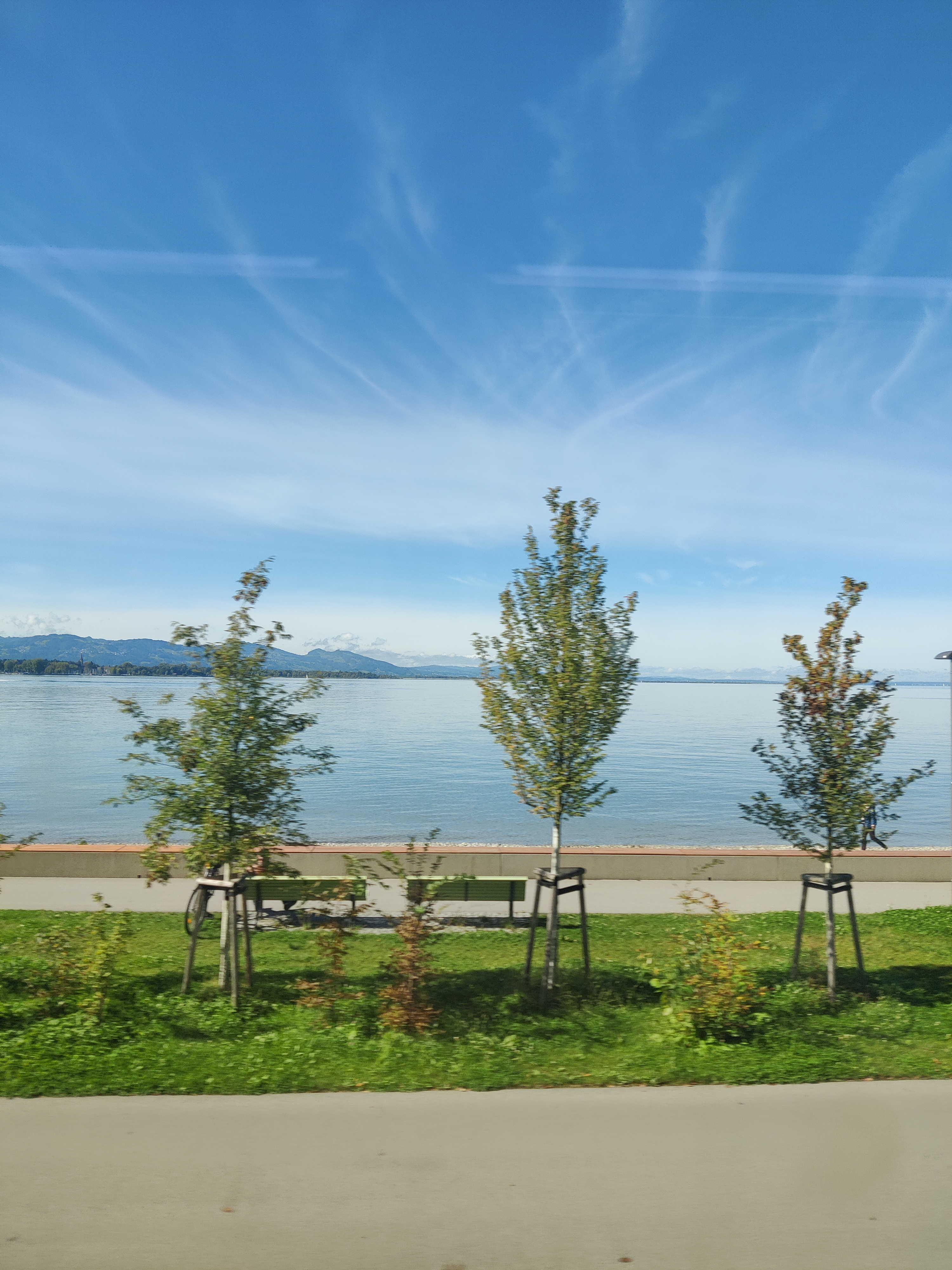
It was my second time going to the Linux Days in Dornbirn and while the weather wasn’t as welcoming as last time, the local Linux community was again super welcoming!
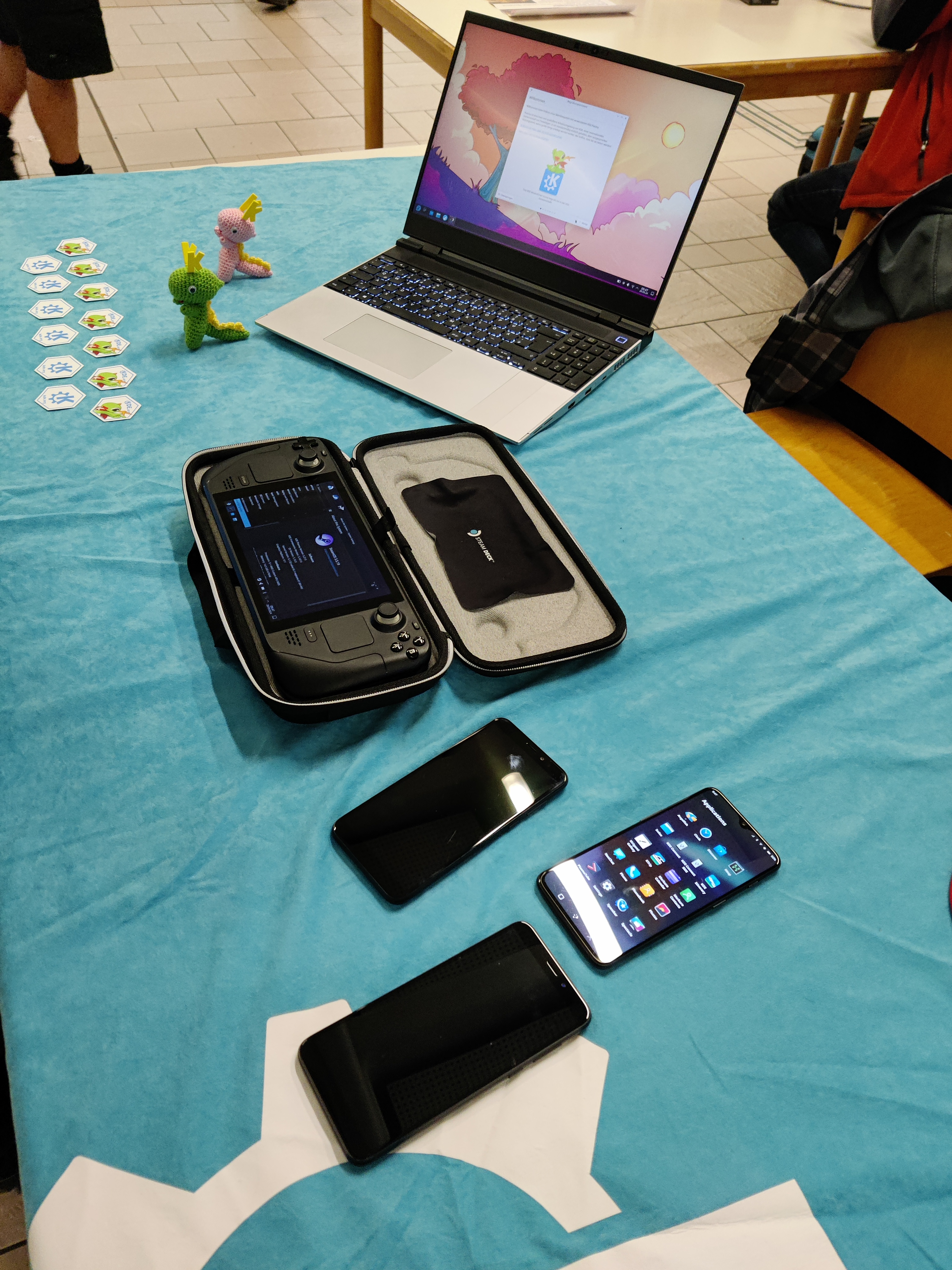
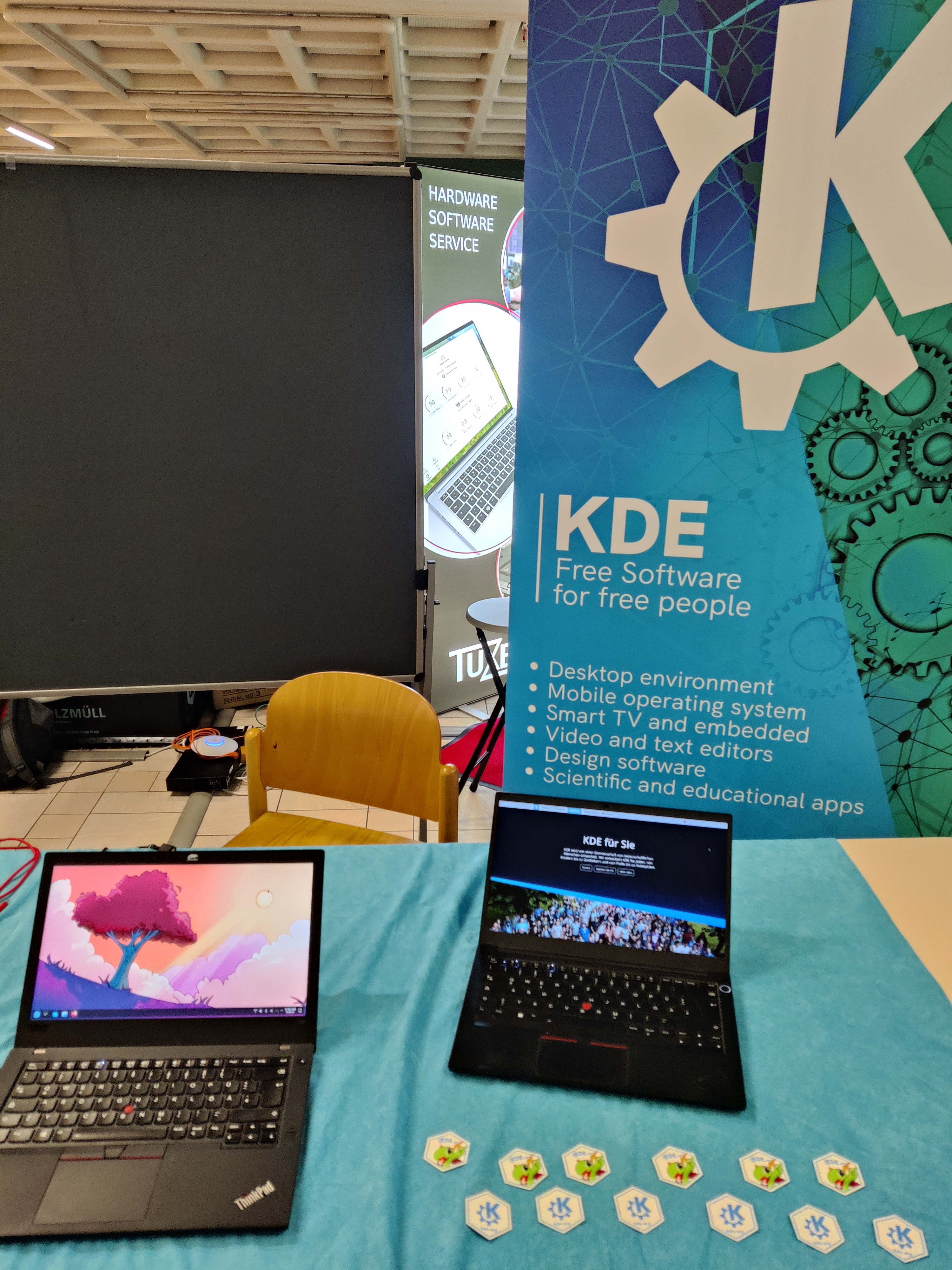
During the event, I did a talk in German about Plasma 6. This was my first time doing a talk in German and I hope I did okay. I also hosted a KDE stand with Simon Österle, who offered his help with the stand. His help has been invaluable to me, so huge thanks to him.
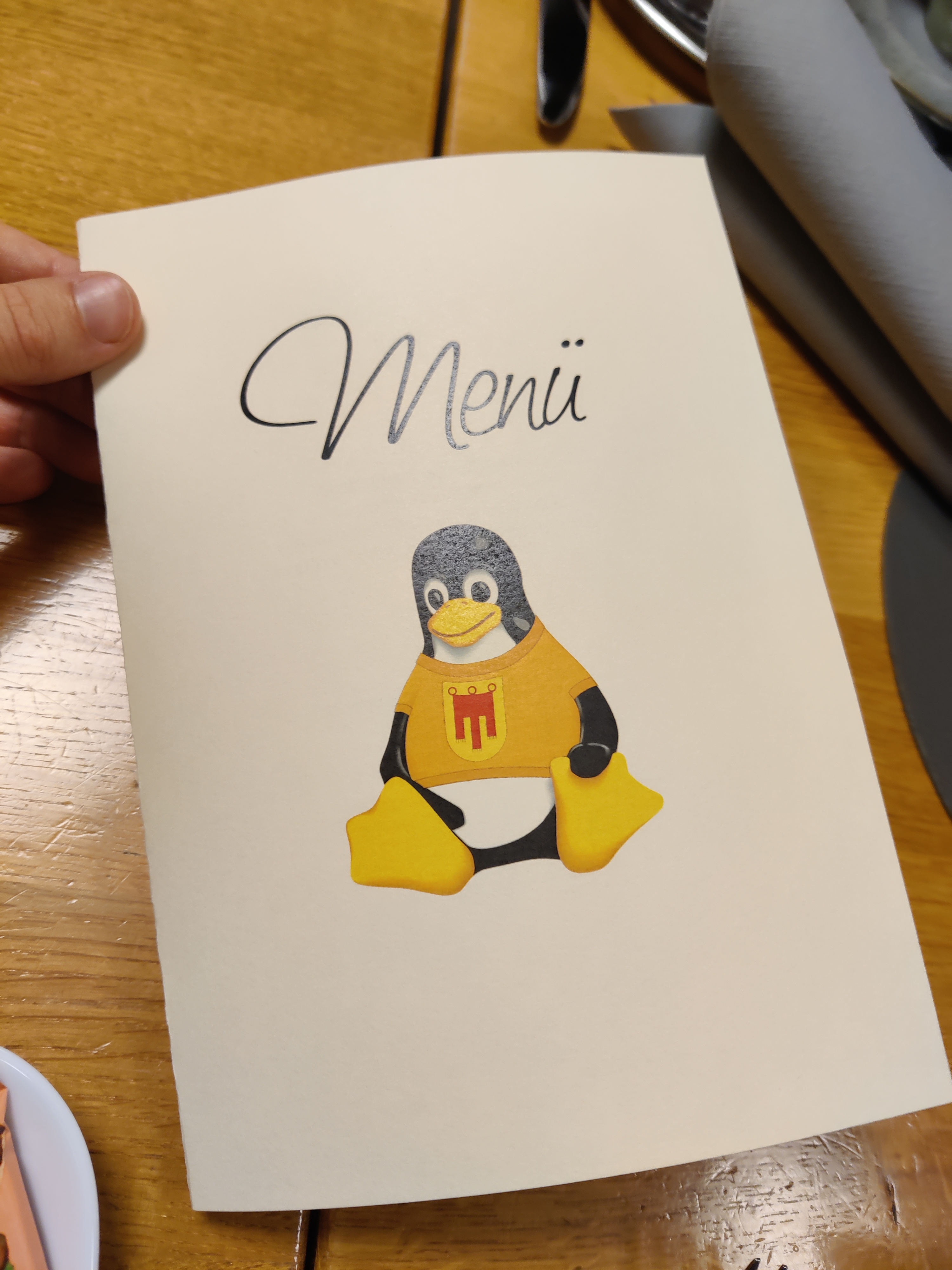
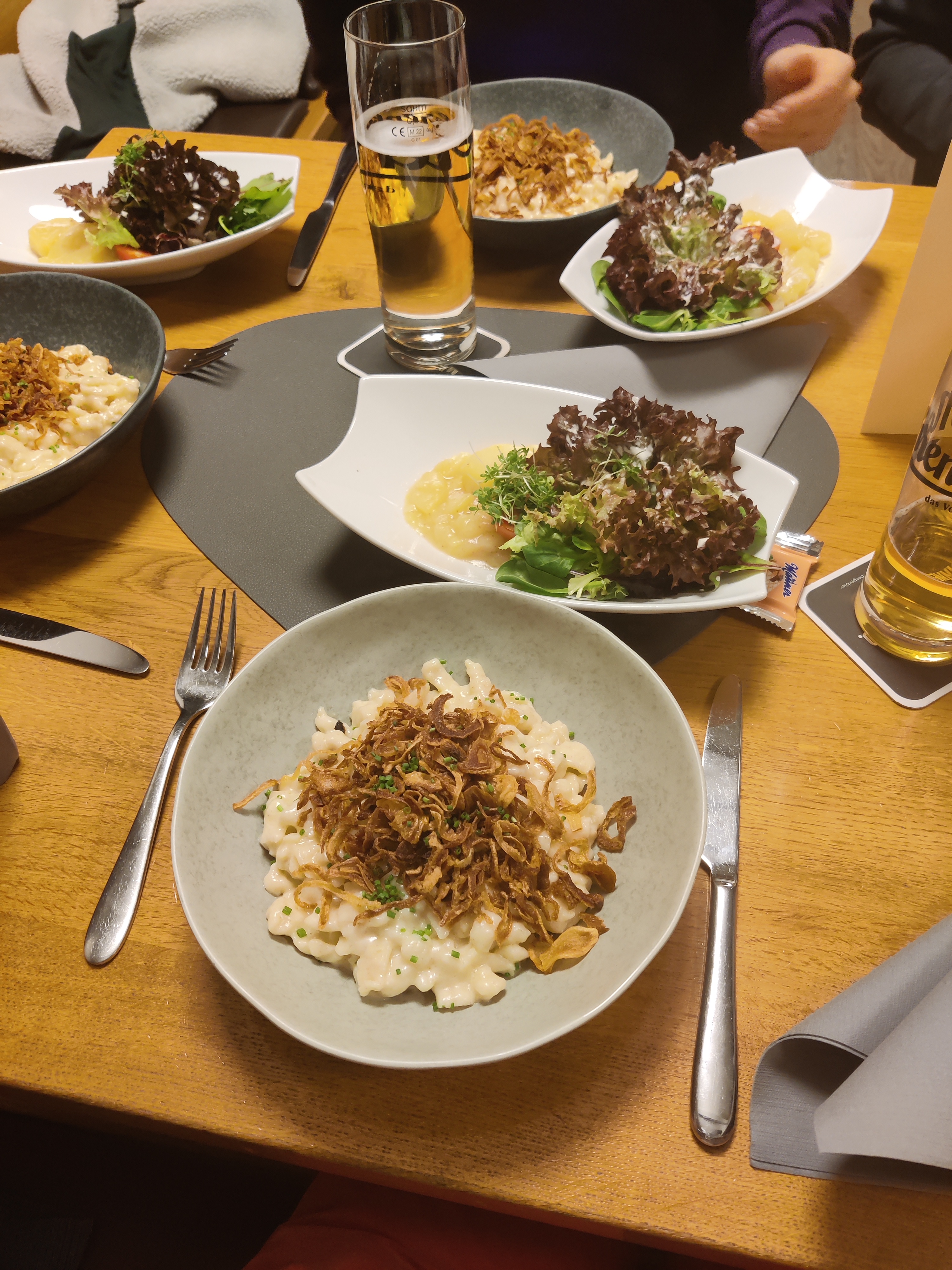
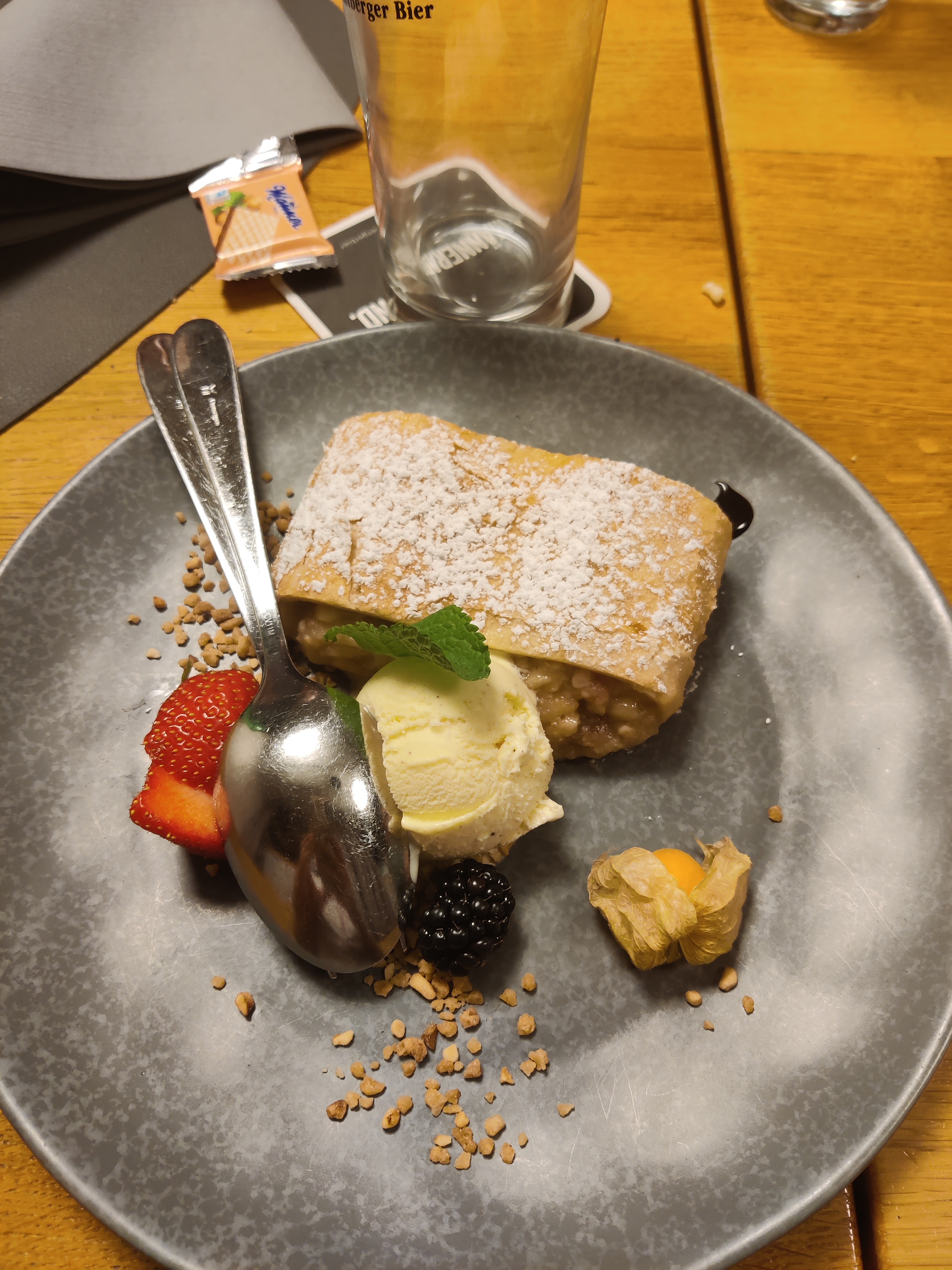
Like last year, after the conference, all helpers, presenters and stand holders went to a local restaurent to enjoy Käsespätzle. It was again delicious.
Here some photos of the event and the food:
This release focuses on SiteSettings feature, so I will try to introduce it here.
Site Settings
This feature tries to enable per site configuration / settings of multiple options per website host / domain. It consist of having global / default options and site / local settings.
List of supported configuration options
- Cookies
- HTML5 permissions
- Notifications
- Geolocation
- Microphone
- Camera
- Microphone and Camera
- Hide mouse pointer
- Screen capture
- Screen capture with audio
- QtWebEngine permissions
- Autoload Images
- Enable Javascript
- Javascript: Open popup windows
- Javascript: Access clipboard
- Javascript: Paste from clipboard
- JavaScript: Activate windows
- Local Storage
- FullScreen support
- Run insecure content
- Automatic playing of videos
- Allow reading from canvas (Needs to be enabled to pass CloudFlare) (Qt 6.6+)
- Force dark mode (Qt 6.7+)
Previews
These options can be changed for the given site in the “Site Info” dialog.

The default options for HTML5 can be changed in “Preferences > Privacy”

The default QtWebEngine / site options can be changed in the Browsing tab or in place where they where configured until now.

In the preferences it is only possible to change existing modified permissions for given sites. At the moment it is not possible to manually add sites to the list, this can only be done from within “Site Info” dialog.
Missing feature
These features will be done at a later unspecified date.
- QML support
- Zoom level per domain
Short ChangeLog
- Add site permissions
- Enable WebInspector with disabled JavaScript (BUG: 462887)
- Random fixes